FMLAJun 5, 2026 05:55by AI SoloHR Product Team5 min read
Best FMLA Leave Management Software for Small Businesses (2026)
Compare the best FMLA leave management software in 2026. Evaluate top FMLA tracking software, automate compliance, and replace risky spreadsheets.
For U.S. employers and small-business HR teams.
#fmla software tracking#software to track fmla#fmla manager#fmla compliance software#fmla case management software#fmla tracking software#software for fmla tracking#fmla software#fmla leave tracking
#fmla administration software
#fmla software programs
#fmla online software
#leave of absence tracking
#accommodation tracker
Fact-Checked & Regulatory AuditVERIFIED E-E-A-T
Verified by AI SoloHR Compliance & Editorial Team (U.S. Employment Law & Regulatory Compliance Research Group)
Last Audit: Oct 10, 2026 13:23
2026 Software Comparison — Tested by HR Practitioners
Best FMLA Tracking Software 2026: Compared by Workflow Risk
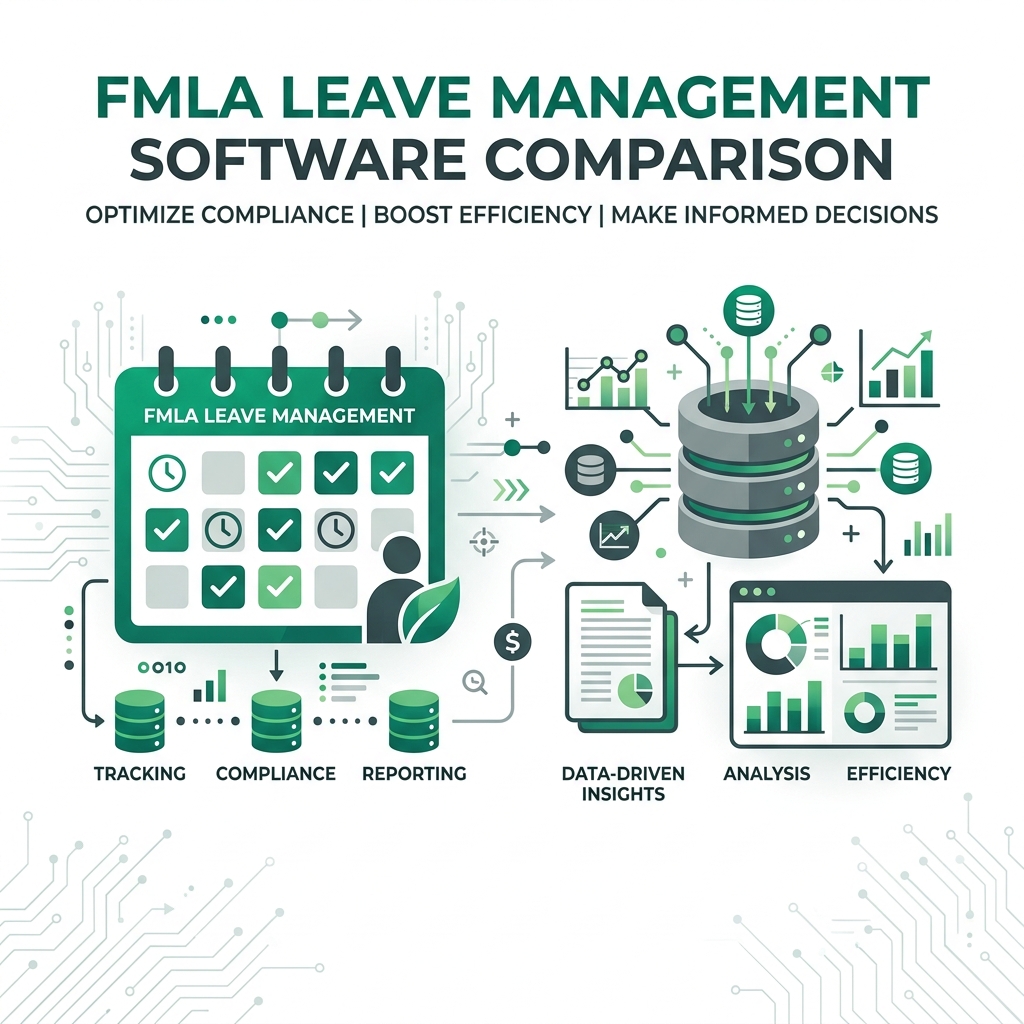
We evaluated 7 FMLA tools on how well they handle the work between certification receipt and case closure — not just whether they store dates. Here's how they compare for small HR teams.
AI SoloHR (#1 Best Value): Audit trail + task automation + AI drafts. $29/mo. Best for solo HR teams managing 5–50 active cases.
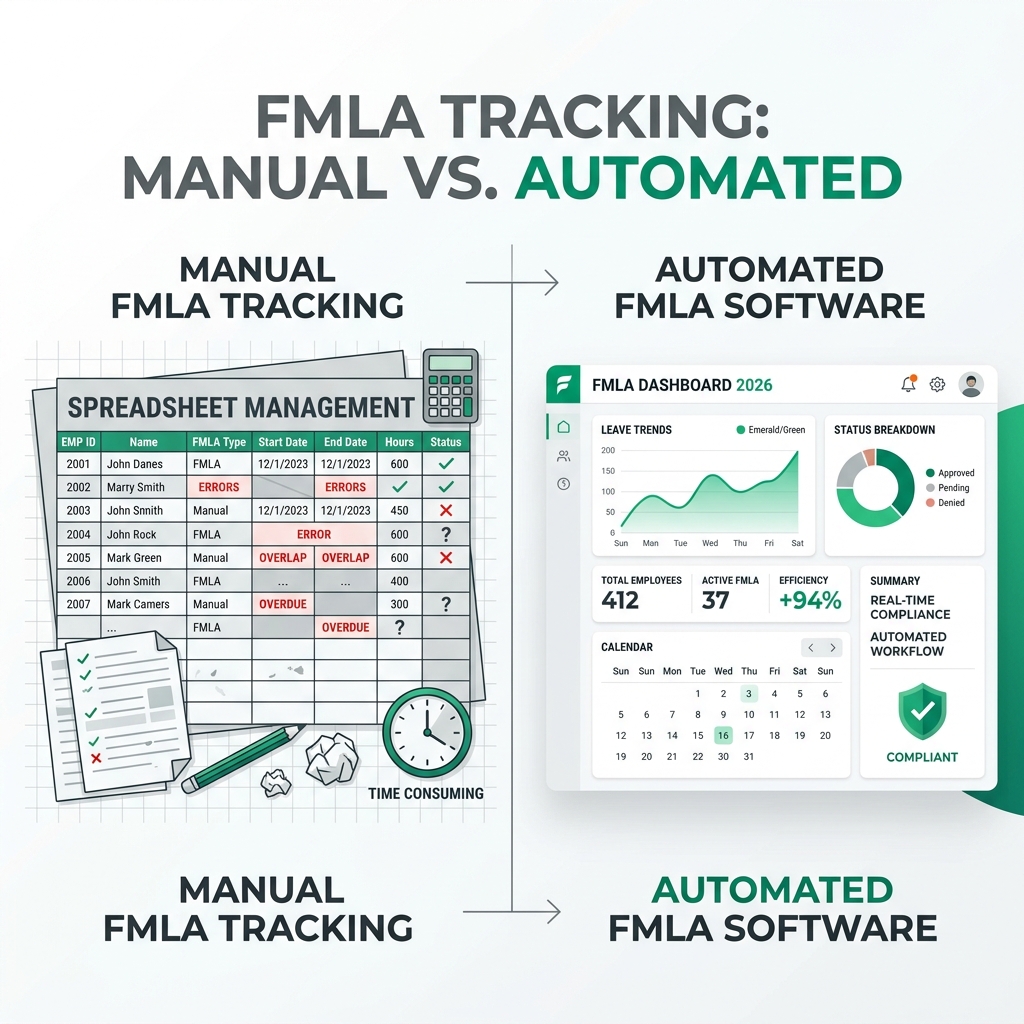
Spreadsheet trackers (Free): Track dates only. No automatic reminders, no audit log, high error risk for intermittent leave math.
Generic HRIS tools (Rippling, BambooHR): Store employee records well, but lack FMLA-specific deadline workflows and case documentation.
Specialty leave platforms (AbsenceSoft, Presagia): Enterprise-grade but priced at $200–$500+/mo. Overkill for teams under 200 employees.
Best Overall for Small Businesses (50–250 Employees):AI SoloHR — Top-ranked for built-in rolling 12-month calculations, automated DOL form generation (WH-380/381/382), and integrated ADA accommodation tracking.
Best for Large Enterprises (1,000+ Employees):AbsenceSoft / FMLASource — High-end enterprise features, but cost-prohibitive and overly complex for small HR teams.
All-in-One HRIS Modules (Gusto / BambooHR): Good for basic PTO, but lack automated intermittent FMLA tracking, rolling backward math, and ADA compliance workflows.
As small businesses scale past the 50-employee mark, human resource operations transition from simple employee onboarding to complex labor law compliance. Among the most challenging federal mandates to manage is the Family and Medical Leave Act (FMLA).
With employee leave laws shifting and the rise of hybrid and multi-state workforces, tracking protected leaves manually on paper or in spreadsheets is a massive regulatory risk. In 2026, progressive organizations are abandoning manual workarounds and adopting dedicated FMLA leave management software to automate tracking, secure document storage, and eliminate costly administrative errors.
In this guide, we evaluate the top FMLA tracking software tools for small businesses, explore the legal vulnerabilities of manual spreadsheets, and outline what features a modern leave of absence tracking system must possess to keep your business fully protected.
1. Why Excel Is Your Biggest FMLA Compliance Vulnerability
Click to expand
Many small business owners and solo HR managers begin tracking FMLA using free spreadsheets. While spreadsheets are convenient, they are a primary cause of compliance audits and employee lawsuits.
Manual spreadsheets suffer from several fatal flaws:
No Version Control or Audit Trails: If an HR assistant accidentally deletes an employee's intermittent hours or overwrites a cell formula, there is no historical record or log showing who made the change or why. In court, a spreadsheet without a verified time-stamp is rarely accepted as defensible evidence.
Complex Rolling Calculations: FMLA operates on a rolling 12-month period backward. Calculating this day-by-day for multiple employees taking intermittent leave requires complex, nested formulas. Utilizing a dedicated FMLA leave calculator prevents calculation errors when data is updated.
No Automatic Deadlines: FMLA is governed by strict, non-negotiable federal timelines. For example, once you learn of an FMLA-qualifying event, you must send an Eligibility Notice (Form WH-381) within 5 business days. Spreadsheets cannot send automated alerts or email reminders, leading to missed deadlines.
Implementing a dedicated fmla compliance software program eliminates these manual errors, shielding your business from severe non-compliance liabilities.
2. What to Look For in FMLA Leave Tracking Software
Click to expand
When evaluating FMLA software programs, small business HR teams should focus on four essential areas:
Automated Rolling 12-Month Calculations
The most critical feature of any fmla software tracking platform is its ability to calculate remaining leave balances automatically. Look for software that supports all four FMLA calendar methods (especially the rolling backward method) and converts standard workweeks into precise hours based on each employee's schedule.
Unified Case Management & Document Vault
FMLA requires an extensive paper trail, including eligibility notices, medical certifications (WH-380), and designation forms (WH-382). A premium fmla case management software system acts as a secure, HIPAA-compliant document vault where employees can securely upload medical certifications and HR can store signed notices with precise time-stamps.
Integrated ADA Accommodation Tracker
FMLA leaves and ADA accommodations are legally intertwined. Often, when an employee exhausts their 12 weeks of FMLA leave, their condition still qualifies as a disability under the Americans with Disabilities Act. A modern platform must feature an integrated accommodation tracker to manage the ADA interactive process, document negotiated adjustments, and log follow-up reviews.
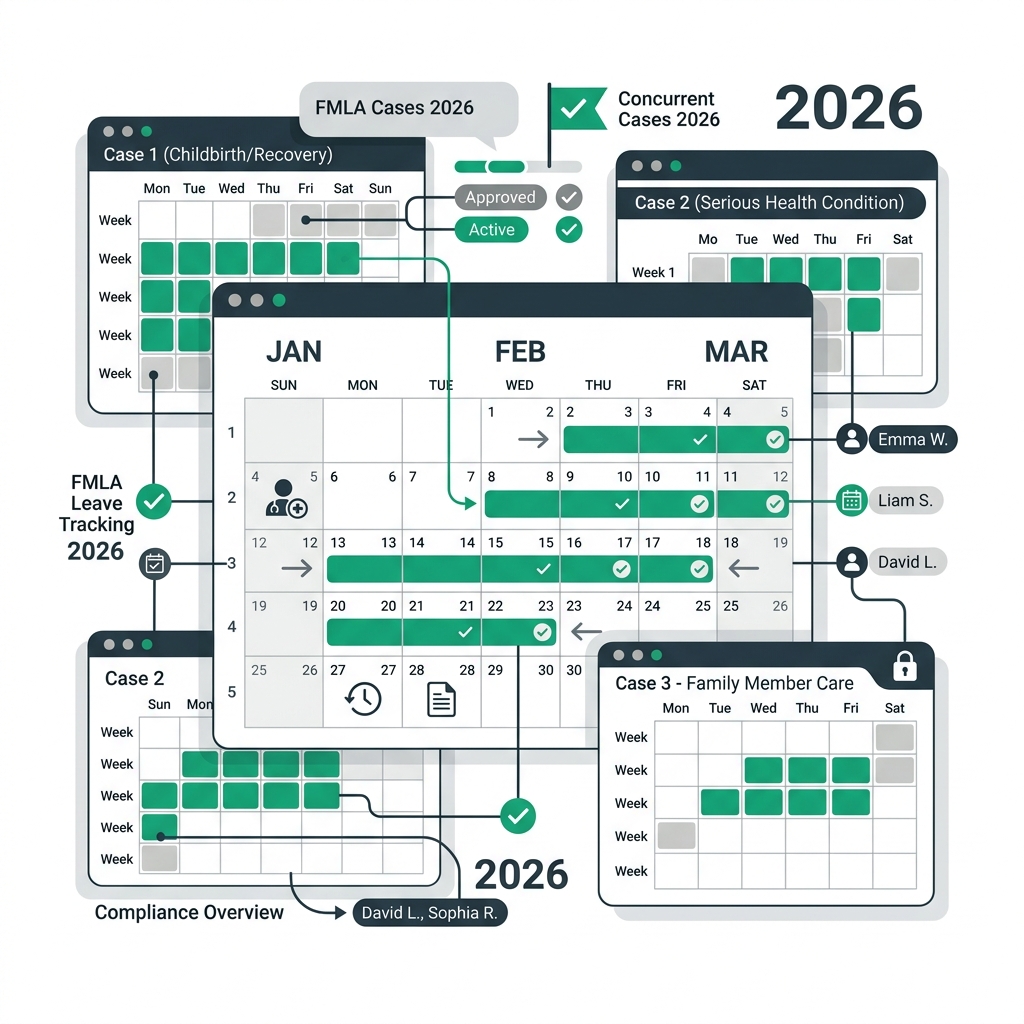
In 2026, many states have enacted their own paid family and medical leave programs (such as PFML in Massachusetts, New York, and California). Your fmla administration software should automatically detect state-specific rules based on the employee's location and guide HR through concurrent state and federal leave coordination.
3. Best FMLA Leave Management Software Options in 2026
Click to expand
Here is a breakdown of the leading FMLA tracking tools designed for small-to-medium businesses:
1. AI SoloHR: The Best Overall for Small Business HR Compliance
AI SoloHR is the premier cloud-based FMLA compliance software built specifically for small businesses. Designed to act as an automated fmla manager, it simplifies FMLA case management and removes the complexity of leave tracking.
Key Features: Instant rolling calendar calculations, automated document generation for DOL forms (WH-380/381/382), built-in digital signature workflows, and an integrated ADA interactive process tracker.
Best For: Solo HR managers and small businesses (50-250 employees) looking for a zero-learning-curve system that guarantees compliance.
2. Large-Scale Enterprise Leave Platforms
Platforms like AbsenceSoft or FMLASource provide powerful features for large corporations. However, they are often cost-prohibitive for small businesses and require extensive implementation processes.
Best For: Enterprises with over 1,000 employees and dedicated leave teams.
3. All-in-One HRIS Absences Modules
Many HRIS platforms (like Gusto or BambooHR) have general PTO tracking modules. However, their FMLA features are usually limited, lacking the capability to handle rolling backward calculations for intermittent leave, state coordination, and formal ADA interactive documentation.
4. How to Transition to Automated Leave Tracking
Moving from spreadsheets to dedicated fmla online software is simple if you follow these steps:
Audit Your Current Leaves: Gather all active leave records, medical certification files, and calculated balances.
Standardize Your FMLA Year: Verify which FMLA calculation method is written in your employee handbook (e.g., rolling backward).
Import Employee Schedules: Upload your staff database, ensuring workweek hours are accurate so the software can correctly establish their hourly FMLA allotments (such as 480 hours for a 40-hour week).
Automate Your Workflows: Set up automatic email alerts for FMLA milestones, ensuring notices are always sent within the 5-day federal compliance window.
Investing in software for fmla tracking is not just an operational upgrade; it is a critical defense mechanism that protects your company's bottom line and provides your HR team with peace of mind.
Legal Disclaimer
The information provided on this website does not, and is not intended to, constitute legal advice; instead, all information, content, and materials available on this site are for general informational purposes only. Information on this website may not constitute the most up-to-date legal or other information.
Sources and review notes
This article is written for U.S. small-business HR teams in 2026 and should be checked against your own policy, state requirements, and counsel guidance before use in a contested employment decision. AI SoloHR provides workflow structure, reviewed drafting support, and educational resources; it does not provide legal advice or make final employment decisions.
Statutory Sources & Regulatory Citations
This compliance document references official regulatory guidance from federal employment enforcement agencies: