How to Manage Multiple FMLA Cases at the Same Time: HR Compliance Guide (2026)
For U.S. employers and small-business HR teams.
#can you have multiple fmla cases#can you have 2 fmla cases at the same time#fmla leave tracking#fmla case management software#fmla eligibility calculator
Fact-Checked & Regulatory AuditVERIFIED E-E-A-T
Verified by AI SoloHR Compliance & Editorial Team (U.S. Employment Law & Regulatory Compliance Research Group)
Last Audit: Oct 19, 2026 17:33
How to Manage Multiple FMLA Cases at the Same Time: HR Compliance Guide (2026)
Click to expand
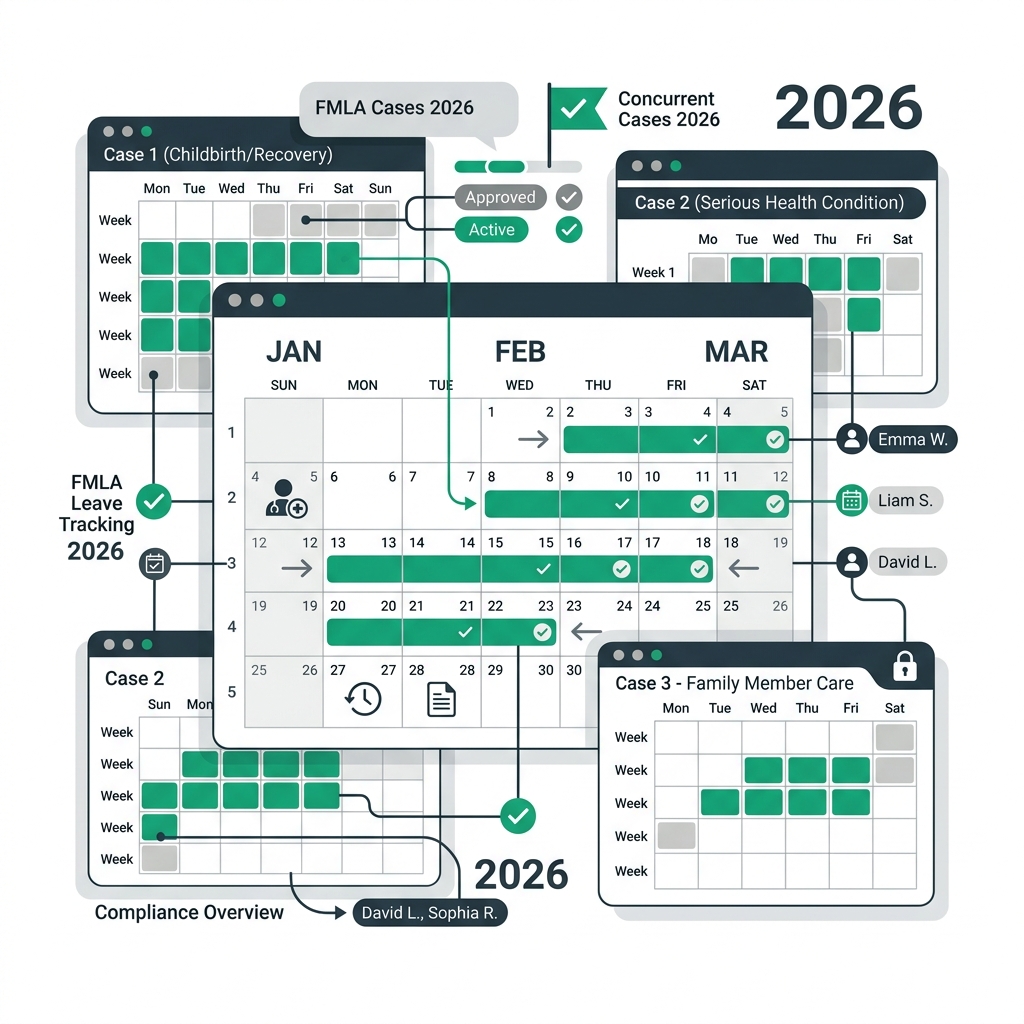
When managing employee leaves under the Family and Medical Leave Act (FMLA), human resource professionals frequently encounter complex, overlapping requests. A single employee might experience a serious medical condition of their own (such as recovering from surgery) while simultaneously needing intermittent time off to care for an aging parent.
Faced with these overlapping scenarios, HR administrators often struggle to answer critical compliance questions: Does a second health issue grant the employee additional job-protected leave? How do you calculate remaining balances when intermittent hours are used for different reasons?
This guide outlines the legal boundaries, operational hurdles, and automated solutions for managing multiple active FMLA cases concurrently.
Sources and review notes
This article is written for U.S. small-business HR teams in 2026 and should be checked against your own policy, state requirements, and counsel guidance before use in a contested employment decision. AI SoloHR provides workflow structure, reviewed drafting support, and educational resources; it does not provide legal advice or make final employment decisions.
Statutory Sources & Regulatory Citations
This compliance document references official regulatory guidance from federal employment enforcement agencies:
1. Regulatory Boundaries: Can You Have Two FMLA Claims at the Same Time?
Click to expand
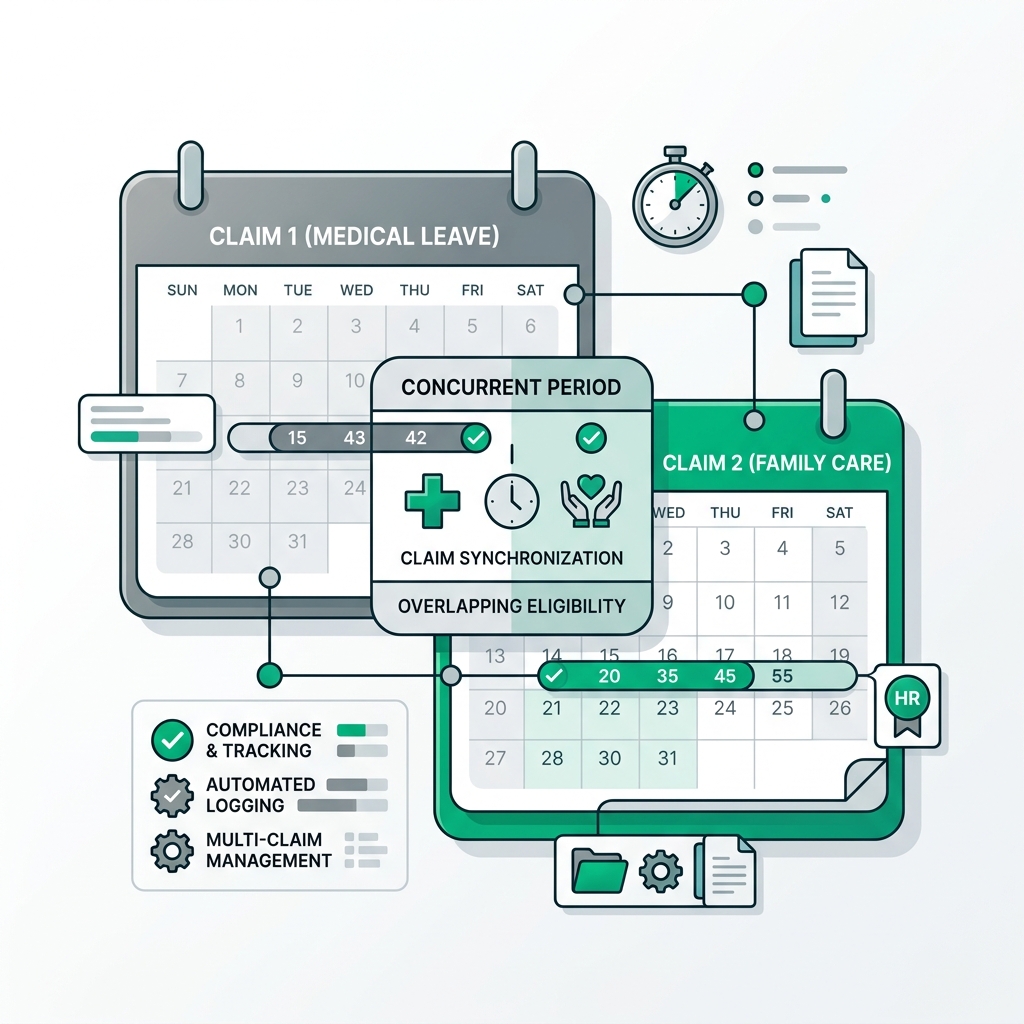
The short answer is yes: an employee can legally have multiple active FMLA claims running concurrently. However, this does not mean their total annual protected leave entitlement is doubled or expanded.
The Unified 12-Week Share Pool Principle
Under federal Department of Labor (DOL) guidelines, can you have two fmla claims at the same time is determined by a strict shared-pool rule. Regardless of how many distinct medical conditions an employee has, or how many separate FMLA cases are opened, the employee is entitled to a maximum of 12 workweeks of job-protected leave in a 12-month period (except for military caregiver leave, which provides up to 26 weeks).
For example, if an employee takes 4 weeks of continuous leave to recover from an illness, they have 8 weeks remaining in their annual pool. If they subsequently file a second claim to care for a sick spouse, they can only draw from that remaining 8-week balance. The second claim does not reset their entitlement or grant them a new 12-week allotment.
Determining Eligibility for Subsequent Leaves
Before approving a second FMLA claim, HR must verify that the employee continues to meet the statutory eligibility requirements. The employee must have worked for the covered employer for at least 12 months and completed a minimum of 1,250 hours of service during the 12-month period immediately preceding the start date of the new leave request.
While the 12-month tenure requirement is checked once at the start of their initial leave, the 1,250-hour test must be verified at the beginning of each subsequent, unrelated FMLA claim if it starts in a new FMLA year. If the employee has been absent on unpaid leave and their hours worked have dropped below 1,250, they may no longer qualify for the subsequent claim, even if they have active cases on file.
2. The Operational Challenges of Managing Multiple FMLA Cases
Click to expand
While the legal rules surrounding concurrent claims are straightforward, the daily administration of multiple FMLA cases for a single employee presents severe operational difficulties.
The Calculation Nightmare of Overlapping Intermittent Leaves
Tracking intermittent leave is notoriously difficult. When an employee takes a few hours off on a Tuesday for their own physical therapy and then takes a Friday afternoon off to care for a sick parent, HR must deduct those hours accurately from the shared 12-week pool.
Manual spreadsheet calculations are highly prone to errors in these scenarios. HR must convert the employee's workweek into hours (e.g. 480 hours for a 40-hour workweek) and track deductions down to the smallest increment. If you fail to separate which hours were used for which case, you cannot properly determine when an individual case certification has expired or when a specific medical condition no longer requires leave.
Handling Multi-Condition Medical Certifications Chronologically
Each FMLA claim must be supported by its own distinct Department of Labor medical certification form (Form WH-380-E for employees or WH-380-F for family care). This means HR must manage different certification deadlines and expiration dates concurrently.
If the employee’s first case certification expires or requires a recertification, HR must send the appropriate notices within the federal 5-day window. If you fail to manage these timelines chronologically, you risk missing a certification deadline for one condition while the employee continues to take off hours under the guise of the other active condition, exposing your company to leave abuse.
3. Action Plan: Standardizing Multiple Claim Workflows with AI SoloHR
Click to expand
To prevent compliance gaps and eliminate administrative fatigue, small businesses should move away from manual tracking systems.
Establishing a Defensible Case Intake Checklist
When an employee requests a second leave, HR should follow a standardized intake protocol:
Identify the exact relationship of the second request to the active FMLA case (is it a new condition, or an extension of the existing one?).
Verify their current hours worked against the 1,250-hour requirement using an automated eligibility check.
Issue the required Eligibility and Rights Notice (Form WH-381) within 5 business days of the request.
Provide the appropriate medical certification form and log the 15-day return deadline in a secure system.
Documenting each step in a centralized checklist ensures that you have a defensible timeline in the event of an EEOC audit or employee dispute.
Leveraging Automated FMLA Tracking to Eliminate Calculation Risks
Utilizing a premium fmla case management software platform is the most effective way to manage concurrent claims safely. AI SoloHR allows you to open multiple cases for a single employee under one secure profile.
Our platform automatically handles rolling-backward calculations, deducts intermittent hours from the shared annual pool, and alerts you when a specific certification is approaching its expiration date. By automating fmla leave tracking, solo HR managers can eliminate mathematical errors, guarantee compliance, and focus on supporting their workforce.
Frequently Asked Questions
Do multiple FMLA claims reset the 12-week annual limit?
No. Multiple FMLA claims do not reset the 12-week annual limit. All active FMLA cases opened for an employee within a single FMLA year draw from the same shared pool of 12 workweeks (or 480 hours for full-time staff).
How do you calculate rolling hours when an employee has two active FMLA cases?
Under the rolling-backward method, the system looks back exactly 12 months from the date of the requested absence to see how many FMLA hours the employee has used. Any hours used across all active cases during that 12-month window are summed and deducted from the 12-week total to determine their remaining balance for the current day.
Can an employer deny a second FMLA claim for a different medical reason?
An employer can only deny a second FMLA claim if the employee does not meet the eligibility requirements (such as the 1,250-hour threshold), if the medical certification is incomplete or not returned, or if the employee has already exhausted their 12-week annual allotment. You cannot deny a claim simply because the employee already has an active FMLA case.
Legal Disclaimer: The information provided on this website does not, and is not intended to, constitute legal advice; instead, all information, content, and materials available on this site are for general informational purposes only. Information on this website may not constitute the most up-to-date legal or other information.