Free FMLA Tracking Template & Checklist
Download a free FMLA leave tracking spreadsheet for HR teams. Track leave dates, certification status, and compliance milestones. No login required.
Built for U.S. employers and small-business HR teams.
Premium Workflow Workspace
This documentation details a specialized workflow that requires a Solo HR / HR Ops plan active in your organization settings. Explore our Pricing Plans to upgrade your account and unlock this capability in the software.
Key takeaways
- Intake
- Certification
- Follow-ups
- Return-to-work
When to use this checklist
Use this as an operational starting point, then adapt it to your policies.
Best fit for lean HR teams
This checklist is especially useful when one HR person or a very small team is trying to standardize recurring FMLA follow-up work.
Use it as a workflow, not just a form
The checklist becomes more valuable when each item has an owner, a due date, and a place to store supporting context.
The checklist
Use these steps as the minimum repeatable structure for an FMLA case.
Intake
Capture the request and set the case up correctly.
Certification and follow-up
Make deadlines and reminders visible.
Communication and return-to-work
Keep communication tied to the case record.
How AI SoloHR turns a checklist into a live workflow
Instead of keeping the checklist in a static document, AI SoloHR turns each step into case tasks, timeline events, connected notes, and document records.
How to Group the Checklist by Phase
Structuring your FMLA tracking by chronological phase ensures your team never misses a statutory deadline. The federal family leave process consists of three core phases that must be handled with consistent documentation.
Request and Eligibility Items
When an employee requests leave or when HR identifies a potential FMLA-qualifying absence, you must verify the basic statutory eligibility requirements: 12 months of company service, 1,250 hours worked in the preceding 12 months, and employment at a location with 50 or more employees within a 75-mile radius. If the employee qualifies, you must deliver DOL Form WH-381 (Eligibility Notice) and the appropriate Medical Certification form (Form WH-380-E or WH-380-F) within 5 business days of the request.
Certification and Follow-Up Items
Once you issue the medical certification forms, the employee has exactly 15 calendar days to return the completed paperwork from their doctor. If they fail to return it or if the form is incomplete, HR must provide a written notice detailing the deficiency and grant a 7-calendar-day cure window. Once sufficient certification is received, you must issue Form WH-382 (Designation Notice) within 5 business days.
Return-to-Work Items
Before the employee returns from a health-related FMLA leave, you must request a Fitness-for-Duty certification if your company policy requires it. Upon their return, you are legally obligated to restore them to their original position or an equivalent role with identical pay, benefits, schedules, and terms of employment.
What to Do When the Checklist Stops Being Enough
A manual checklist is a great starting template, but complex FMLA cases—especially those involving intermittent absences or missing documentation—require a more dynamic workflow tool.
Missing Certification Documents
If an employee fails to return their medical certification within the 15-day window without a valid excuse, you have the right to deny FMLA protection for the leave period. However, you must first prove that you documented all outreach attempts and warning notices in writing.
Repeated Follow-Up With No Single Record
For employees taking intermittent leave, tracking can quickly become chaotic. Under DOL rules, FMLA leave must be tracked using the smallest increment of time the company uses for other types of leave (not to exceed 1 hour). To track this accurately, you must convert their 12-week entitlement into an hourly balance (e.g., 480 hours for a 40-hour workweek) and maintain a running log.
Cases That Need a Stronger Timeline
Complex leaves—such as those involving workers' compensation, ADA accommodations, or chronic conditions—require a defensible, chronologically ordered audit trail that shows when decisions were made, what information was considered, and who authorized the status changes. FMLA records must be retained for at least 3 years to comply with DOL record-keeping mandates.
Download FMLA Tracking Spreadsheet Template
Download our free FMLA spreadsheet template (Excel format) to log employee leave requests, calculate certification due dates, track hours, and keep records organized.
| Employee | Leave Type | Hours Used | Status | Action |
|---|---|---|---|---|
Looking for Official 2026 DOL FMLA Forms?
Download all 6 official Department of Labor PDFs (WH-380-E, WH-380-F, WH-381, WH-382) with statutory deadlines and safe harbor guidance.
Try Our Interactive FMLA Leave Calculator
Simulate your leave parameters directly below, or copy the link to share the calculation.
How to use a template without overrelying on it
A template helps most when you need a repeatable starting structure, but it is still only one part of the workflow. The real work usually includes follow-up tasks, status changes, supporting documents, and communication that should stay connected to the same issue over time.
- Use the template to create consistency across repeated HR work
- Add dates, owners, and supporting notes so the template stays actionable
- Move into a structured case workflow once deadlines, files, or multiple follow-ups start stacking up
What this template page is and is not
This page can help you structure HR workflow documentation, but it should not be treated as legal advice or a promise that one form alone will solve the underlying process. Human review and professional judgment still matter.
AI SoloHR is designed to support case records, tasks, documents, timelines, and reviewed AI drafts inside one workflow. It is not a substitute for legal, medical, benefits, or policy review where those are needed.
Keep Exploring
Frequently asked questions
What should be on an FMLA tracking checklist?
A good checklist should cover intake, certification timing, follow-up tasks, document tracking, manager communication, and return-to-work planning.
Is a checklist enough for FMLA tracking?
A checklist is a strong starting point, but many teams eventually need a case workflow so deadlines, notes, files, and communication stay connected to the same record.
How does AI SoloHR improve a manual checklist?
AI SoloHR turns checklist items into live tasks, timeline events, and case records so HR can track progress instead of maintaining a static list.
Related Interactive Calculators & Tools
FMLA Leave Calculator
Convert FMLA workweeks to precise hours and calculate leave limits.
FMLA Eligibility & FTE
Verify if your business meets the 50-employee FMLA threshold.
FMLA Interference Risk
Evaluate your company's risk of FMLA interference or retaliation.
FMLA Hours & Leave Calculator
Convert FMLA weeks to precise hours based on your work schedule.
Intermittent FMLA Leave Tracker
Log absence dates and hours with a rolling 365-day balance tracker.
Related Compliance Articles & Guides
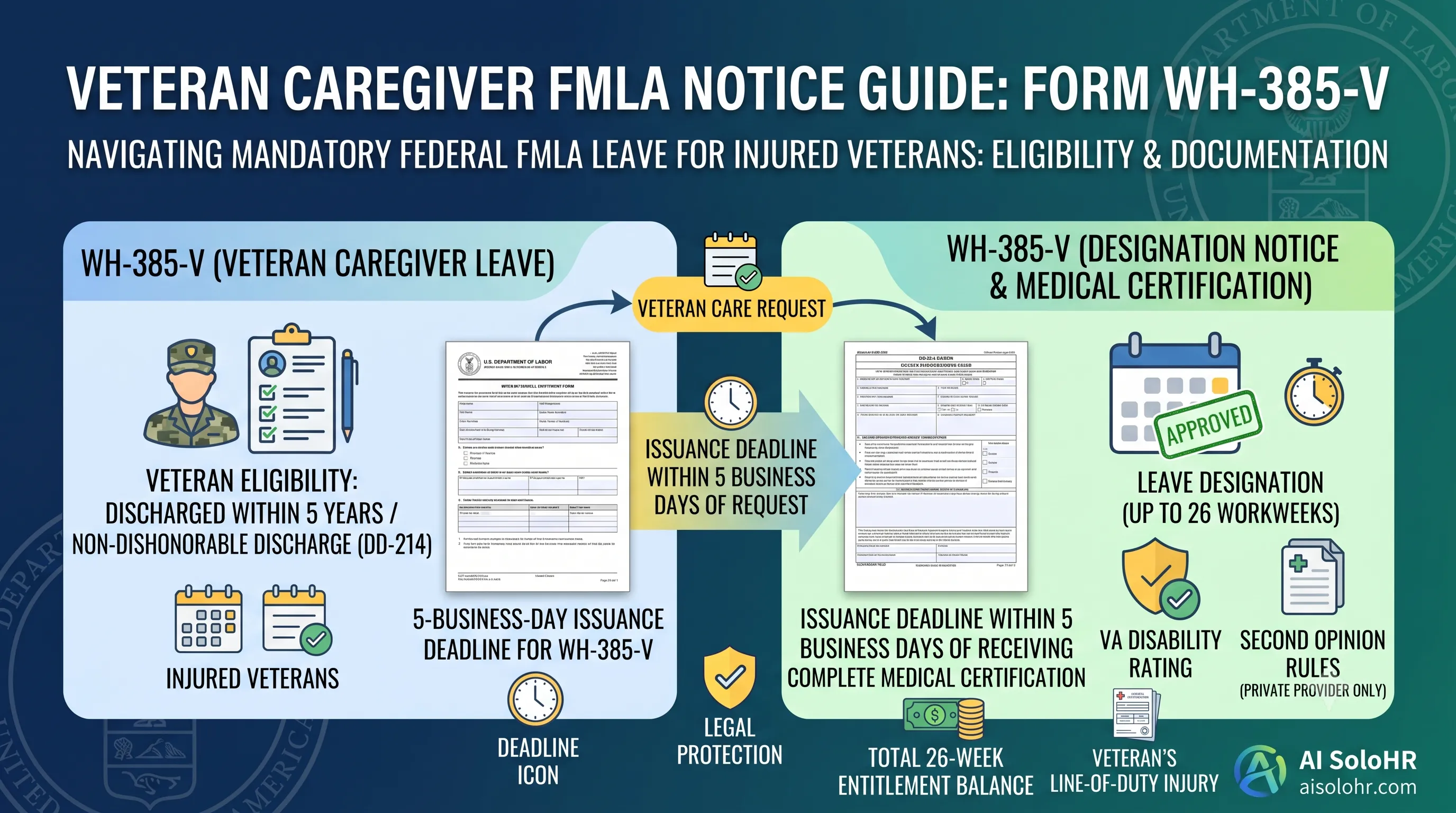
WH-385-V Instructions: Complete FMLA Veteran Caregiver Leave Certification Guide (2026)
A section-by-section guide to completing DOL Form WH-385-V for veteran military caregiver leave. Master the 5-year post-discharge rule, DD-214 verification, bad vs. good certification examples, and 26-week entitlement limits.
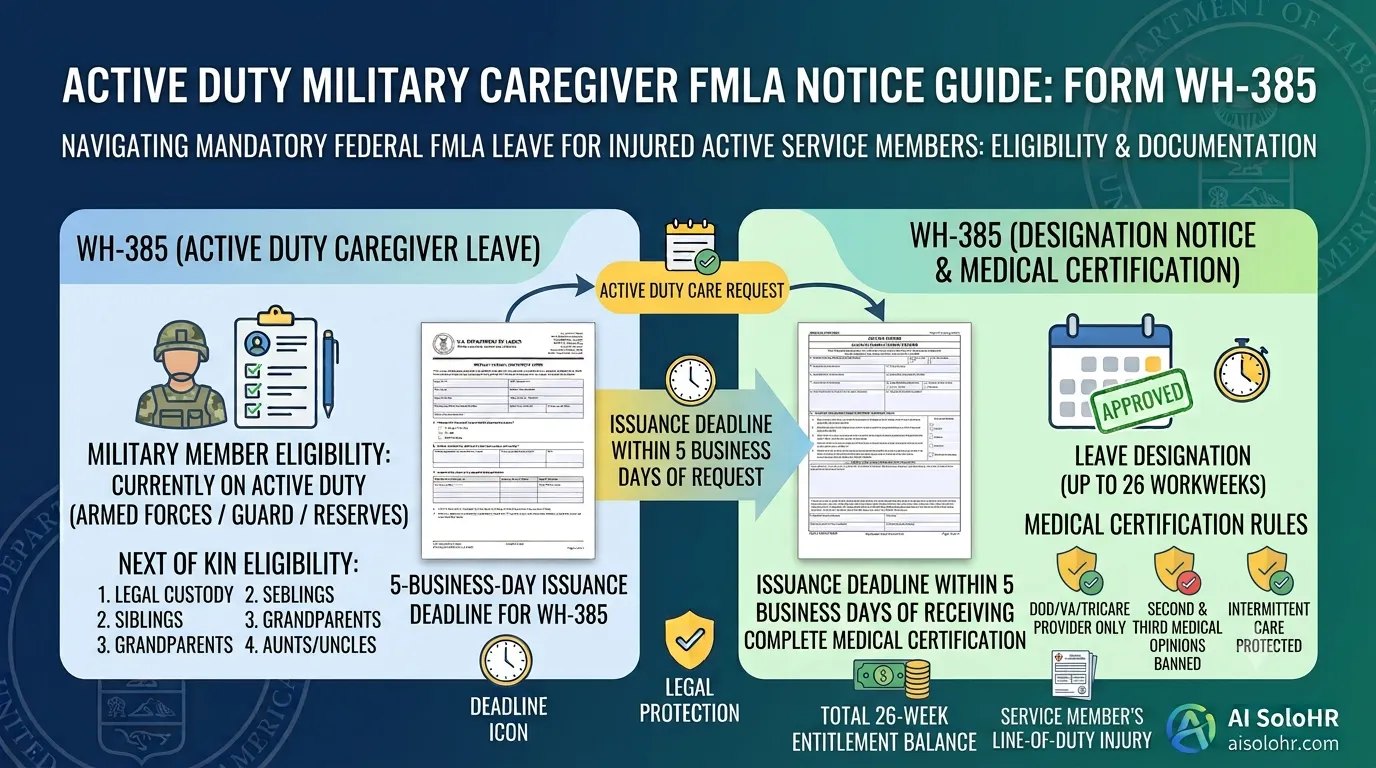
WH-385 Instructions: FMLA Military Caregiver Leave Certification Guide (2026)
A section-by-section HR guide to completing DOL Form WH-385 for active duty military caregiver leave. Master 26 workweeks entitlement, Next of Kin relationship rules, DOD medical certifications, and real-world case examples.
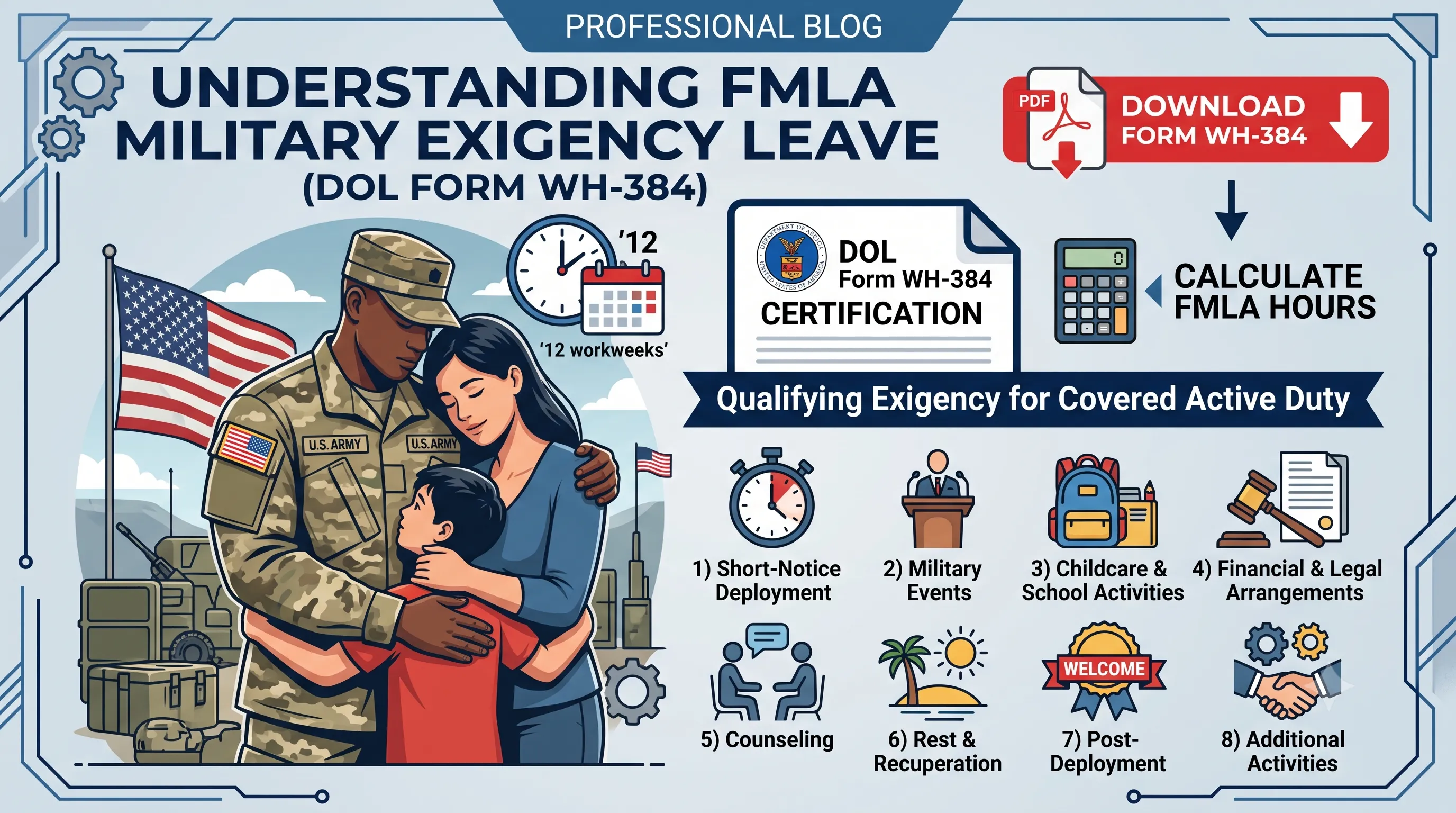
WH-384 Instructions: FMLA Qualifying Exigency Leave Certification Guide (2026)
A section-by-section HR guide to completing DOL Form WH-384 for military exigency leave. Master the 8 statutory exigency categories, active duty order verification, bad vs. good certification examples, and 12-week entitlement rules.
FMLA Spreadsheet Disruption Warning
Manual tracking of medical certifications (15-day cure window), rolling balances, and intermittent schedules across multiple managers invites high risk of FMLA interference claims. When leaves pile up, static files fail to protect the company.
Put this guidance into action
AI SoloHR helps U.S. small-business HR teams turn manual compliance steps into tracked tasks, defensible timelines, secure document records, and reviewed AI drafts.
- 14-day full platform access
- Up to 3 active cases
- Up to 30 employee records
- All 7 U.S. case types unlocked
This resource is intended for U.S. HR operations and educational purposes only, and does not constitute legal advice. Consult a qualified professional or employment attorney regarding your specific federal and state compliance obligations.