12-Week Entitlement
Under the Family and Medical Leave Act, eligible employees are entitled to up to 12 workweeks of unpaid, job-protected leave. For a standard 40-hour workweek, this equals exactly 480 hours.
U.S. Leaves & Entitlement Simulation Tool
FMLA entitlement is 12 workweeks. Total available hours = 12 × 40 = 480 hours.
Calculated at 40 hours/week schedule. Useful for intermittent leave hour deduction.
Tracking a rolling backward period manually via spreadsheets introduces a high rate of compliance errors. HR must look back exactly 365 days from each day of proposed leave to calculate available hours. Inadvertent miscalculations can deny eligible leave or grant excess unprotected leave, both of which invite FMLA interference and retaliation lawsuits.
Get instant federal & state compliance risk analysis powered by advanced compliance AI.
Automated HR Compliance & Leave Audit System
* Consistent with the 2026 U.S. Department of Labor (DOL) and EEOC regulatory frameworks.
| Parameter | Value |
|---|---|
| Standard Workweek Hours | 40 hours/week |
| Hours Already Used | 0 hours |
| Proposed Leave Start | 2026-10-16 |
| Proposed Leave End | 2026-11-27 |
| Calculation Method | Rolling 12-Month Backward |
| Metric | Result |
|---|---|
| Total Entitlement Pool | 480 hours |
| Estimated Proposed Leave | 240 hours |
| FMLA Quota Used | 50% |
| Remaining Balance | 240 hours |
| Exceeds Available Quota | No |
Create a free account to add your employee, set automated compliance deadlines, and auto-draft FMLA rights & eligibility notices instantly.
After the calculation
A calculation is only the starting point. AI SoloHR keeps the employee schedule, certification follow-up, tasks, documents, and reviewed communications connected to one case.
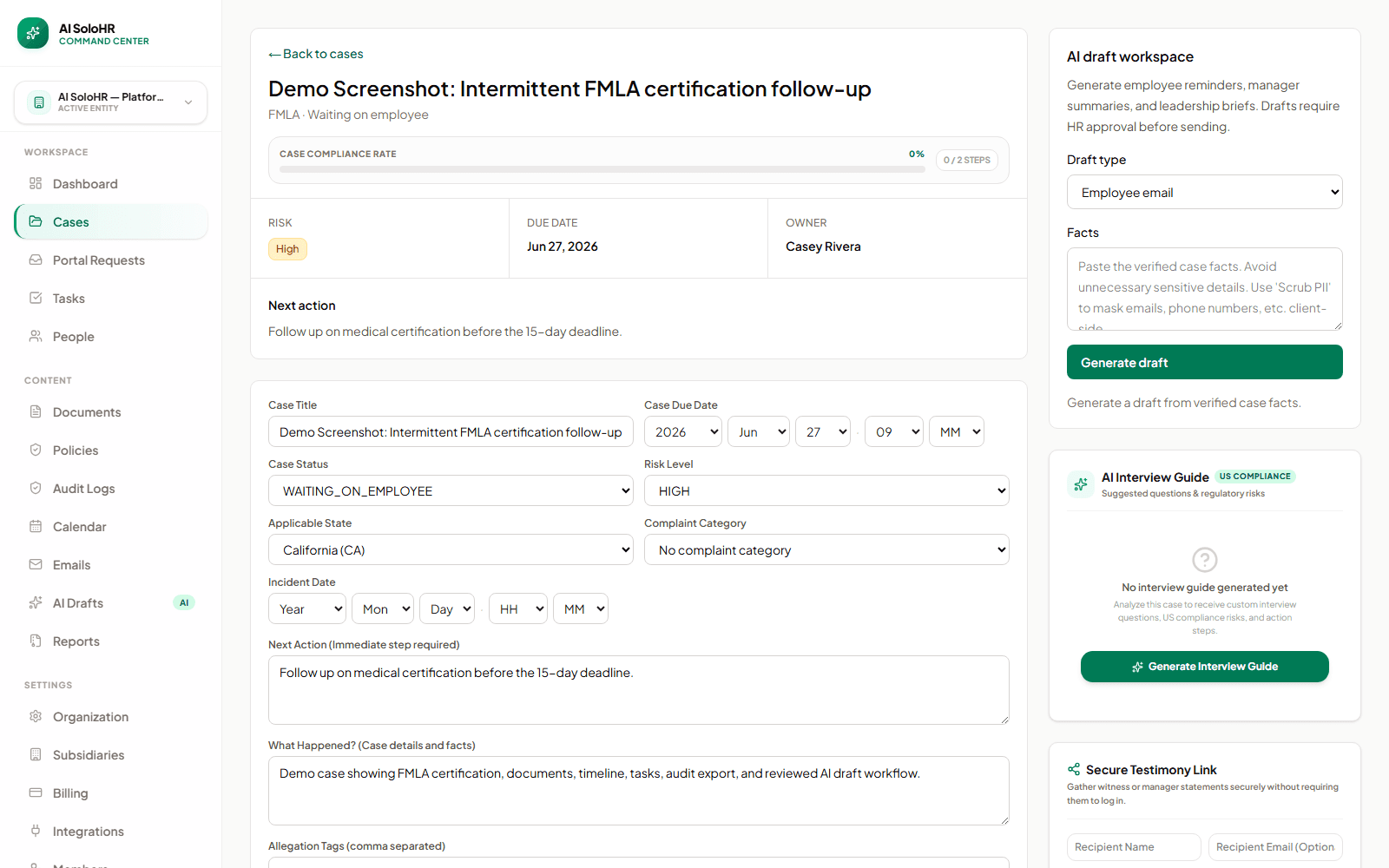
Record the due date, owner, status, next action, and verified facts instead of leaving the result in a disconnected spreadsheet.
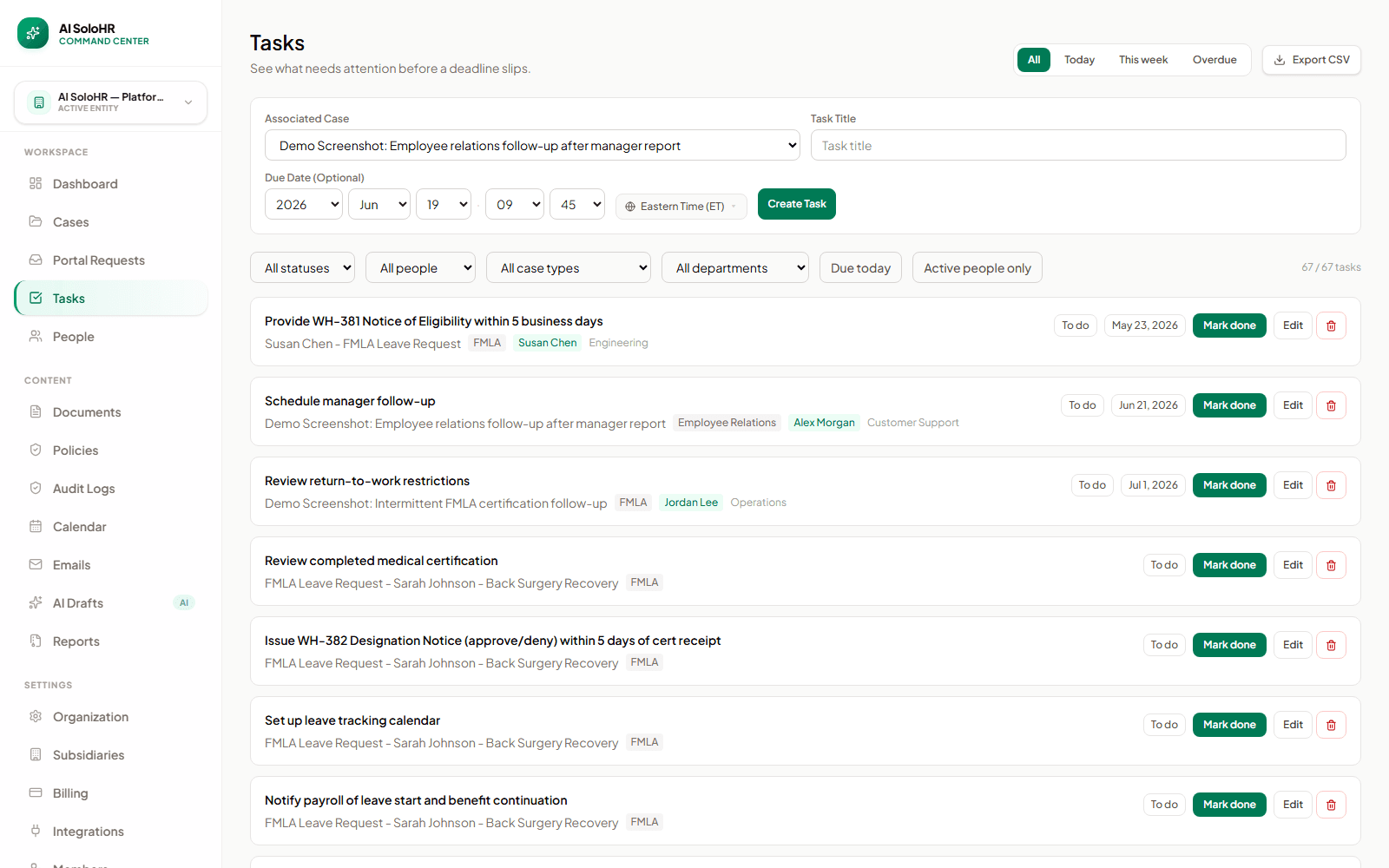
Tasks connect deadlines to the related case so certification and return-to-work steps do not depend on memory.
Under the Family and Medical Leave Act, eligible employees are entitled to up to 12 workweeks of unpaid, job-protected leave. For a standard 40-hour workweek, this equals exactly 480 hours.
FMLA can be taken in increments of hours or even minutes. Hours must be deducted based on the employee's standard schedule. The smallest tracking increment must match your general timekeeping policy.
Using a "rolling backward" 12-month period ensures that employees cannot stack leaves across year boundaries. Each time leave is taken, the system looks back exactly 12 months to recalculate remaining balance.
Use the calculator with guardrails
The calculator is strongest when HR already has the employee's standard schedule, leave history, and chosen FMLA year method. It helps with math, balance tracking, and documentation prompts. It should not be the only authority for eligibility, medical certification sufficiency, ADA overlap, state leave, union rules, or termination decisions.
Quick Answers
The most common FMLA hours, dates, and rolling-calendar questions answered in plain English.
12 weeks of FMLA equals 480 hours for a standard 40-hour workweek (12 × 40 = 480 hours). For part-time schedules: 30 hours/week = 360 hours; 25 hours/week = 300 hours. Use the calculator above to enter any custom schedule and get the exact hour pool instantly.
Under the rolling backward method, every time an employee requests leave, you look back exactly 12 months from that date and add up all FMLA hours already used. Whatever remains in that window is what the employee can take. This prevents “leave stacking” that a fixed calendar year allows. The calculator's rolling simulation does this math automatically when you enter leave start and end dates.
The FMLA eligibility requirement of 1,250 hours worked equals approximately 156 full 8-hour work days, or about 31.25 standard 40-hour weeks. Only actual hours worked count — PTO, vacation, sick time, holidays, and prior FMLA leave are excluded.
Yes. Enter a proposed leave start date and end date — the tool calculates the total calendar days, working days, hours consumed, and remaining balance under your chosen period method. It also flags whether the requested leave fits within the available 12-week entitlement.
Federal FMLA is unpaid, job-protected leave. This calculator covers time and hours only — it does not calculate pay or wage replacement. Pay during FMLA depends on your company PTO policy, state paid-leave programs (e.g., California PFL, NY PFL), or short-term disability. Those require a separate payroll tool.
This calculator answers “How many hours does this employee have left?” — it converts weeks to hours and tracks rolling leave balances. The FMLA Eligibility Calculator answers “Is this employee eligible at all?” — it checks the 12-month service, 1,250 hours worked, and 50-employee/75-mile rules. Run eligibility first, then use this tool to calculate the entitlement.
Need to check eligibility first?
This tool calculates leave hours and rolling balances. To verify whether an employee qualifies (12 months of service, 1,250 hours worked, 50-employee rule), use the dedicated FMLA Eligibility Calculator.
The Family and Medical Leave Act (FMLA) is a federal law that provides eligible employees with up to 12 weeks of unpaid, job-protected leave per year for specified family and medical reasons. While the core promise of the FMLA is straightforward, calculating leave entitlements—especially for intermittent leave—is one of the most complex tasks in human resources. Failures in FMLA administration represent a massive liability, exposing organizations to costly employee lawsuits, Department of Labor (DOL) audits, and severe financial penalties.
Before initiating FMLA calculations, HR must verify employee eligibility. Under federal regulations (29 CFR Part 825), an employee must meet three strict conditions to qualify for FMLA protections:
FMLA regulations allow employers to choose one of four distinct methods to calculate the 12-month period during which the 12 weeks of leave may be taken. Choosing the right method is critical to preventing "leave stacking"—where an employee takes 12 weeks of leave at the end of one calendar year and another 12 weeks at the beginning of the next, resulting in 24 consecutive weeks of absence.
| Method | Description | Pros & Cons |
|---|---|---|
| Calendar Year | Leave is tracked from January 1 to December 31. | Simple to administer, but allows severe leave stacking at year-end. |
| Any Fixed Year | A fixed 12-month period like a fiscal year or anniversary date. | Aligns with company budgets, but still permits stacking at boundary dates. |
| Rolling Forward | Tracks 12 months forward from the day an employee first takes leave. | Prevents immediate stacking, but is complex to track as leaves progress. |
| Rolling Backward | Looks backward exactly 12 months from the day any FMLA leave is taken. | Recommended. Completely eliminates leave stacking and ensures compliance. |
Under the Rolling 12-Month Backward Method, each day of FMLA leave taken reduces the employee's available balance. For example, if an employee requests FMLA leave starting on June 1, the HR team must look back to June 1 of the previous year and total all FMLA leave hours used. If the employee used 4 weeks of leave in October, they are only eligible for 8 remaining weeks of leave on June 1.
FMLA does not have to be taken in a single, block absence. Under FMLA intermittent leave rules, employees may take leave in separate blocks of time due to a single qualifying reason, or on a reduced leave schedule (reducing their weekly or daily work hours). This is common for chronic medical conditions (e.g., migraines, chemotherapy, asthma flares).
When tracking intermittent leave, employers must account for the leave in increments no greater than the shortest period of time the employer uses to account for other forms of leave, provided it is not greater than one hour. For instance, if your payroll systems track PTO in 15-minute increments, FMLA must also be tracked in 15-minute increments.
Calculating intermittent leave requires converting weeks to hours. An employee's FMLA allotment is proportional to their standard workweek. If an employee works 40 hours per week, they get 480 hours of FMLA (12 weeks × 40 hours). If they work 30 hours per week, their FMLA allotment is 360 hours. If an employee's schedule varies week to week, employers must use a weekly average calculated over the 12 weeks preceding the leave.
A frequent question for HR teams is: Can an employee have multiple FMLA claims open at the same time? Under DOL regulations, an employee may take leave for multiple qualifying reasons simultaneously (e.g., caring for an ill parent while managing their own chronic condition).
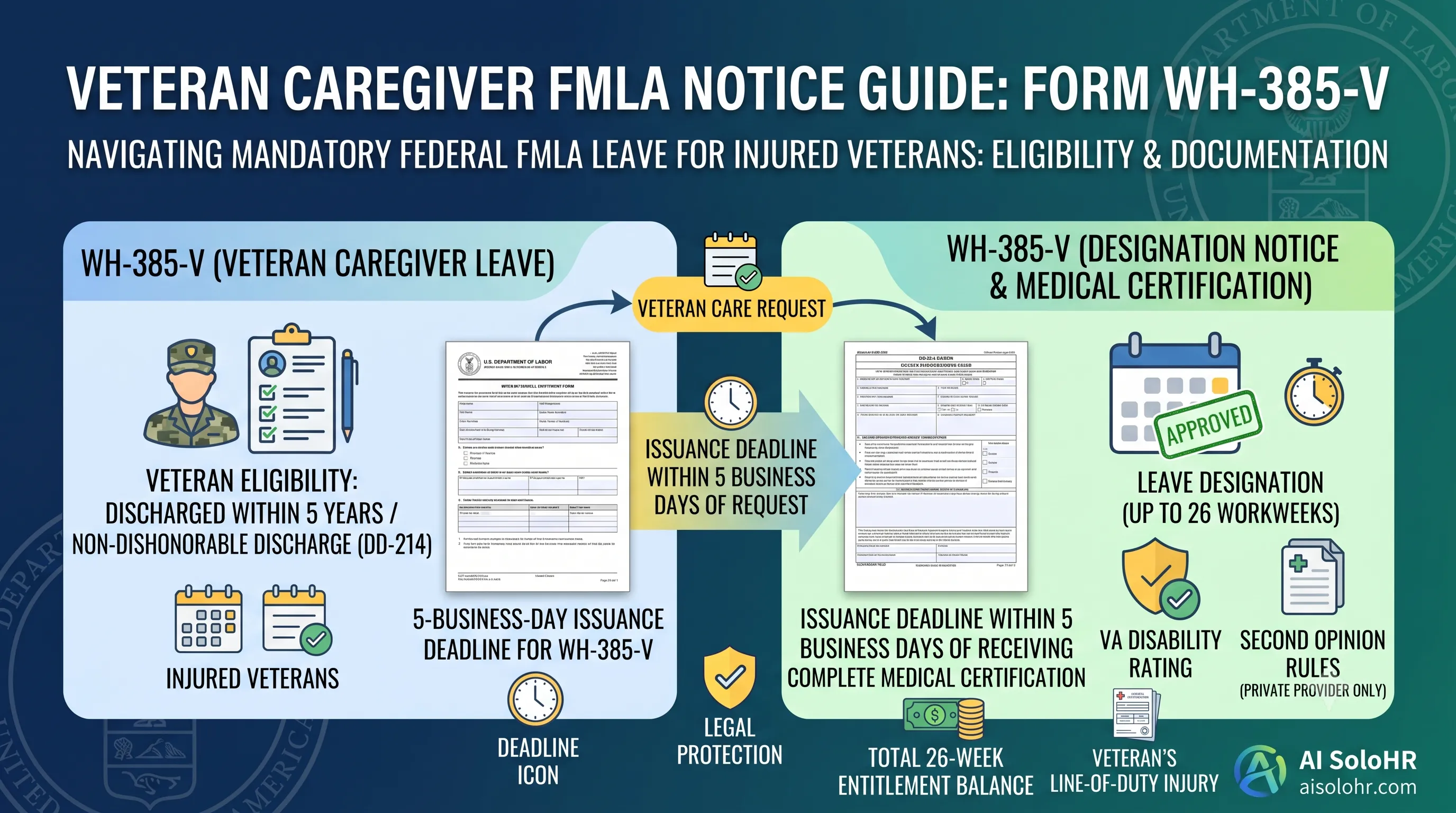
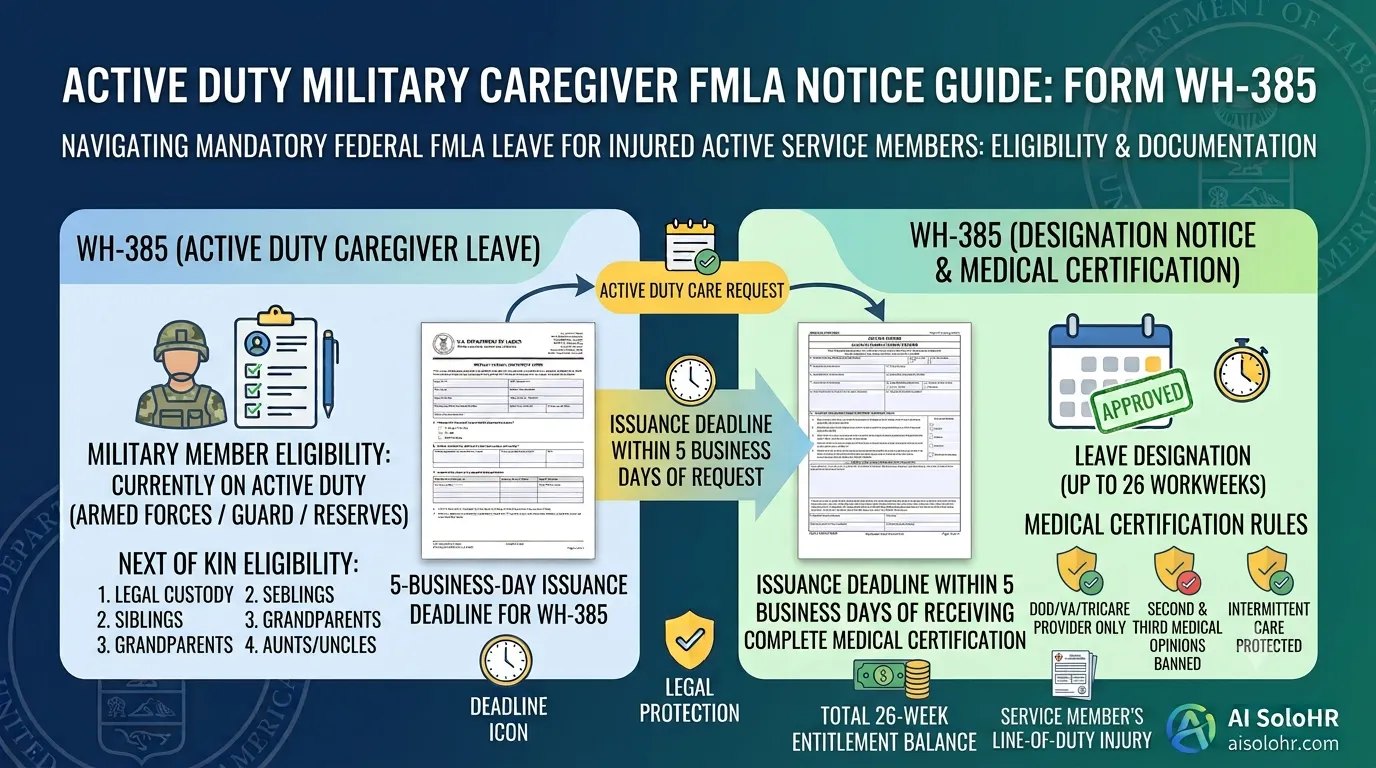
However, all claims share a single combined annual allotment of 12 workweeks (or 480 hours for a 40-hour workweek). Having two separate medical conditions does not grant 24 weeks of FMLA. The only statutory exception is Military Caregiver Leave, which provides up to 26 workweeks in a single 12-month period.
Full-time schedule
40 hours per week
12 FMLA workweeks convert to 480 hours before any used leave is deducted.
Part-time schedule
25 hours per week
12 FMLA workweeks convert to 300 hours (25h × 12w), not the full-time 480-hour balance.
Intermittent pattern
4 hours every Friday
HR subtracts 0.1 weeks (4h / 40h) from the available pool and keeps the certification trail connected.
FMLA administration is high-risk. Employers face two primary legal claims:
To protect your business, HR must meticulously document all FMLA milestones. This includes sending Form WH-381 (Notice of Eligibility and Rights & Responsibilities) within 5 business days of learning about an FMLA-qualifying event, requiring Form WH-380 (Medical Certification) with a 15-day employee response deadline, and issuing Form WH-382 (Designation Notice) within 5 business days of receiving sufficient medical certification.
Need the official Department of Labor paperwork?
Download all 6 fillable PDFs including WH-380-E, WH-380-F, WH-381, and WH-382 with employer deadline guides.
This page is written for U.S. small-business HR teams using federal FMLA workflows in 2026. It references U.S. Department of Labor FMLA guidance, FMLA notice forms, and 29 CFR Part 825 concepts, then translates those rules into practical tracking steps. AI SoloHR is not a law firm, and this page should be reviewed against your own policy, state requirements, and counsel guidance before use in a contested employment decision.
Download official 2026 DOL WH-380-E, WH-380-F, WH-381, and WH-382 leave paperwork and PDFs.
Step-by-step leave tracking guide for U.S. small business owners.
Track eligibility notices, certification windows, cure periods, and designation notices.
Need direct downloads for DOL certification templates or instructions on how to handle intermittent leave abuse? Access all our calculators, guides, and federal notices in one consolidated hub.
FMLA compliance is a moving target. Stop worrying about broken Excel formulas or missing medical certification files. AI SoloHR automatically calculates rolling balances, assigns compliance deadlines, and drafts reviewed notifications for you.