ADA Accommodation Tracking & Document Compliance Software
Simplify ADA reasonable accommodation tracking. Document the interactive process, set follow-up reminders, and keep audit-ready compliance records.
Built for U.S. employers and small-business HR teams.
Real ADA Workspace
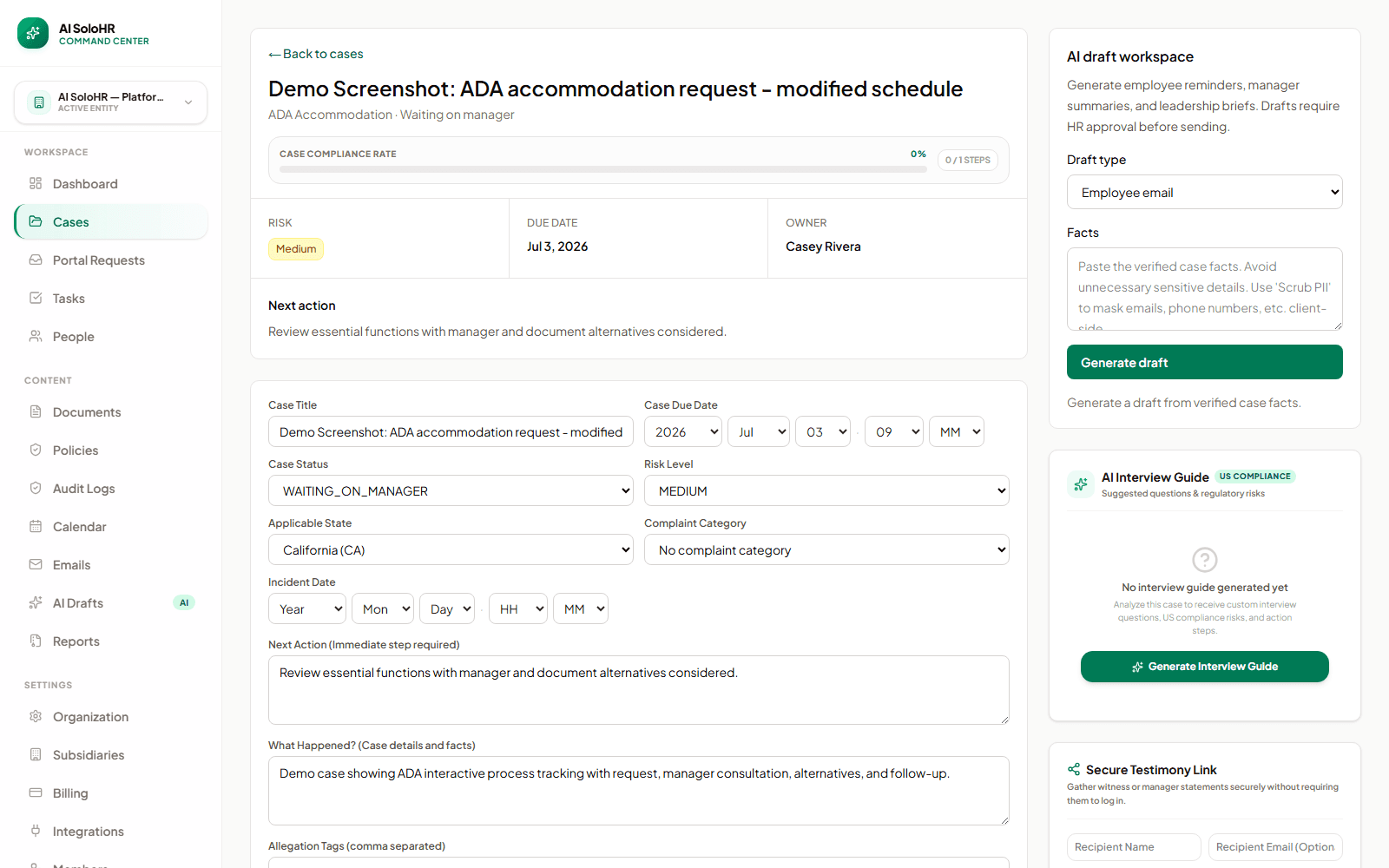
Premium Workflow Workspace
This documentation details a specialized workflow that requires a Solo HR / HR Ops plan active in your organization settings. Explore our Pricing Plans to upgrade your account and unlock this capability in the software.
Key takeaways
- Interactive process notes
- Private files
- Follow-up tasks
- Reviewed AI drafts
Core Software Capabilities
Interactive Dialog Tracking
Record phone calls, face-to-face meetings, and email exchanges systematically in one place.
Feasibility Assessment Matrix
Document options discussed, cost estimates, manager operational impact, and reasons for final decisions.
How AI SoloHR Compares
| Metric | Spreadsheet | Generic HRIS | AI SoloHR |
|---|---|---|---|
| Interactive Process Log | Scattered inboxes, no timeline | Lacks dedicated accommodation history fields | Chronological process logs linked directly to requests |
| Medical File Segregation | High leakage risk in shared directories | General employee folders (compliance violation) | HIPAA-aligned isolated medical document vault |
| Declined Options Log | Usually undocumented (a major lawsuit risk) | Hard to trace reasons for declining accommodations | Clear feasibility matrix documenting options considered |
Interactive Process Log
Scattered inboxes, no timeline
Lacks dedicated accommodation history fields
Chronological process logs linked directly to requests
Medical File Segregation
High leakage risk in shared directories
General employee folders (compliance violation)
HIPAA-aligned isolated medical document vault
Declined Options Log
Usually undocumented (a major lawsuit risk)
Hard to trace reasons for declining accommodations
Clear feasibility matrix documenting options considered
Why accommodation tracking gets messy fast
Accommodation work can become hard to explain when the request, documents, and discussion notes are scattered across email, calendars, and private folders. Even if the team is acting in good faith, the process can look incomplete later if the record is incomplete.
The interactive process creates moving pieces
The work is rarely one decision made on one day. It usually includes a request, follow-up questions, supporting documents, options considered, internal discussion, and final communication.
The risk comes from incomplete history
A small HR team may remember what happened, but memory is not the same as a usable record. When notes are not in one place, it is hard to reconstruct the sequence or show what follow-up occurred.
What should be connected in one accommodation case
A strong accommodation record should help HR understand the request, the current status, and the history of the process without opening multiple systems.
Core case details
At the case level, HR should be able to see the basics immediately.
Supporting context
The case should also retain the materials that explain how the process unfolded.
How AI SoloHR helps HR teams track the interactive process
AI SoloHR gives accommodation work a case-based structure so the request, notes, files, and next steps stay together.
Open one case per accommodation workflow
A dedicated case gives HR a single home for the request instead of spreading details across task lists, folders, and inboxes.
Keep timeline notes factual and visible
Important updates can be recorded as timeline events so the case history stays easy to review later.
Assign follow-ups instead of relying on memory
Tasks can capture document requests, follow-up conversations, internal reviews, and next communication deadlines.
Use drafts carefully when communication is needed
AI-generated drafts can help HR prepare clear communication, but the output remains draft-only and should be reviewed before use.
The 5 critical steps of the ADA interactive process
To maintain U.S. federal legal compliance and support your workforce, HR must systematically guide each accommodation request through the five standard phases of the good-faith interactive process:
Step 1: Recognize the request & initiate dialog
The interactive process clock starts the moment an employee discloses a physical or mental limitation that impacts their work. Immediately send a written acknowledgement and schedule an initial consultation meeting to explore potential adjustments.
Step 2: Gather medical certification & document limitations
Request official medical documentation from the employee's healthcare provider. This documentation must clarify the functional limitations and duration of the condition, without exposing irrelevant diagnostic or confidential medical records.
Step 3: Conduct the interactive consultation
Meet collaboratively with the employee (and optionally their manager) to review their specific job description, identify essential job functions, and brainstorm reasonable accommodations that could resolve the performance barriers.
Step 4: Select and implement the accommodation
Evaluate the feasibility of the options discussed. Log cost estimates and operational impact. Formally notify the employee in writing of the approved accommodation, or document the objective undue hardship justification if a request must be denied.
Step 5: Monitor, review, and follow up
Accommodations are not permanent decisions. Schedule a mandatory 90-day review check-in to confirm that the adjustment remains effective, allows the employee to perform their essential duties, and does not cause operational disruption.
Why this matters for lean HR teams
Large organizations may have dedicated specialists and formal systems for accommodation work. Smaller teams often do not. That makes a clear case workflow even more valuable because the same person may be handling intake, documentation, follow-up, and communication.
Compliance note
AI SoloHR supports documentation and communication workflows, but final decisions should follow your policies and professional guidance.
A Realistic Request Intake Scenario
What Happens on Day One
Establishing a good-faith interactive dialogue protects both the organization and the staff member.
What the Team Needs to Track Next
ADA accommodation requests must be logged chronologically to maintain a verifiable record of compliance.
What Makes the Record Defensible Later
Managing workplace accommodations under the ADA requires careful attention to employee limitations.
How the Interactive Process Stays Organized
Meetings and Follow-Up Notes
Establishing a good-faith interactive dialogue protects both the organization and the staff member.
Supporting Documents and Evidence
Managing workplace accommodations under the ADA requires careful attention to employee limitations.
Decision and Ongoing Review Steps
ADA accommodation requests must be logged chronologically to maintain a verifiable record of compliance.
What the Product Supports Today
Case Setup and Tracking
Managing workplace accommodations under the ADA requires careful attention to employee limitations.
Documentation and Review Support
Establishing a good-faith interactive dialogue protects both the organization and the staff member.
Where Human Judgment Still Owns the Decision
Establishing a good-faith interactive dialogue protects both the organization and the staff member.
Try Our Interactive ADA Interactive Process Timeline Calculator
Select the request received date to generate key compliance milestones instantly below.
“ADA compliance requires proving that you actively engaged in the interactive process. AI SoloHR gives us a single, encrypted timeline showing every option we considered and why, keeping us perfectly safe under EEOC standards.”
How to read this use-case page
A use-case page is meant to help you judge workflow fit. If the problem described here sounds like your current HR process, that usually means you need a clearer case record, a more visible task flow, better document handling, and a stronger timeline than spreadsheets or inboxes provide.
- Use the page to compare your current process against a structured case workflow
- Look for where deadlines, documents, and communication tend to drift today
- Use the product and pricing pages if the use case already matches active work inside your team
What this page does not claim
This use-case page explains workflow support and documentation structure. It does not claim that AI SoloHR makes legal decisions, replaces an HRIS, or automates protected-employment judgments for your team.
AI SoloHR is designed to support case records, tasks, documents, timelines, and reviewed AI drafts inside one workflow. It is not a substitute for legal, medical, benefits, or policy review where those are needed.
Keep Exploring
Frequently asked questions
What should HR document for an ADA accommodation request?
HR should document the request itself, the people involved, supporting materials received, discussions that took place, follow-up tasks, options considered, and the final communication or resolution.
Why is accommodation tracking different from a simple ticket?
Accommodation work usually involves sensitive documents, multiple conversations, and a process that unfolds over time. A simple ticket often does not provide enough room for defensible notes, task ownership, and document context.
Can AI SoloHR make accommodation decisions automatically?
No. AI SoloHR helps organize workflow and draft communication, but it does not make final decisions, determine legal obligations, or replace human judgment.
Related Interactive Calculators & Tools
ADA Process Timeline
Track key milestones for ADA accommodation interactive dialogue.
Bradford Factor Score
Measure employee short-term absence disruption objectively.
FMLA Interference Risk
Evaluate your company's risk of FMLA interference or retaliation.
ADA Interactive Process Document Generator
AI-powered good-faith interactive dialogue agendas and accommodation decisions.
Related Compliance Articles & Guides
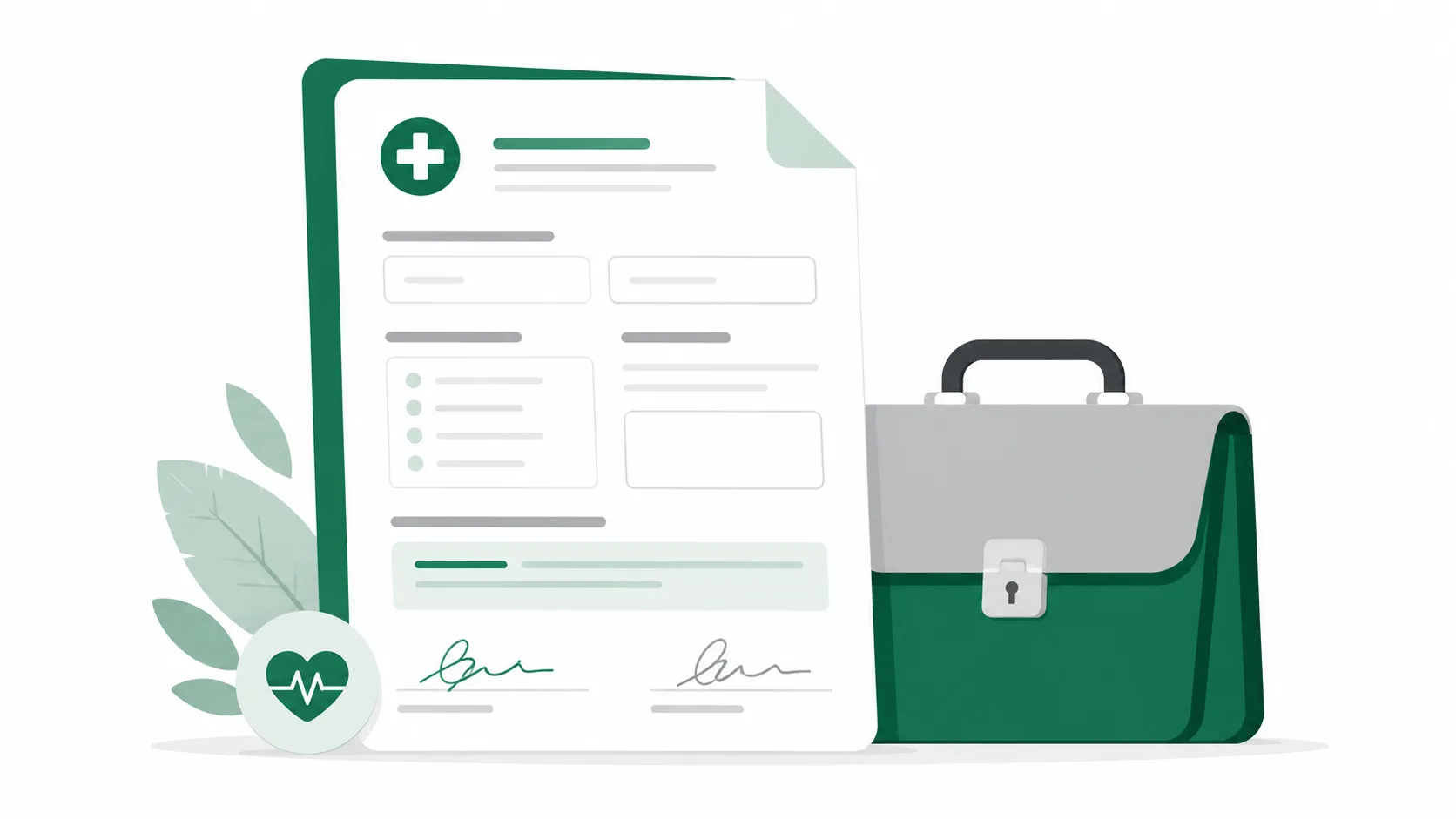
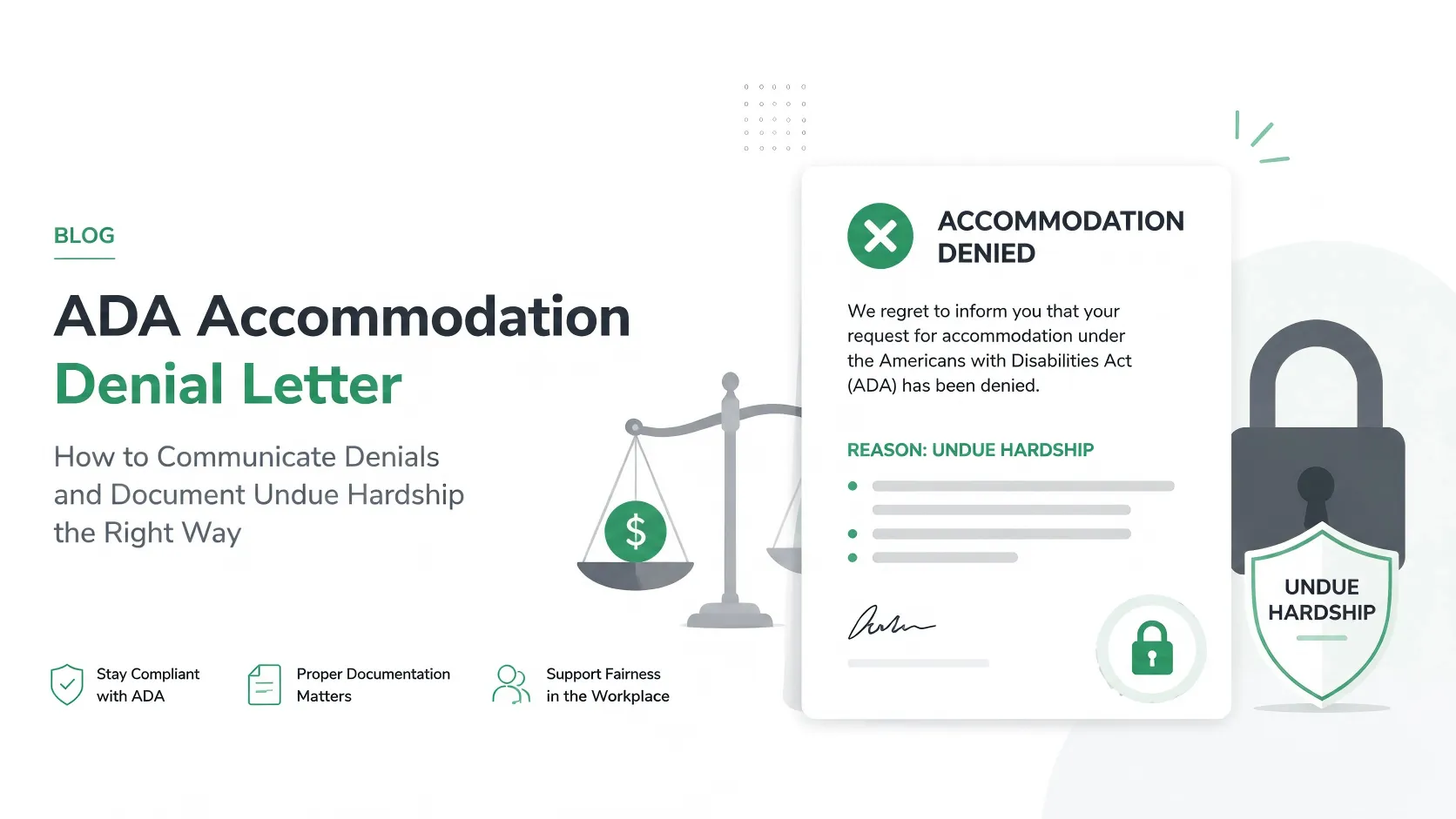
ADA Good Faith Documentation Risk
Under EEOC guidelines, an untracked email chain or verbal agreement does not prove a 'Good Faith Interactive Process'. If a workplace accommodation is legally challenged, HR must defend the decision with a chronological, objective history of all options explored.
Put this guidance into action
AI SoloHR helps U.S. small-business HR teams turn manual compliance steps into tracked tasks, defensible timelines, secure document records, and reviewed AI drafts.
- 14-day full platform access
- Up to 3 active cases
- Up to 30 employee records
- All 7 U.S. case types unlocked
This resource is intended for U.S. HR operations and educational purposes only, and does not constitute legal advice. Consult a qualified professional or employment attorney regarding your specific federal and state compliance obligations.