How to Track FMLA Leave for Small Businesses
Step-by-step FMLA tracking guide for U.S. small business owners and HR teams. Covers eligibility, certification deadlines, and compliant record-keeping.
Built for U.S. employers and small-business HR teams.
Looking for the companion spreadsheet?
Get the free FMLA tracking checklist template in Excel format.
Premium Workflow Workspace
This documentation details a specialized workflow that requires a Solo HR / HR Ops plan active in your organization settings. Explore our Pricing Plans to upgrade your account and unlock this capability in the software.
Key takeaways
- Capture intake
- Track certification
- Log communications
- Review before sending
Interactive FMLA Headcount & Eligibility Calculator
Verify if your business meets the federal 50-employee threshold (within a 75-mile radius) and check your team's compliance instantly below.
What FMLA tracking actually includes
FMLA tracking is more than storing a form or noting a leave request. It includes the request itself, the timeline around it, the document trail, and the follow-up work that keeps the case moving.
Intake details
Start with the request date, who made the request, what was shared at intake, and what the immediate next step is.
Deadlines and document status
Track certification timing, what forms or supporting materials are still outstanding, and when follow-up needs to happen.
Communication history
A useful record should also show what HR communicated, when the manager was updated, and what the employee has already received.
Why small businesses struggle with FMLA tracking
In a small HR team, leave tracking often breaks down not because people do not care, but because the workflow is spread across too many places.
Spreadsheet drift
A spreadsheet can list dates, but it usually does not stay aligned with the actual case notes, email history, or document status.
Scattered context
When files, notes, and communications live in different places, it becomes hard to answer simple questions quickly.
Missed follow-ups
Without task ownership and visible due dates, certification follow-up and return-to-work planning are easier to miss.
What information HR should track for every FMLA case
A repeatable tracking workflow starts with deciding what belongs in the case every time.
Case basics
Capture the basic facts that make the case actionable.
Supporting context
Add the materials and updates that explain the case over time.
A simple FMLA tracking workflow for lean HR teams
The easiest way to reduce confusion is to give every case the same basic shape from the start.
Open the case
Create one record as soon as the leave issue appears.
Add deadlines and tasks
Assign follow-up actions with visible due dates and owners.
Store documents and notes in one place
Attach supporting files and timeline notes to the same case.
Close with a final resolution record
When the workflow is finished, capture the outcome clearly.
Common FMLA tracking mistakes
Most avoidable mistakes happen when the process is informal.
How AI SoloHR helps with FMLA tracking
AI SoloHR gives HR teams one case record for deadlines, tasks, notes, documents, and reviewed draft communication so the process stays readable and repeatable.
Stay inside the boundary
This guide is for HR operations education only and is not legal advice.
A Request-to-Return Timeline
Managing FMLA compliance requires strict adherence to federal timelines. Failing to meet these milestones can lead to costly legal liabilities and compliance audits. Below is the operational schedule small business HR teams should follow for every FMLA case, from the initial notification to the employee's formal return to work.
Initial Request and Eligibility Review
The FMLA process begins the moment an employee requests leave or when HR becomes aware that an absence may be for an FMLA-qualifying reason. Under Department of Labor (DOL) regulations, once employer notice is triggered, you have exactly 5 business days to determine eligibility and provide the employee with the Notice of Eligibility and Rights & Responsibilities (DOL Form WH-381). This step establishes whether the employee meets the basic criteria: 12 months of service and 1,250 hours worked in the past year.
Certification Tracking and Follow-Up
Once the certification forms are issued, the employee has a minimum of 15 calendar days to return the completed medical documentation from their healthcare provider. This is often where tracking fails in small teams. If the certification is incomplete or insufficient, HR must notify the employee in writing, specifying what information is missing, and grant them 7 calendar days to cure the deficiency.
Return-to-Work and Final Documentation
Before the employee returns from leave, HR must coordinate the return-to-work process. A key step is obtaining a Fitness-for-Duty certification if specified in the initial Designation Notice (Form WH-382). HR must ensure the employee is restored to their equivalent position, pay, and benefits, while updating internal records to close the case.
What to Record When Documents Are Missing
Documenting missing information is just as critical as archiving completed forms. In an audit, a small business must prove it gave the employee ample opportunity and notice to comply with FMLA requirements.
Reminder Dates and Contact Attempts
If an employee fails to return their medical certification on time, you cannot simply deny the leave immediately. You must document your good-faith efforts to contact them. If there are extenuating circumstances (e.g., waiting for a doctor's appointment), the DOL requires employers to grant a reasonable extension. Keep a detailed log of every email, letter, phone call, and verbal reminder.
What the Employee Still Owes
Do not let incomplete files linger without clear definitions of what is missing. Clearly state whether you are waiting for a doctor's signature, clarification on intermittent frequency, or missing dates of treatment. When writing a request for clarification, HR must specify which parts of the certification form (e.g., Section III) are incomplete.
How the Delay Affects the Case Timeline
When documentation is delayed, the employer has the right to temporarily delay FMLA protection. If the employee never provides the certification, the leave is not FMLA-protected, and the absences can be treated under your standard attendance policy. However, this transition must be documented carefully to avoid retaliation claims.
How Small Teams Lose the Thread
Small HR departments face unique operational bottlenecks that make manual leave administration a high-risk gamble. Standardizing your approach prevents critical errors.
Leave Dates Scattered Across Systems
When employee leave hours are tracked in standard payroll systems, general calendars, and HR spreadsheets, errors build up. Intermittent FMLA is especially difficult, as employees might take leave in increments of hours or minutes. If these increments are not recorded in one central case command center, you risk miscalculating the 12-week entitlement.
Certification Follow-Up Without One Owner
Without a designated case owner, tasks like sending designation notices or requesting recertification are easily forgotten. Under FMLA, employers must provide the Designation Notice (WH-382) within 5 business days of receiving enough information to determine FMLA-qualification. A missing owner means missing these statutory deadlines.
Return-to-Work Steps That Never Get Closed
Many teams breathe a sigh of relief when the employee returns, leaving the case open indefinitely. An open case makes it harder to track cumulative leave limits if the employee needs FMLA again later in the rolling 12-month period. Formally closing the record ensures your compliance data remains accurate.
Download FMLA Tracking Spreadsheet Template
Download our free FMLA spreadsheet template (Excel format) to log employee leave requests, calculate certification due dates, track hours, and keep records organized.
| Employee | Leave Type | Hours Used | Status | Action |
|---|---|---|---|---|
How this guide fits the real workflow
A guide page is most useful when HR already knows the issue but needs a clearer operating pattern. The goal is not just to define the topic. It is to make the next step, the right record, and the workflow sequence easier to see before something slips.
- Use the guide to standardize what should be documented
- Share the workflow with managers or teammates who need the same context
- Move into a template or a case workflow when the issue becomes active work
Important boundary for this content
This page is written for HR operations and education. It is meant to support documentation, workflow clarity, and communication planning. It does not provide legal advice, medical judgment, eligibility determinations, or automatic employment decisions.
AI SoloHR is designed to support case records, tasks, documents, timelines, and reviewed AI drafts inside one workflow. It is not a substitute for legal, medical, benefits, or policy review where those are needed.
Keep Exploring
Frequently asked questions
What is the best way to track FMLA leave for a small business?
A structured case workflow is usually more reliable than a spreadsheet because it keeps deadlines, tasks, notes, files, and communication history together in one record.
Do small businesses need FMLA tracking software?
It depends on how often these cases happen and how much risk comes with missed follow-up. Many small teams start with spreadsheets, then move to workflow software when they need stronger documentation and deadline visibility.
What should HR keep in an FMLA case file?
At a minimum, keep intake details, key deadlines, document status, notes, communications, and the final resolution or return-to-work status.
Related Interactive Calculators & Tools
FMLA Leave Calculator
Convert FMLA workweeks to precise hours and calculate leave limits.
FMLA Eligibility & FTE
Verify if your business meets the 50-employee FMLA threshold.
FMLA Interference Risk
Evaluate your company's risk of FMLA interference or retaliation.
FMLA Hours & Leave Calculator
Convert FMLA weeks to precise hours based on your work schedule.
Intermittent FMLA Leave Tracker
Log absence dates and hours with a rolling 365-day balance tracker.
Related Compliance Articles & Guides
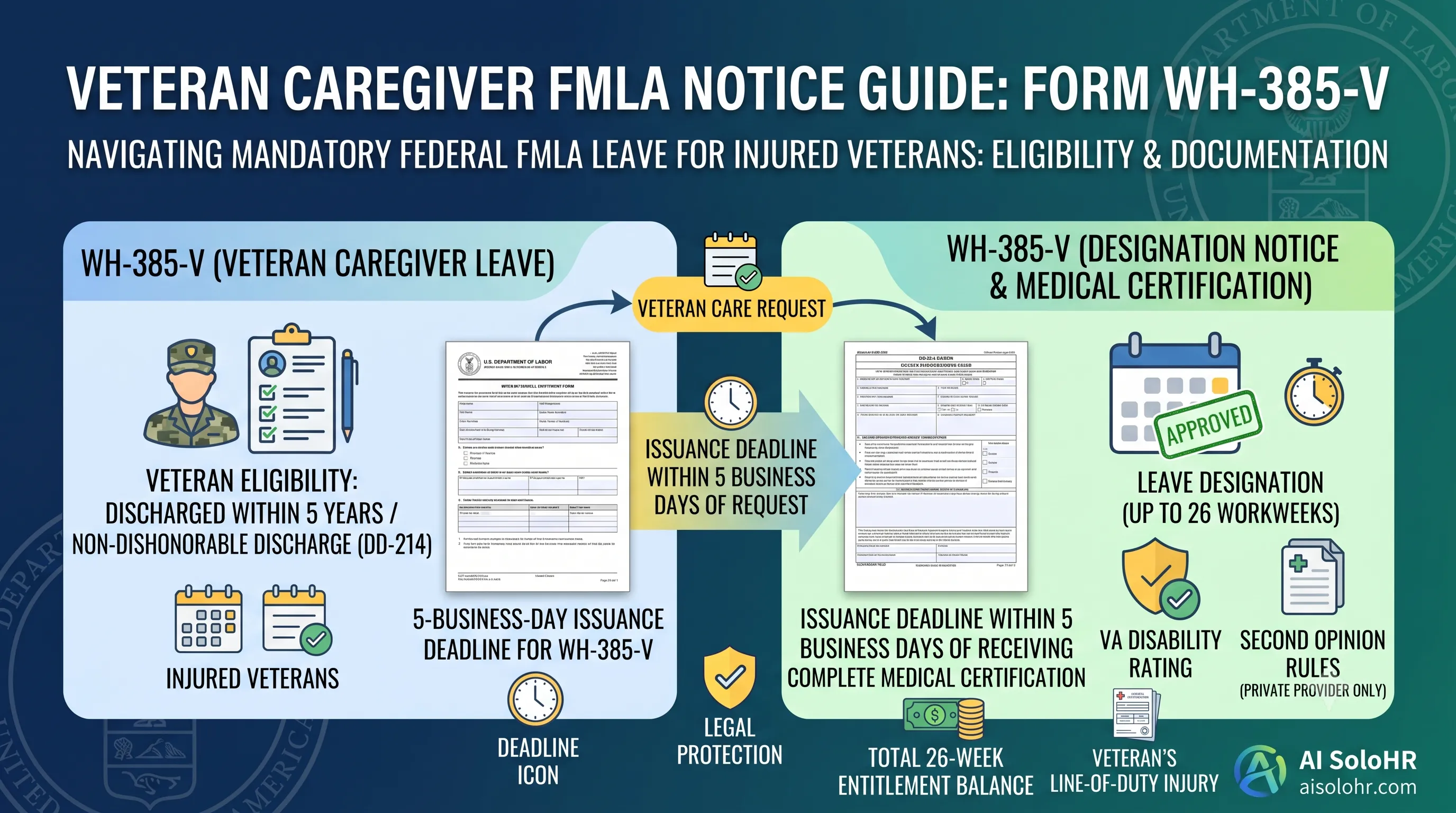
WH-385-V Instructions: Complete FMLA Veteran Caregiver Leave Certification Guide (2026)
A section-by-section guide to completing DOL Form WH-385-V for veteran military caregiver leave. Master the 5-year post-discharge rule, DD-214 verification, bad vs. good certification examples, and 26-week entitlement limits.
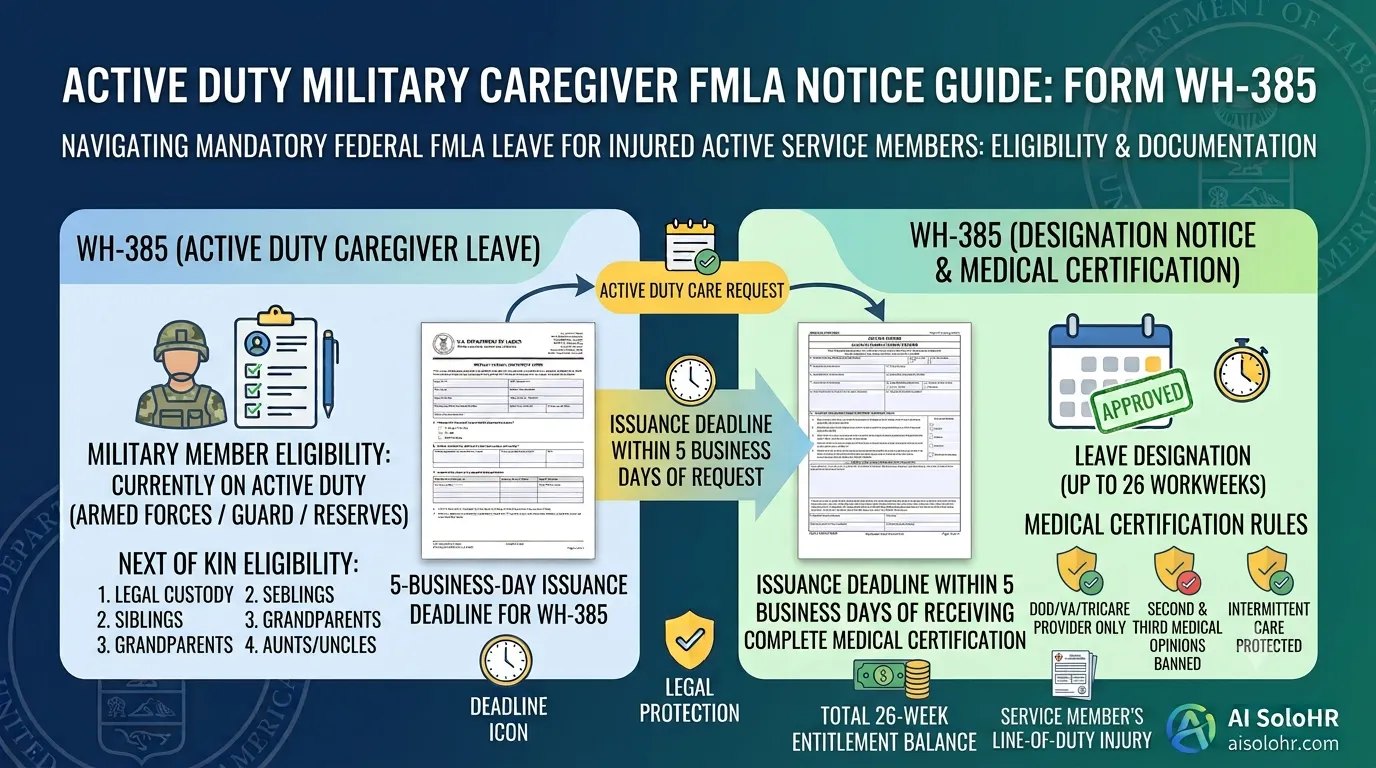
WH-385 Instructions: FMLA Military Caregiver Leave Certification Guide (2026)
A section-by-section HR guide to completing DOL Form WH-385 for active duty military caregiver leave. Master 26 workweeks entitlement, Next of Kin relationship rules, DOD medical certifications, and real-world case examples.
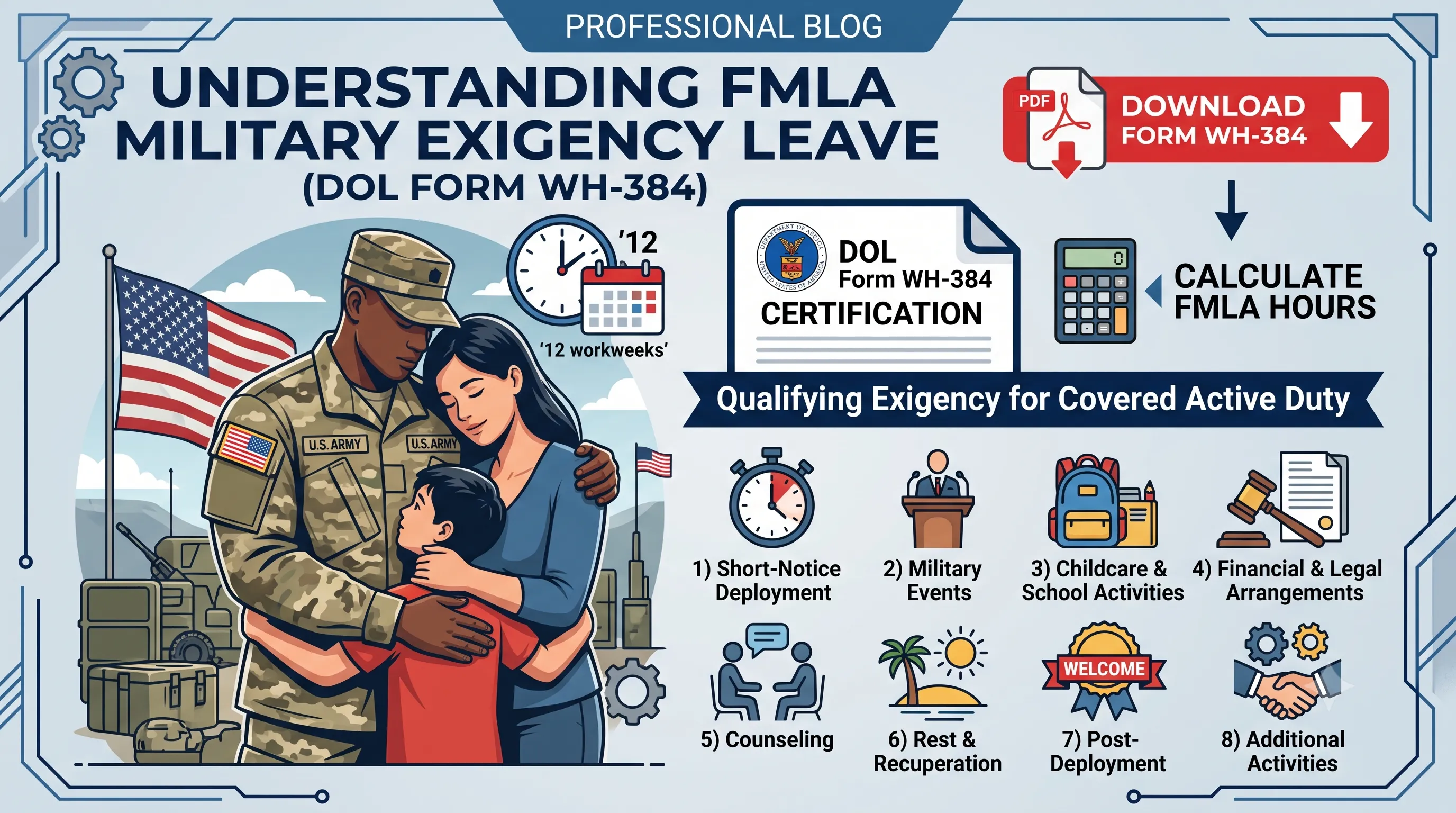
WH-384 Instructions: FMLA Qualifying Exigency Leave Certification Guide (2026)
A section-by-section HR guide to completing DOL Form WH-384 for military exigency leave. Master the 8 statutory exigency categories, active duty order verification, bad vs. good certification examples, and 12-week entitlement rules.
FMLA Spreadsheet Disruption Warning
Manual tracking of medical certifications (15-day cure window), rolling balances, and intermittent schedules across multiple managers invites high risk of FMLA interference claims. When leaves pile up, static files fail to protect the company.
Put this guidance into action
AI SoloHR helps U.S. small-business HR teams turn manual compliance steps into tracked tasks, defensible timelines, secure document records, and reviewed AI drafts.
- 14-day full platform access
- Up to 3 active cases
- Up to 30 employee records
- All 7 U.S. case types unlocked
This resource is intended for U.S. HR operations and educational purposes only, and does not constitute legal advice. Consult a qualified professional or employment attorney regarding your specific federal and state compliance obligations.