HR teams of one
Built for the person who handles leave, accommodations, documentation, renewals, and manager follow-up without a large support team.
Command Center
The moment you log in, AI SoloHR shows overdue tasks, high-risk cases, and items waiting on others so you can prioritize without digging through email.
U.S. HR command deck
4
Open cases
2
Due today
1
Waiting
1
Critical
Case Management
Create cases for FMLA, ADA accommodations, interview no-shows, benefits renewals, and employee relations. Each case has a timeline, tasks, documents, and AI workspace.
Structured case registry
FMLA - Jane D.
FMLA Leave
ADA Accommodation - M. Torres
ADA Accommodation
Benefits Renewal Q3
Benefits Project
AI Drafts
Generate employee emails, manager summaries, broker requests, and leadership briefs from verified case facts. Every draft requires human review before use.
Smart compliance workspace
Draft format
Employee notice FMLA Confirmation
AI Draft Generated
Dear Jane, this letter confirms receipt of your formal FMLA leave request starting June 1. Please review the certification timeline and next steps below...
Document Management
Upload sensitive HR documents to private cloud storage. Every file access is logged, and signed URLs ensure documents are never publicly accessible.
Secured file cabinet
FMLA_Certification.pdf
Doctor_Note_05-12.pdf
HR_Approval_Letter.docx
Who it is for
The product fits U.S. small businesses that want a calmer way to manage deadline-sensitive, documentation-heavy HR work without bouncing between inboxes, shared drives, and generic tools.
Built for the person who handles leave, accommodations, documentation, renewals, and manager follow-up without a large support team.
A strong fit for small businesses that need clearer follow-up and stronger records without buying an enterprise platform.
Most helpful when the work involves deadlines, documents, notes, and communication that should stay easy to explain later.
AI SoloHR isn't just about saving time — it's about changing how your organization perceives the value of HR.
Your role transforms from administrative executor to organizational risk advisor. When you can prove your case timelines, document interactive processes, and draft leadership briefings in minutes, you become indispensable.
The average FMLA lawsuit in U.S. federal courts costs $85,000–$180,000. When your documentation is airtight and audit-ready, your financial value to the business is concrete and quantifiable.
A lean HR team that uses AI SoloHR maintains the same documentation rigor and privacy safeguards as an enterprise-grade HR department. That is a career-defining capability.
Supported workflows
AI SoloHR is not trying to do every HR job. It is designed to help lean teams handle the workflows where deadlines, documents, notes, and communication need to stay connected.
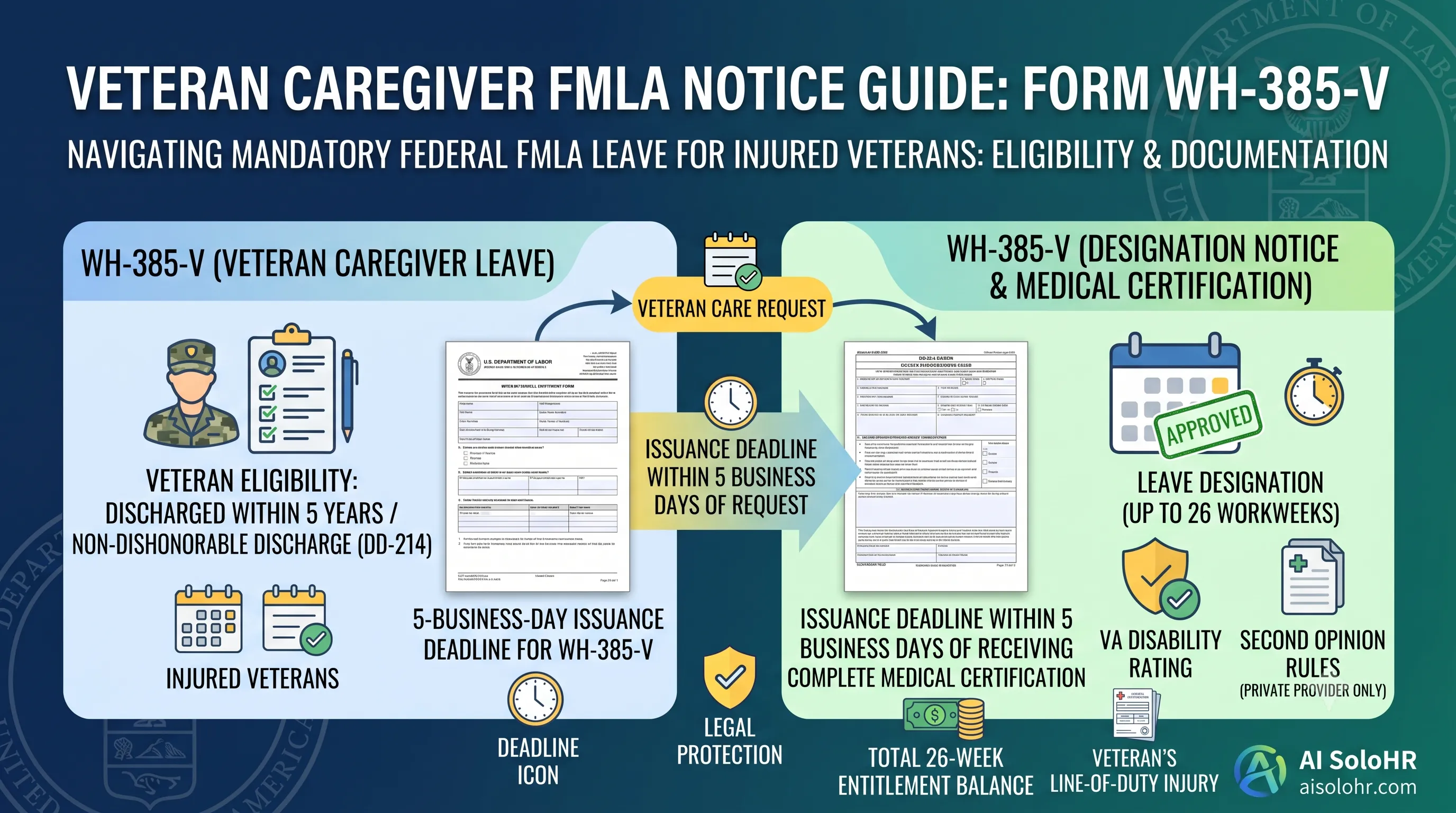
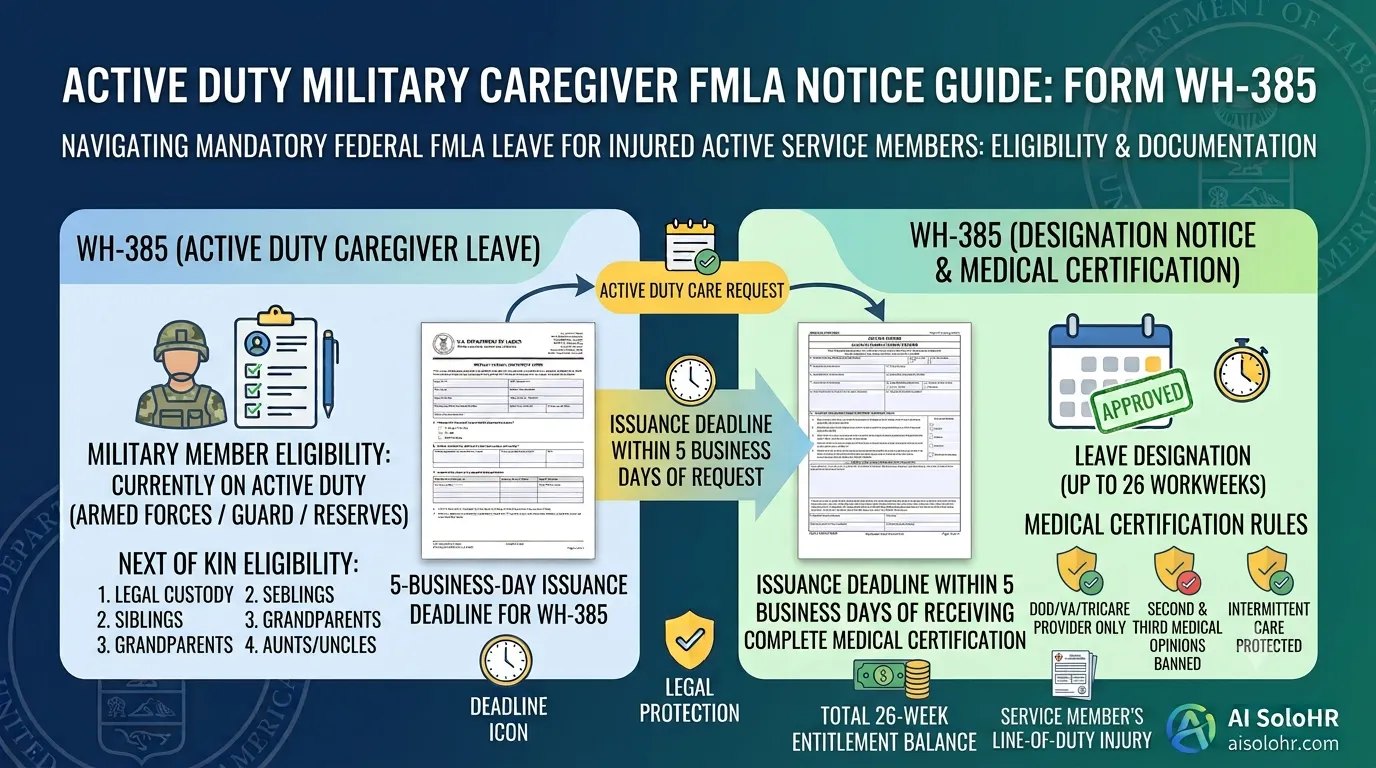
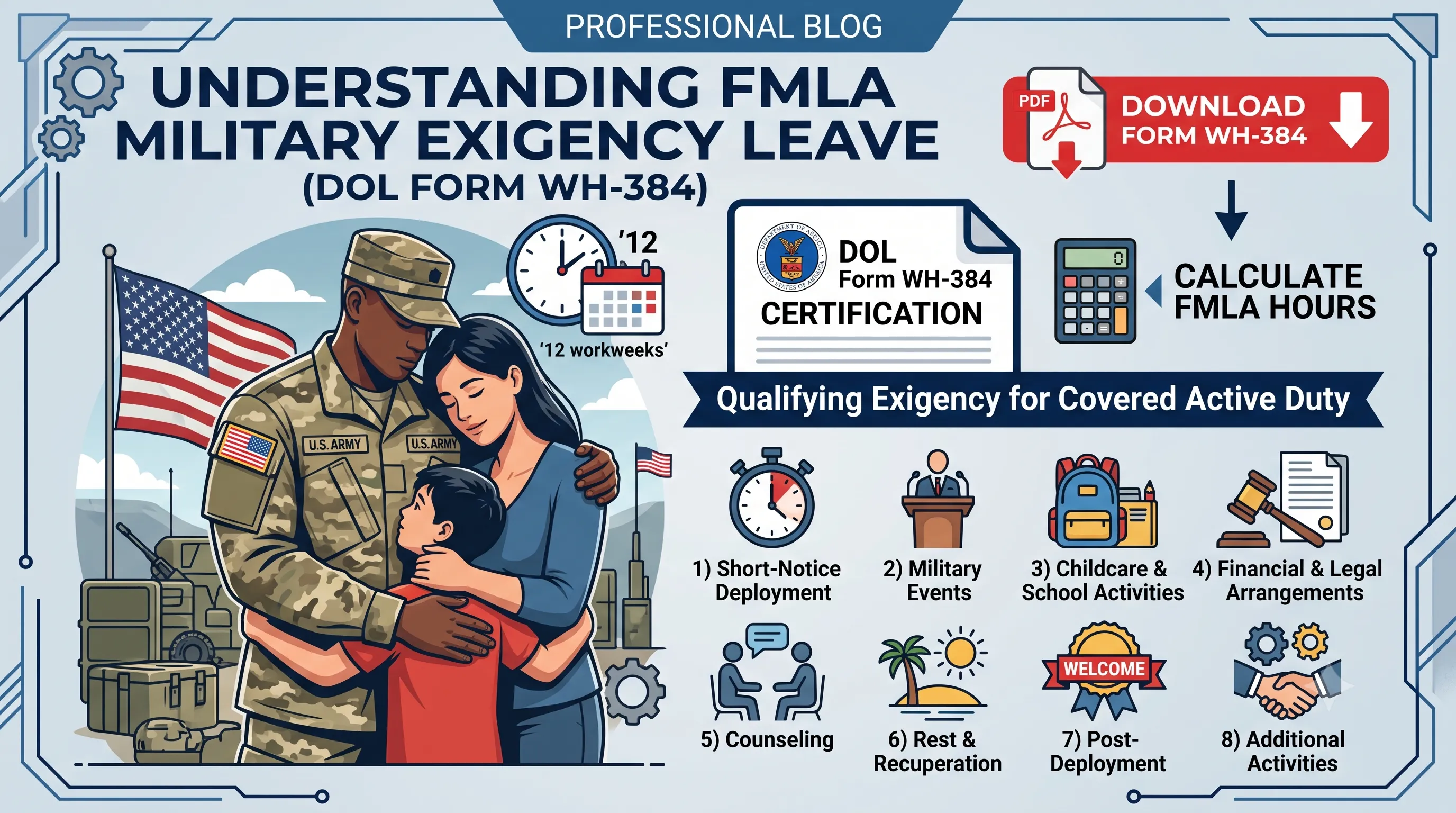
FMLA tracking and deadline management
ADA accommodation documentation
Benefits renewal coordination
Employee relations case management
Interview no-show follow-up
HR documentation and audit trail support
Why this category exists
Spreadsheets can track a list, but they usually cannot keep tasks, documents, notes, and status changes connected to the same case.
They may store employee data well, but many lean HR teams still need a workflow layer for follow-up-heavy, deadline-sensitive cases.
Once a case stretches across multiple people and multiple days, inboxes stop being a reliable source of truth.
When employees research employers on Glassdoor and LinkedIn, they look for companies with clear, fair processes. A single mishandled FMLA case can damage your hiring pipeline. Defensible HR is a talent asset.
Practical fit
The product is most useful when your team already knows the work is real, recurring, and too risky to keep juggling in spreadsheets and inboxes. It gives that work a cleaner operating system without pretending to replace every HR tool around it.
AI SoloHR is strongest when one issue turns into multiple tasks, documents, reminders, and communication steps that should stay visible to a small HR team.
Teams that already use payroll or an HRIS often add AI SoloHR when they still need a workflow layer for messy operational cases that do not fit neatly inside employee records.
The product helps HR organize the work and reduce blank-page effort. It does not make protected-employment judgments or replace legal, medical, broker, or policy review.
Explore next
See how leave requests, deadlines, documents, and communication stay in one workflow.
Open pageRead the practical guide to documenting accommodation requests and follow-up.
Open pageUnderstand how AI SoloHR builds a defensible record as the work happens.
Open pageAI SoloHR centers HR work around live cases, assigned deadlines, forms, timeline evidence, and reviewed drafts. These screenshots show the current product experience rather than a placeholder mockup.
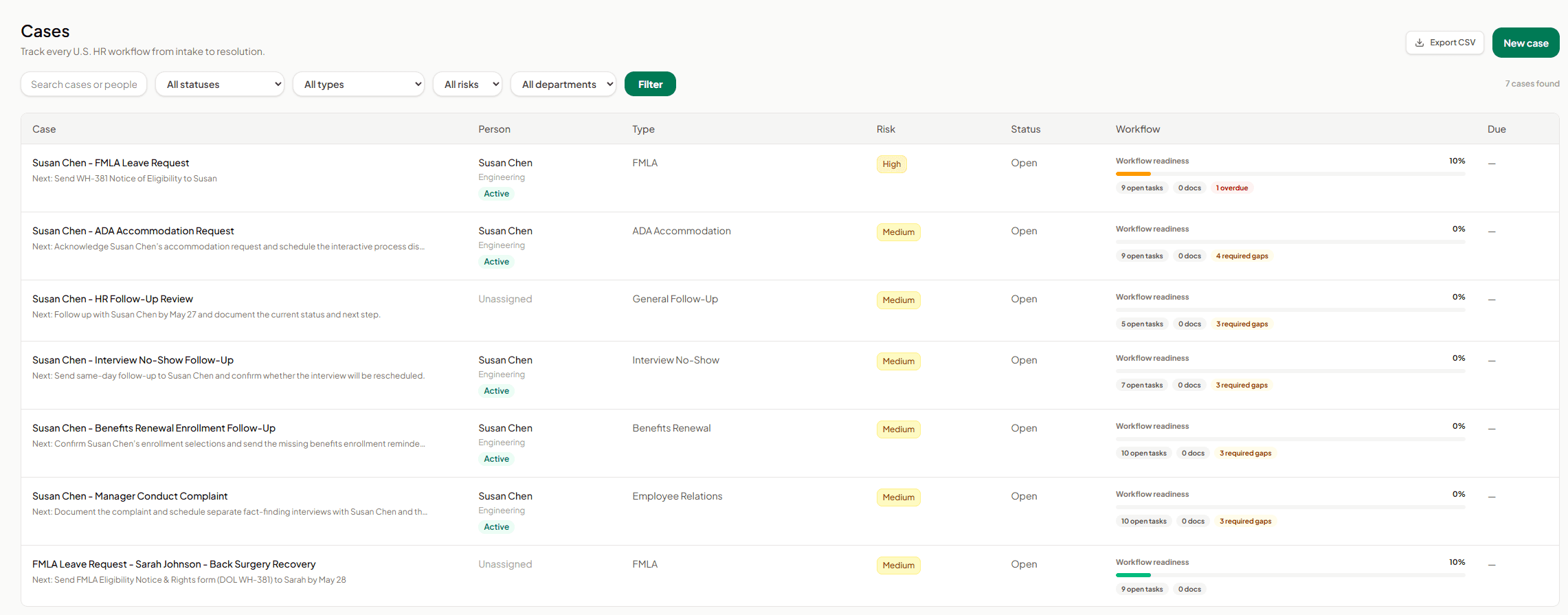
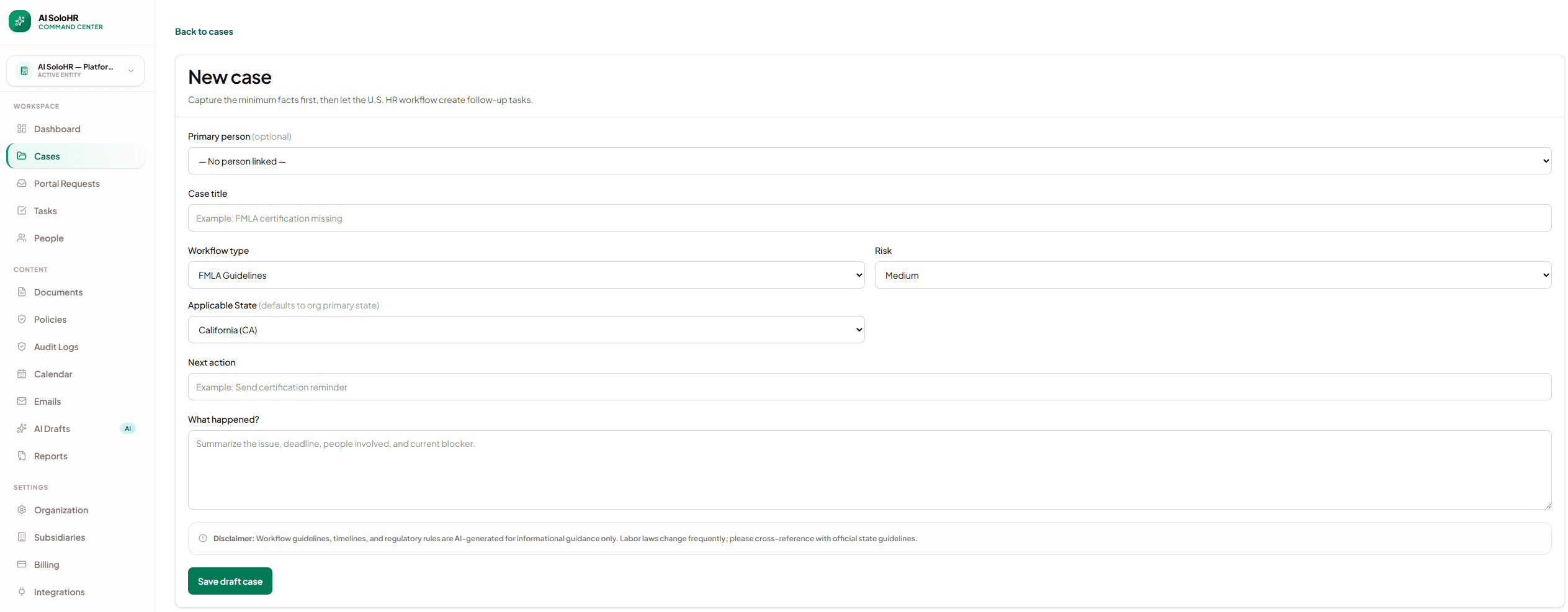
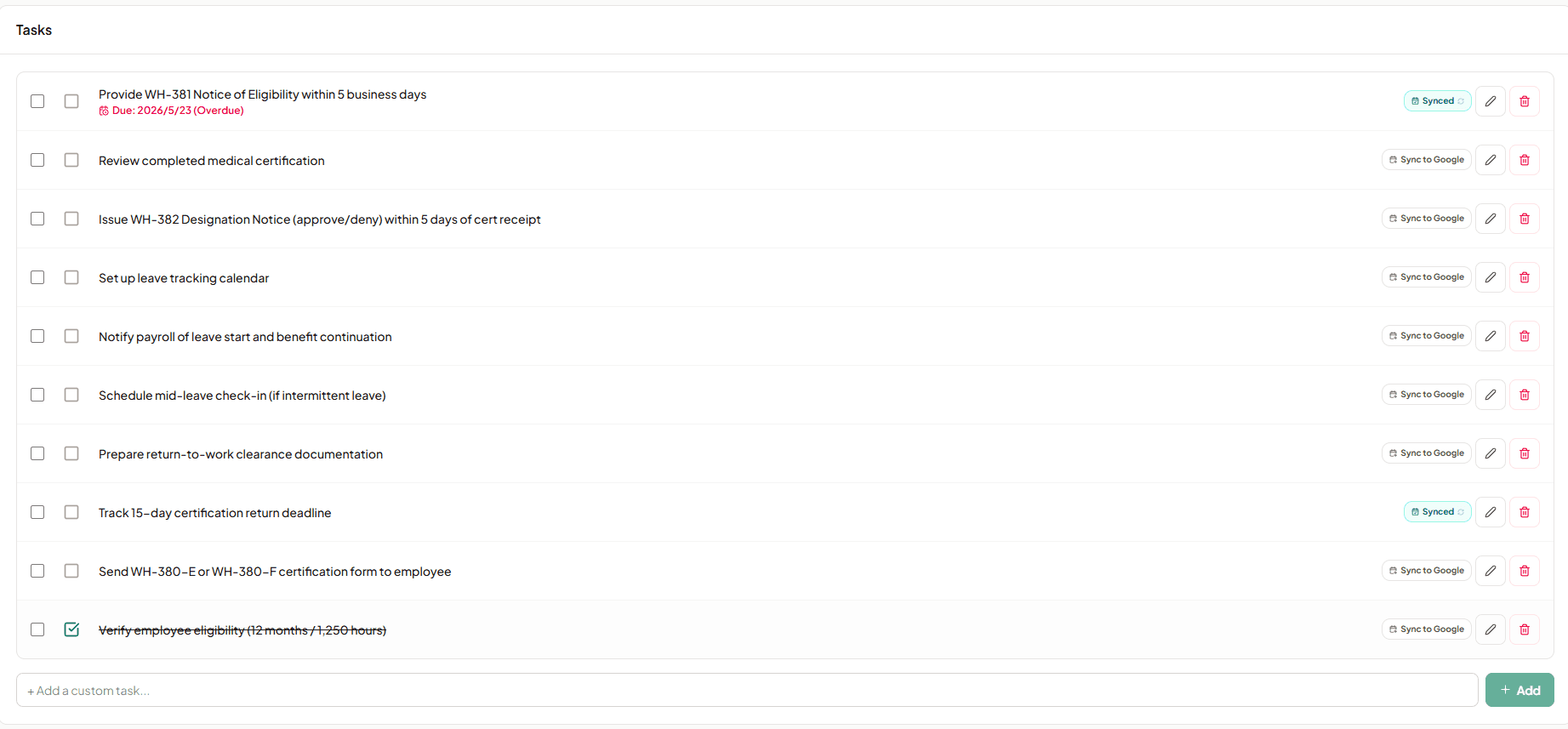
Current product experience
These are current product screens populated with fictional demo data. They show the operational workflow rather than a conceptual mockup.
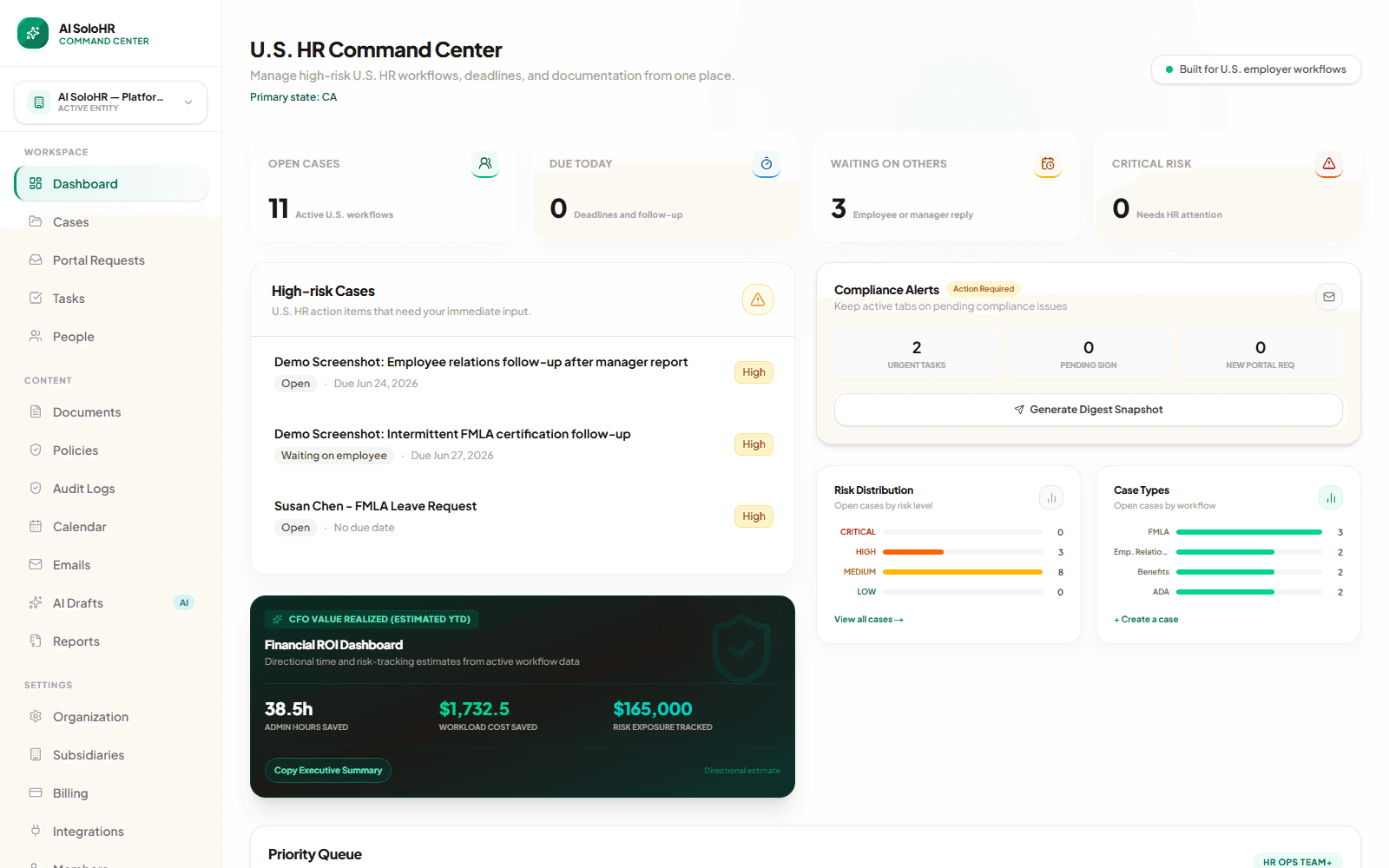
See open work, due items, waiting states, risk distribution, and case types in one operational view.
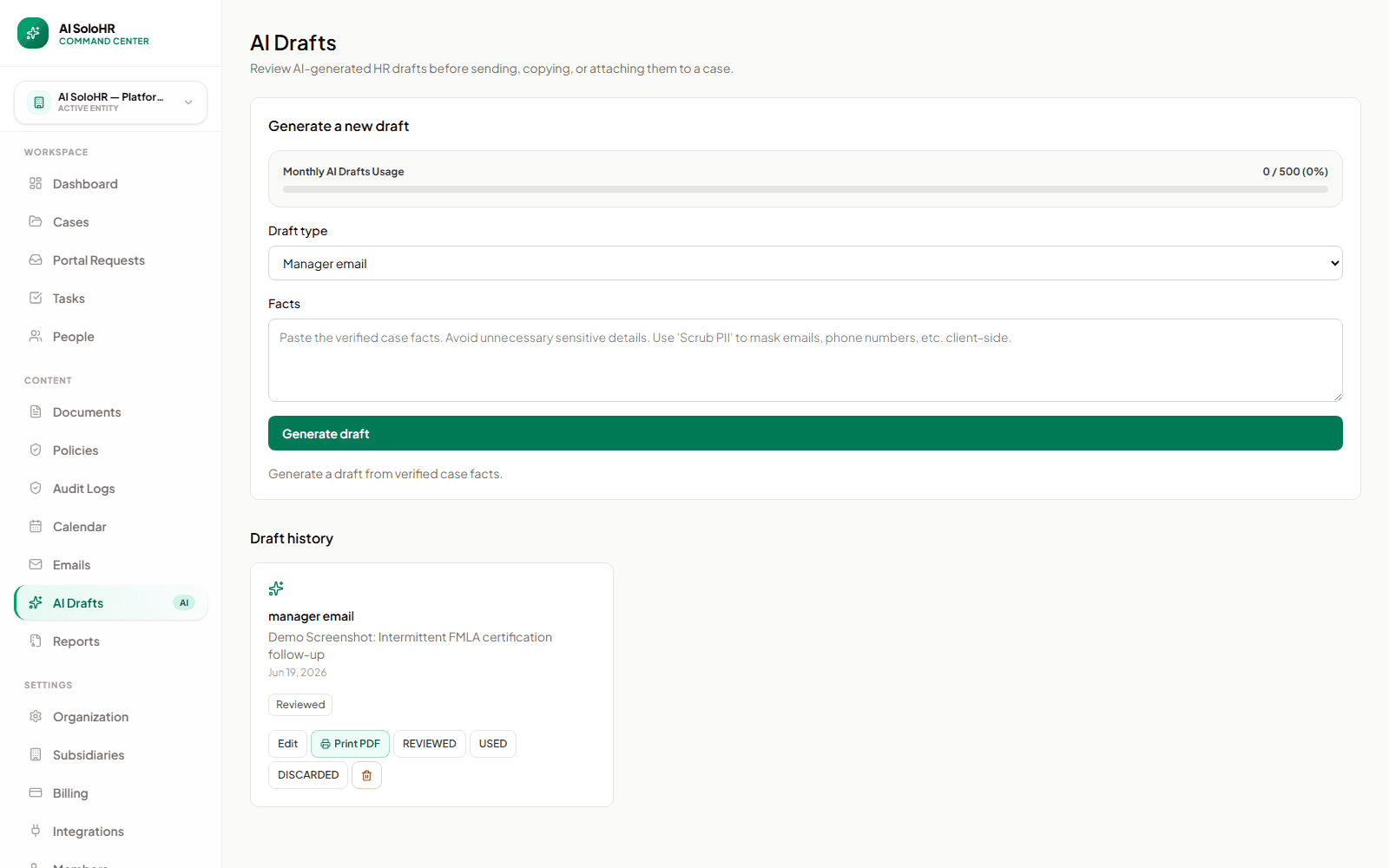
Generate from verified facts, then edit, review, print, or mark the draft used before it becomes part of the workflow.
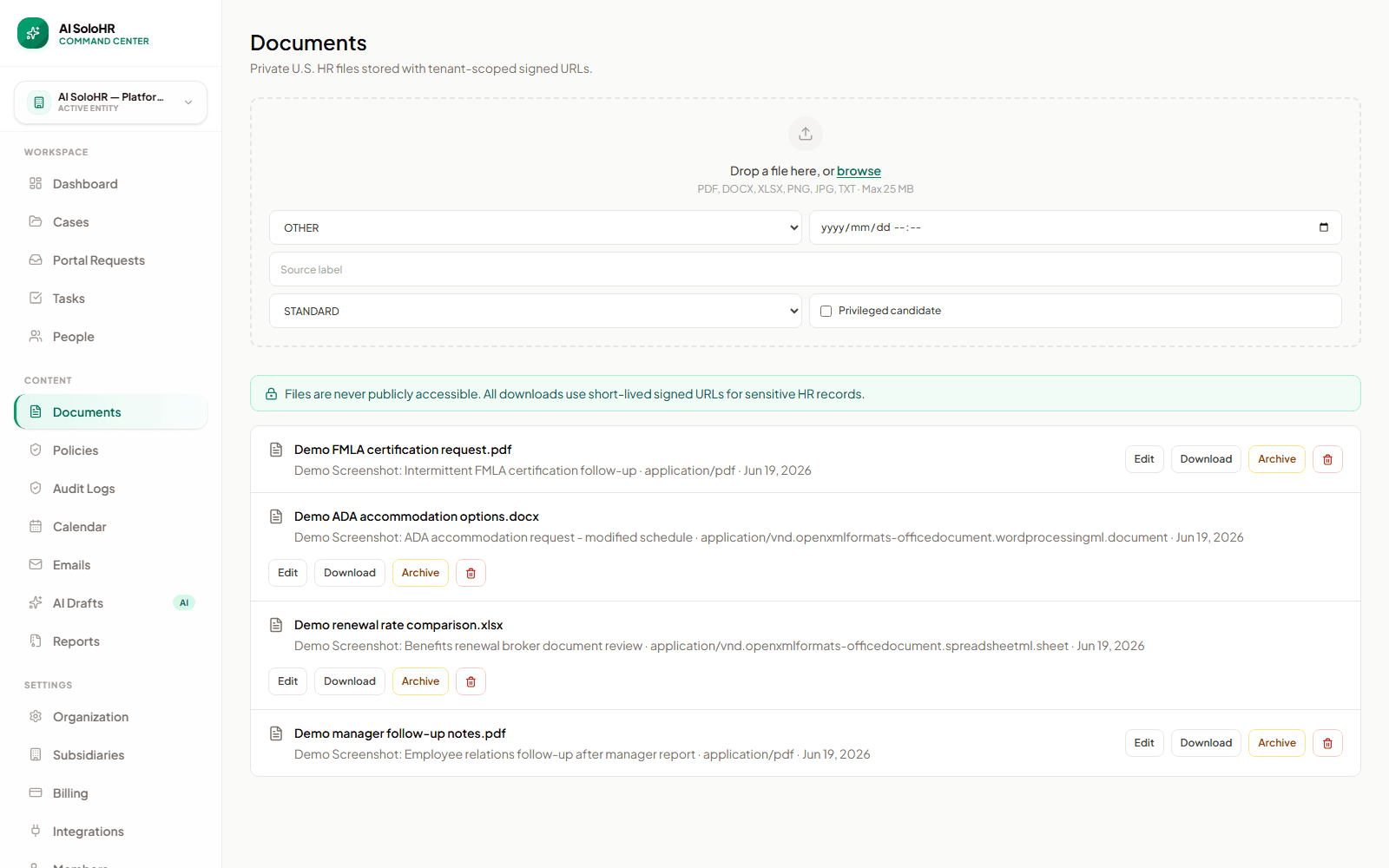
Keep sensitive files attached to the case context and deliver downloads through controlled access.
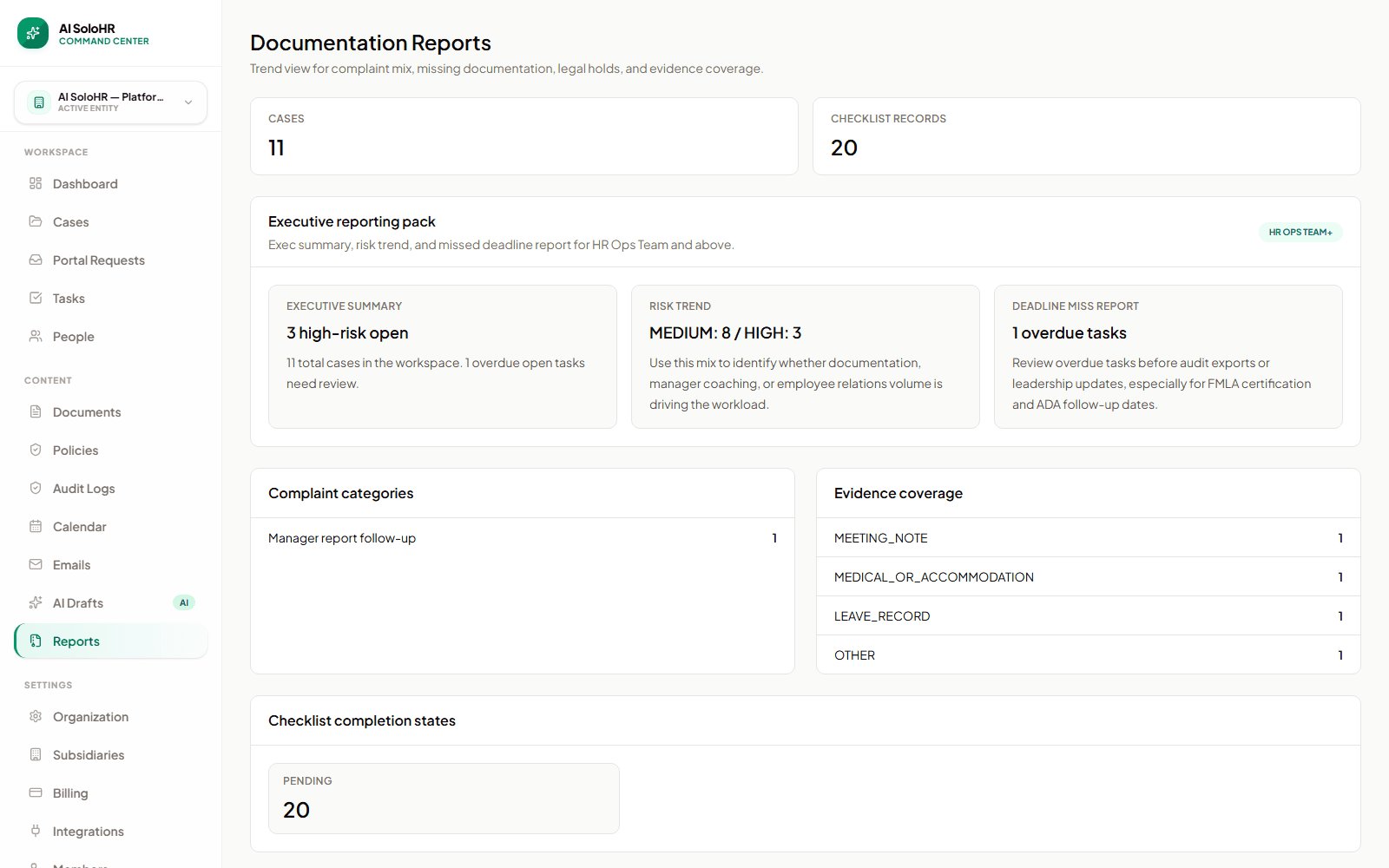
Review documentation readiness and identify incomplete records across the workspace.
Explore the live capabilities of our cases, tasks, timelines, and reviewed AI drafts.
Track active statuses, assign deadline tasks, and manage roles for FMLA or ADA accommodation requests.
Organize physician certifications, witness files, and emails inside the encrypted case timeline log.
Accelerate template drafting for manager updates or leadership memos with human-in-the-loop oversight.
See how your current spreadsheets and scattered folders map to a secure database.
Add intake forms, set task owners, and log key milestones chronologically from day one.
Store medical certificates and physician restriction checklists safely to prevent data leaks.
Draft manager summaries, verify milestones, and export complete audit packets for counsel.
Compare spreadsheet tracking with a dedicated workspace engineered to eliminate manual follow-up slips.
Work never lives in scattered folders. Everything is anchored in timeline logs.
Deadlines, notes, and physician restrictions have one single system of record.
No automated decisions. AI drafts templates but human judgment stays in charge.