ComplianceJul 17, 2026 10:28by AI SoloHR Team5 min read
How to Use AI to Analyze HR Documents Safely (Without Leaking Employee Data)
For U.S. employers and small-business HR teams.
#fmla tracking#hr case management#secure hr document storage
Fact-Checked & Regulatory AuditVERIFIED E-E-A-T
Verified by AI SoloHR Compliance & Editorial Team (U.S. Employment Law & Regulatory Compliance Research Group)
Last Audit: Sep 24, 2026 23:31
How to Use AI to Analyze HR Documents Safely (Without Leaking Employee Data)
For small HR teams in 2026, generative AI feels like an administrative lifeline. When you are a department of one, task list items compile faster than you can check them off. You are managing FMLA leave request timelines, ADA accommodation schedules, and employee relations incidents simultaneously.
Naturally, when a manager sends you an illegible medical certificate or a four-page doctor's note detailing restrictions, the temptation is strong to copy-paste the text or upload the file into a modern LLM and ask: "What are the actual restrictions here, and how do we schedule around them?"
But if you are using public AI tools, that single upload could expose your company to massive compliance liabilities, EEOC audits, and data privacy lawsuits.
If you are looking for an ai that allows you to upload documents to help automate your HR workflow, you must understand the rules of secure data handling.
Sources and review notes
This article is written for U.S. small-business HR teams in 2026 and should be checked against your own policy, state requirements, and counsel guidance before use in a contested employment decision. AI SoloHR provides workflow structure, reviewed drafting support, and educational resources; it does not provide legal advice or make final employment decisions.
Statutory Sources & Regulatory Citations
This compliance document references official regulatory guidance from federal employment enforcement agencies:
[!TIP]
Free Resource: Download our HR Document Security Checklist to audit your current AI tools and ensure your team is not leaking sensitive employee data during daily operations.
The Compliance Trap: Uploading HR Documents to Public AI
Generative AI tools are incredibly powerful for summarizing dense medical jargon or drafting policy responses. However, public AI engines are built to learn from every word you give them.
A Real-World HR Disaster Story
Last month, a HR generalist at a mid-sized logistics company received a complicated doctor’s note for an employee requesting intermittent leave. The note detailed complex psychiatric restrictions. Overwhelmed by a high case volume, the HR generalist uploaded the entire PDF into a popular free AI tool.
The prompt was simple: "Summarize the required schedule adjustments for this employee."
Two weeks later, another employee in the company searched a public AI search engine for advice on managing stress. The engine returned a highly specific, summarized scenario detailing the logistics company’s exact schedule accommodations—complete with the first employee's department and medical restrictions.
Although the name was omitted, the details were so specific that coworkers immediately identified the individual. The company now faces an expensive lawsuit for violating the Americans with Disabilities Act (ADA) confidentiality clauses.
Why Personal Data Becomes Public Data
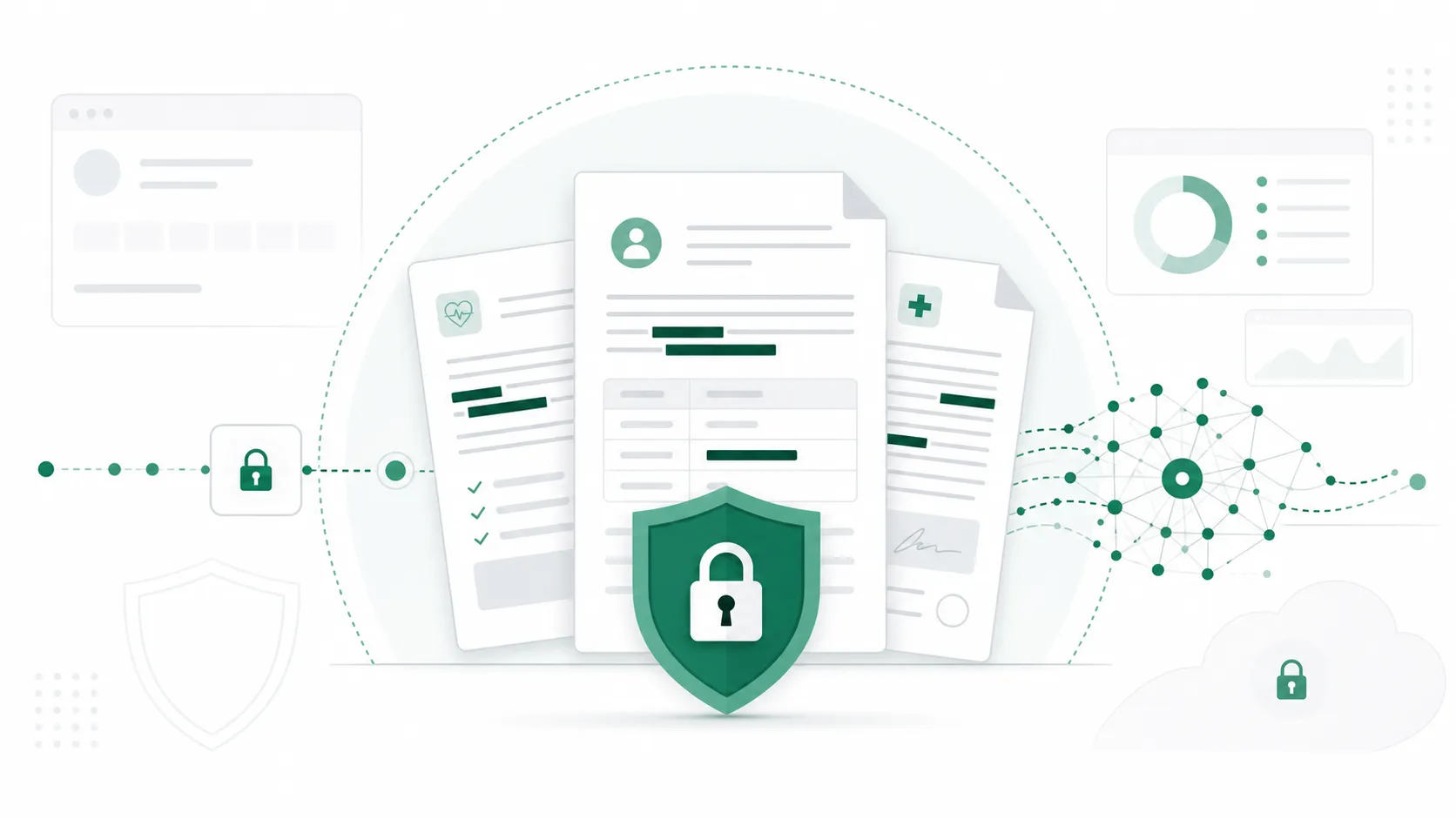
When you upload documents to a public, consumer-facing AI engine, the data is usually stored on external servers and used to train future language models. This means the sensitive details of your employee relations issues, FMLA medical certifications, or benefits renewal negotiations could end up in the training database, ready to be outputted to other users who ask similar questions.
How to Vet an AI Tool for Sensitive HR Records
To safeguard your organization, you must evaluate the data privacy standards of any AI tool before uploading standard HR documents. The easiest way is to look at their terms of service and check how they handle data storage and encryption.
Public AI Engines (Consumer Grade)
Data Retention: Retained indefinitely to train models and improve services.
Privacy Model: Public exposure risk. Your inputs can be exposed to other searchers.
Compliance Alignment: Violates ADA confidentiality, FMLA medical file isolation, and HIPAA-related best practices.
Enterprise AI Tools (HR Grade)
Data Retention: Stored in a private, encrypted environment. Zero retraining on your data.
Privacy Model: Isolated vault. Data is private to your company workspace.
Compliance Alignment: Built to comply with HHS.gov privacy rules and DOL.gov recordkeeping.
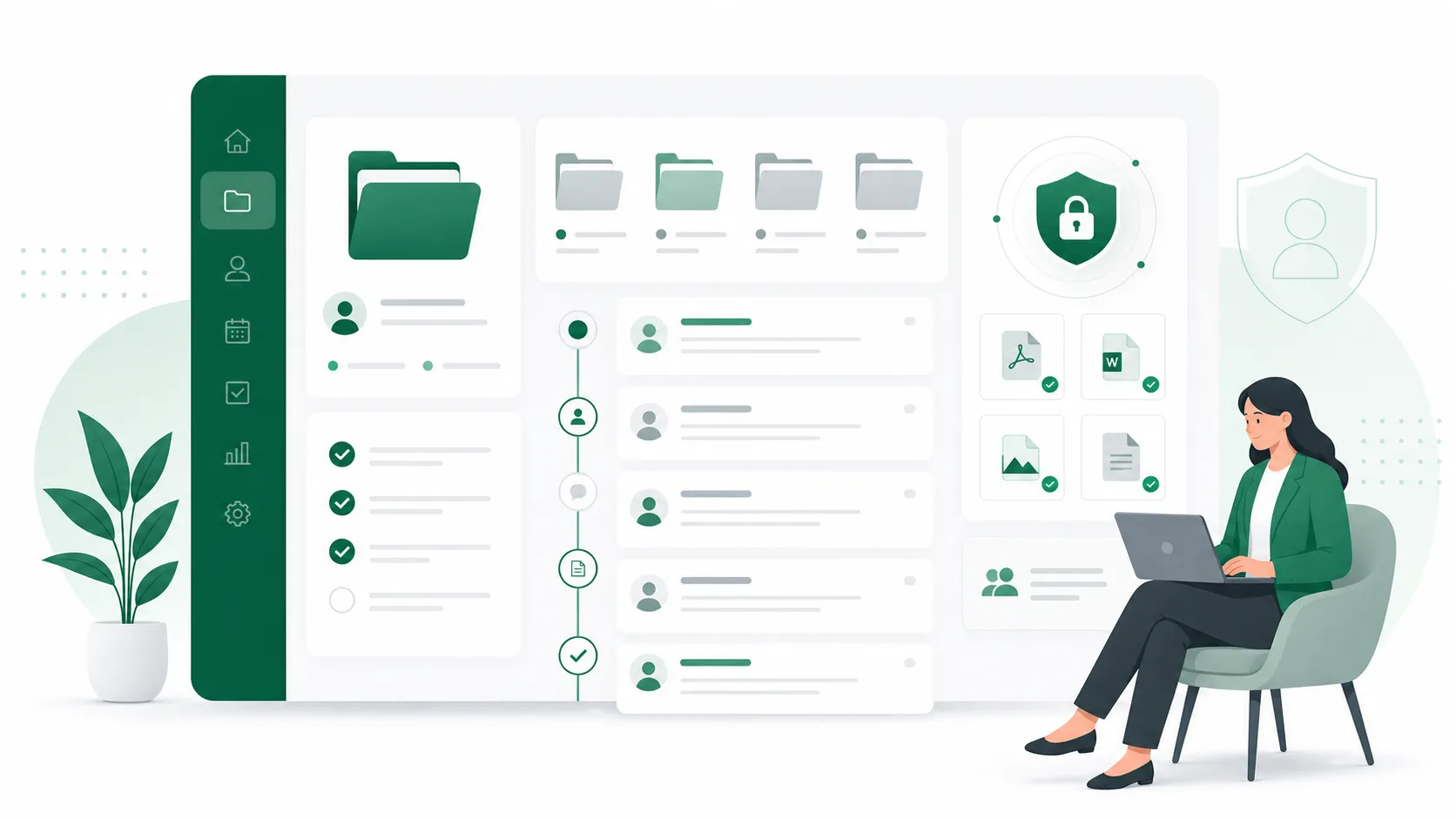
If you are currently managing leave and compliance manually, switching to a dedicated FMLA case management software that incorporates private AI pipelines is the safest way to automate drafts without risking data leakage.
Setting Up Your Safe AI Workflow
If you must use general-purpose AI tools to summarize HR documents, you must implement a strict containment workflow to minimize risk.
Step 1: Sanitize and De-identify
Before uploading any document, manually strip out all Personally Identifiable Information (PII) and Protected Health Information (PHI). Use a placeholder system to keep the context intact while removing the risk:
Replace employee names with generic labels (e.g., "Employee A").
Remove company names, specific departments, and local zip codes.
Redact specific dates, changing them to relative timelines (e.g., "Day 1", "Day 15").
Omit specific medical diagnoses, referring instead to functional limitations (e.g., "cannot lift over 20 lbs", "requires 2-hour rest periods").
Step 2: Isolate Access
Ensure your HR team uses paid, enterprise-tier accounts where data sharing is explicitly disabled in the admin dashboard. Do not allow team members to log in with personal email accounts, as these accounts do not carry B2B data protection guarantees.
Keep a strict audit log of what files were processed and by whom, ensuring that sensitive documents are never left stored in public history sidebars.
Frequently Asked Questions
Is it safe to upload employee medical records to ChatGPT?
No. Standard consumer accounts on ChatGPT use your conversation history and uploaded files to train their models. Uploading FMLA forms, doctor's notes, or ADA request details to a standard account violates federal ADA confidentiality requirements, which mandate that all employee medical records must be kept in separate, secure medical files isolated from general personnel records.
Does HIPAA apply to HR documents analyzed by AI?
Generally, no. Most employers are not "covered entities" under HIPAA (Health Insurance Portability and Accountability Act), unless they manage a self-insured health plan. However, employers are bound by the Americans with Disabilities Act (ADA) and the Family and Medical Leave Act (FMLA), which enforce strict confidentiality rules regarding employee medical history and records.
What is the best AI that allows you to upload documents securely?
The best AI tools are those built with private, tenant-isolated data architectures. B2B systems like AI SoloHR isolate your workspace data, encrypting files at rest and in transit, and ensuring that no uploaded documents, case timelines, or draft histories are ever used to train public models.
This allows you to draft notices, track compliance, and manage employee relations cases safely.
Legal Disclaimer: The information provided in this article is for educational and operational purposes only and does not constitute formal legal advice. Compliance laws, including FMLA and ADA regulations, vary by state and organizational size.
Always consult with qualified employment counsel or professional HR compliance specialists before finalizing your internal policies or making adverse employment decisions in 2026.