Employee relations case management with a defensible timeline
Securely track employee relations incidents, timeline notes, and files. Use our interactive Bradford Factor absence calculator to assess disruption scores.
Built for U.S. employers and small-business HR teams.
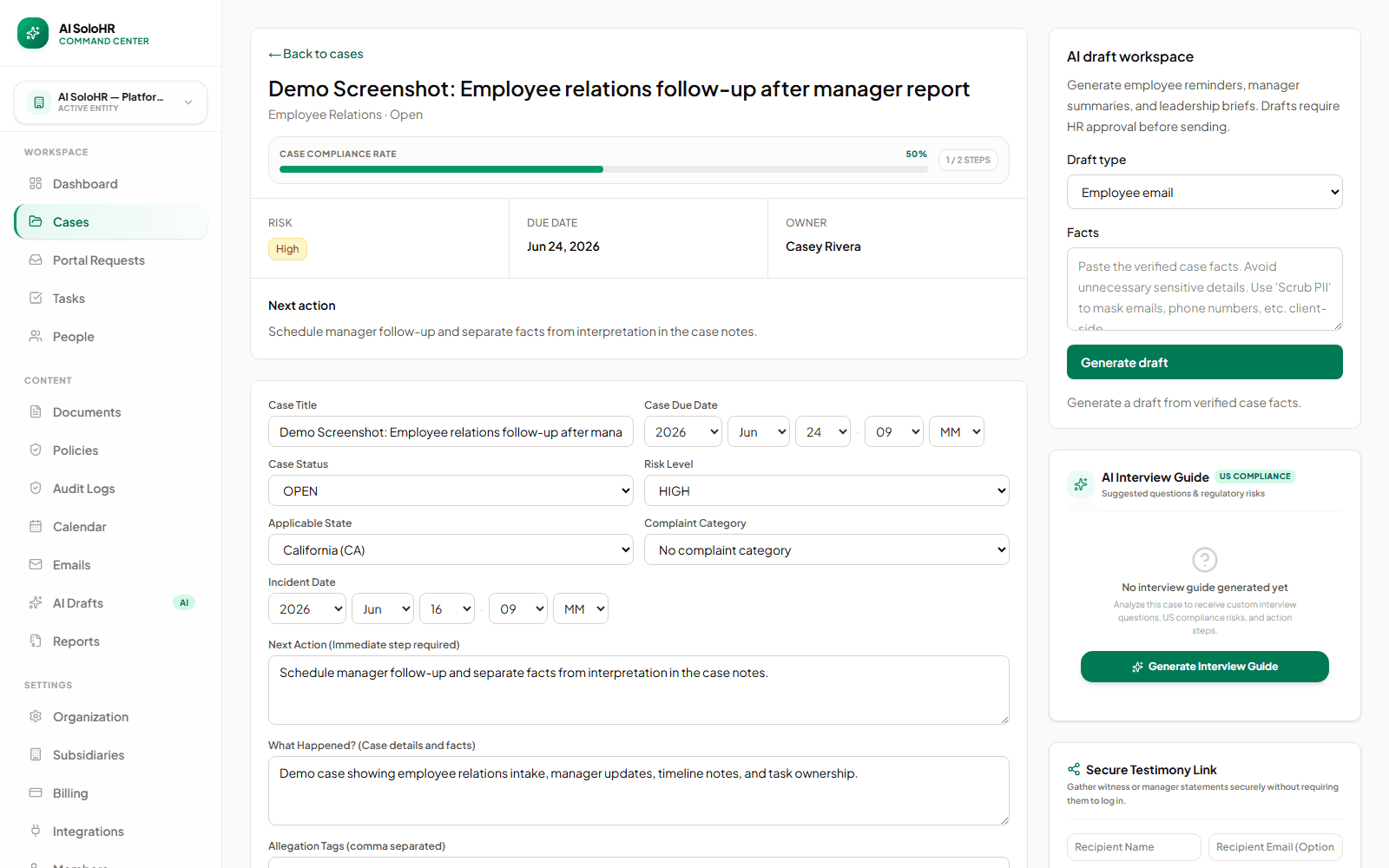
Real Employee Relations Workspace
Key takeaways
- Case notes
- Status tracking
- Audit trail
- Manager updates
Core Software Capabilities
Confidential Intake Portals
Provide private intake portals for witnesses and employees, piping data directly into the incident timeline.
Tamper-Proof Case Timelines
Log every interview, policy update, and meeting chronologically, establishing a solid audit trail.
How AI SoloHR Compares
| Metric | Spreadsheet | Generic HRIS | AI SoloHR |
|---|---|---|---|
| Investigation Audit Trail | No version history, easily overwritten | Mainly keeps basic profiles, lacks dispute records | Tamper-proof case timelines & activity hash logs |
| Witness & Employee Intake | Scattered email threads and paper notes | Generic, non-confidential ticketing queues | Secure, case-specific digital intake portals |
| Evidence Vault Security | Local files or open shared folders (high leak risk) | General file uploads, not anchored to incidents | Encrypted evidence vault with role-based access limits |
Investigation Audit Trail
No version history, easily overwritten
Mainly keeps basic profiles, lacks dispute records
Tamper-proof case timelines & activity hash logs
Witness & Employee Intake
Scattered email threads and paper notes
Generic, non-confidential ticketing queues
Secure, case-specific digital intake portals
Evidence Vault Security
Local files or open shared folders (high leak risk)
General file uploads, not anchored to incidents
Encrypted evidence vault with role-based access limits
What HR should track in every employee relations case
A useful case record helps HR understand both the current status and the full history of the issue.
Core fields
The case should surface the basics immediately.
Historical record
The timeline should show how the issue progressed over time.
How AI SoloHR supports sensitive case work
AI SoloHR gives HR a structured workspace for employee relations issues without turning sensitive judgment into automation.
One case, one timeline
Keep updates, tasks, drafts, and documents attached to the same record so the case stays readable as it evolves.
Manager updates with tighter boundaries
Drafts can help HR prepare clear manager updates while keeping sensitive details under tighter control.
Human judgment stays central
AI SoloHR can help draft summaries and communications, but sensitive decisions should still be reviewed by qualified humans.
Where generic tools fall short
Generic HRIS tools often store employee data well but do not provide a strong narrative timeline for sensitive case work. Shared docs may capture notes but usually do not provide ownership, due dates, or a reliable audit trail.
A Complaint-to-Resolution Scenario
Case Intake
Record factual check-in notes, upload signed witness statements, and document the final corrective action.
Fact-Finding and Documentation
Sensitive workplace concerns require objective, factual documentation rather than subjective notes.
Resolution and Follow-Up
Sensitive workplace concerns require objective, factual documentation rather than subjective notes.
What Records Matter Most
Timeline Events
Record factual check-in notes, upload signed witness statements, and document the final corrective action.
Interview Notes and Statements
Record factual check-in notes, upload signed witness statements, and document the final corrective action.
Outcome and Corrective Action Records
Maintaining a chronological timeline of check-ins and resolution steps is crucial for employee relations.
Why Timeline Quality Matters So Much Here
Context Changes Over Time
Record factual check-in notes, upload signed witness statements, and document the final corrective action.
Multiple Conversations Need One Record
Sensitive workplace concerns require objective, factual documentation rather than subjective notes.
Review Gets Hard Fast Without Sequence
Record factual check-in notes, upload signed witness statements, and document the final corrective action.
Try Our Interactive Bradford Factor Absence Calculator
Calculate your employee's attendance disruption score and review HR recommendations below.
“Documenting ER disputes on Excel was a disaster waiting to happen. Moving to AI SoloHR allowed our team to handle employee relations investigations securely, with court-ready timelines that saved us from a costly mediation.”
How to read this use-case page
A use-case page is meant to help you judge workflow fit. If the problem described here sounds like your current HR process, that usually means you need a clearer case record, a more visible task flow, better document handling, and a stronger timeline than spreadsheets or inboxes provide.
- Use the page to compare your current process against a structured case workflow
- Look for where deadlines, documents, and communication tend to drift today
- Use the product and pricing pages if the use case already matches active work inside your team
What this page does not claim
This use-case page explains workflow support and documentation structure. It does not claim that AI SoloHR makes legal decisions, replaces an HRIS, or automates protected-employment judgments for your team.
AI SoloHR is designed to support case records, tasks, documents, timelines, and reviewed AI drafts inside one workflow. It is not a substitute for legal, medical, benefits, or policy review where those are needed.
Keep Exploring
Frequently asked questions
What is employee relations case management?
Employee relations case management is the practice of organizing concerns, discussions, follow-up tasks, documents, and outcomes in a structured record so HR can manage the issue consistently and explain the timeline later.
Why not just keep employee relations notes in a shared document?
Shared documents may hold notes, but they usually do not provide case ownership, status tracking, deadlines, document context, or a clear event-by-event timeline. A case workflow makes the work easier to manage and review.
Can AI SoloHR replace HR judgment in sensitive cases?
No. AI SoloHR supports documentation and communication workflows, but it does not replace human judgment or make final employment decisions.
Related Interactive Calculators & Tools
Related Compliance Articles & Guides
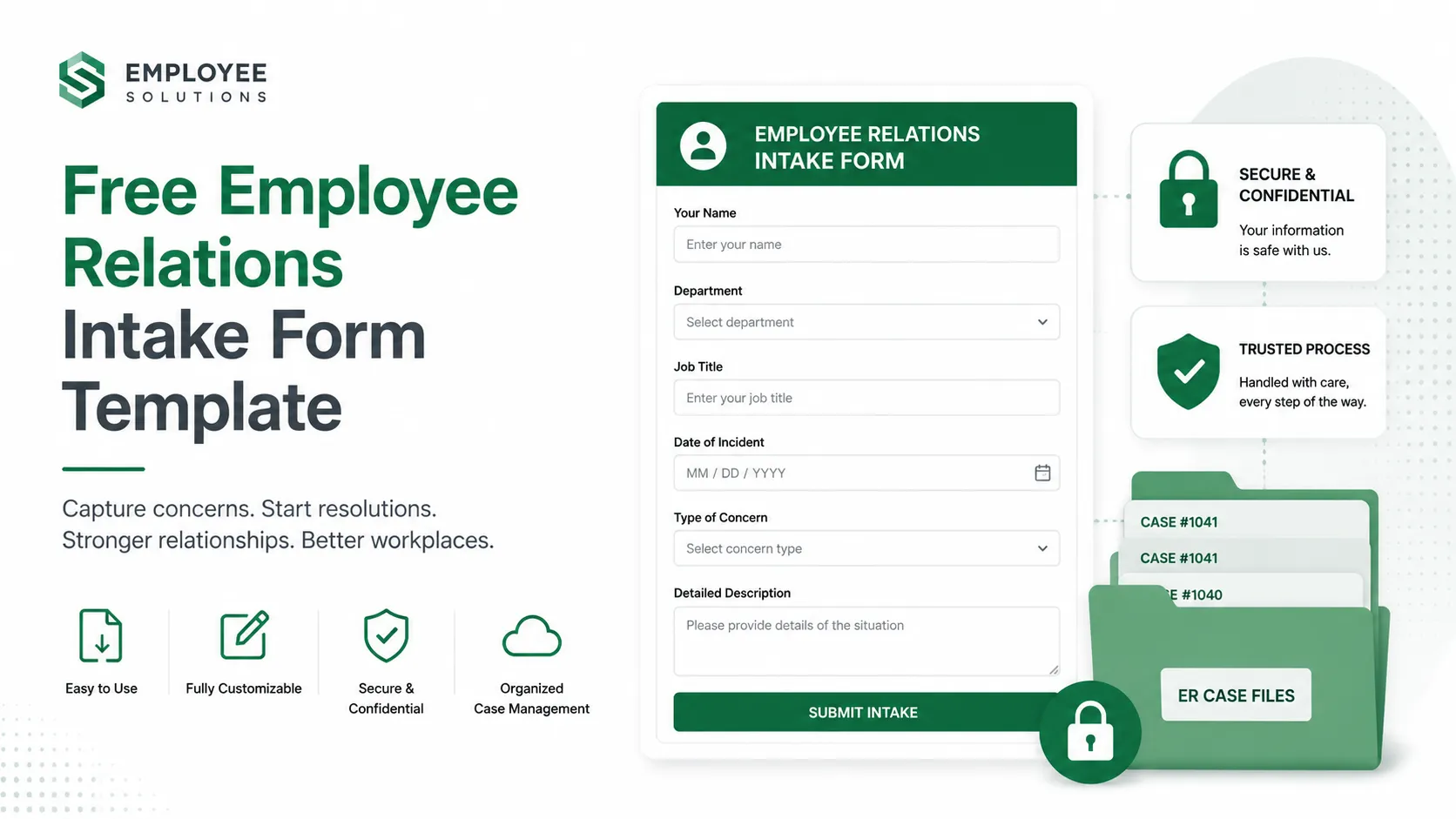
Free Employee Relations Intake Form Template: Defensible Documentation SOP (2026)
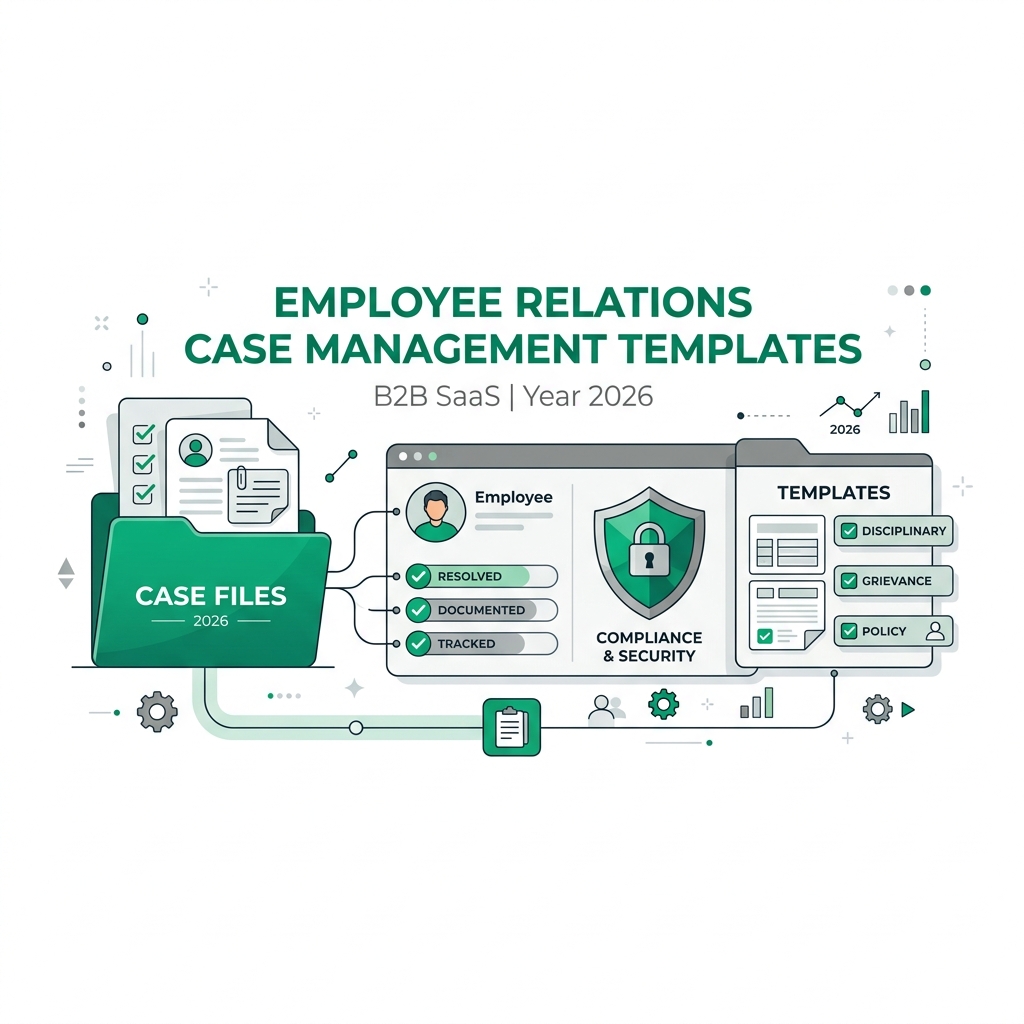
Free Employee Relations Case Management Template & Intake Form (2026)
Age Discrimination & Pretextual Performance: Hudgens v. MD Anderson
Analyze the age discrimination and pretext rules in Hudgens v. MD Anderson. Learn the compliance risks of using minor infractions to justify major actions.
Wrongful Termination & Retaliation Risk
Separating an employee with a recent FMLA/ADA request or protective complaint carries massive retaliation exposure. Inconsistent warning notes, opinion-heavy investigation files, and undocumented comparator benchmarks are the leading causes of lost wrongful termination claims.
Put this guidance into action
AI SoloHR helps U.S. small-business HR teams turn manual compliance steps into tracked tasks, defensible timelines, secure document records, and reviewed AI drafts.
- 14-day full platform access
- Up to 3 active cases
- Up to 30 employee records
- All 7 U.S. case types unlocked
This resource is intended for U.S. HR operations and educational purposes only, and does not constitute legal advice. Consult a qualified professional or employment attorney regarding your specific federal and state compliance obligations.