HR case intake form
A simple intake structure for opening HR cases consistently across leave, accommodation, benefits, hiring, and employee relations issues.
Built for U.S. employers and small-business HR teams.
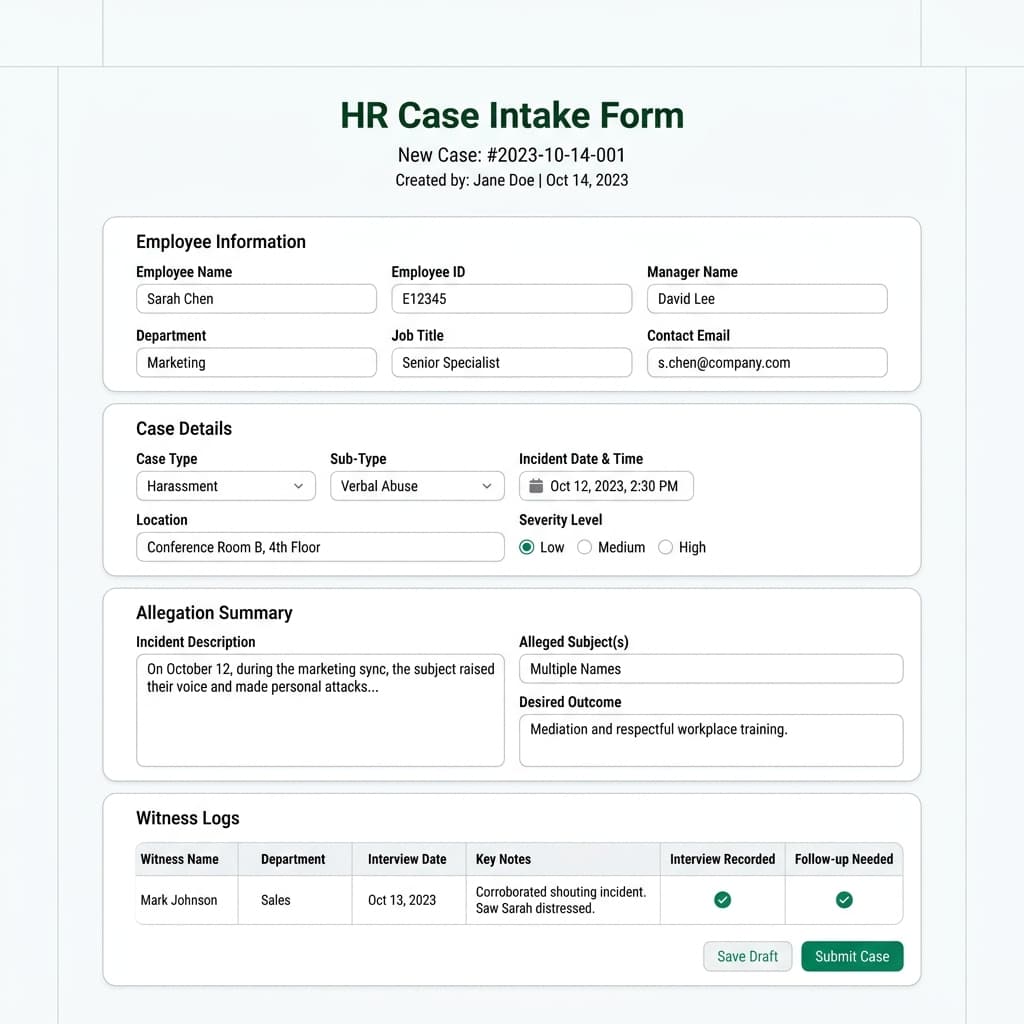
Key takeaways
- Case type
- Primary person
- Risk
- Next action
Why a standard intake form matters
A consistent intake form helps HR capture the same minimum information every time, which makes follow-up easier and reduces the odds of incomplete case setup.
Useful for many HR workflows
A shared intake structure works across leave requests, accommodation requests, employee relations issues, benefits questions, and hiring follow-up.
The goal is fast clarity
You do not need every detail up front. You need enough detail to open the case, assign ownership, and make the next step visible.
Recommended intake fields
To build a robust audit trail, a professional HR case intake form must capture structured data across several critical compliance fields. We recommend listing and defining these core blocks to enrich your documentation:
Employee & Submitter Information
Accurate identity logging prevents mismatched records and keeps communication secure.
Incident & Case Details
Structure the core parameters of the issue to determine the appropriate HR workflow category.
Risk & Action Assessment
Establish the priority and first steps immediately to avoid regulatory or grievance delays.
How AI SoloHR uses intake data
AI SoloHR turns intake details into a live case record with ownership, timeline history, connected files, and reviewed draft communication.
What the Intake Form Should Capture First
Core Facts
Record factual check-in notes, upload signed witness statements, and document the final corrective action.
People, Dates, and Risk
Maintaining a chronological timeline of check-ins and resolution steps is crucial for employee relations.
The First Follow-Up Action
Record factual check-in notes, upload signed witness statements, and document the final corrective action.
How Intake Changes by Workflow Type
Leave and Accommodation Cases
Establishing a good-faith interactive dialogue protects both the organization and the staff member.
Employee Relations Cases
Sensitive workplace concerns require objective, factual documentation rather than subjective notes.
Recurring Admin Work
Maintaining a chronological timeline of check-ins and resolution steps is crucial for employee relations.
What to Add Right After Intake
Tasks and Checklist Items
Sensitive workplace concerns require objective, factual documentation rather than subjective notes.
Documents and Evidence
Sensitive workplace concerns require objective, factual documentation rather than subjective notes.
Notes That Clarify the Starting Point
Maintaining a chronological timeline of check-ins and resolution steps is crucial for employee relations.
Download HR Case Intake Form Template
Download our free HR case intake form template (Excel format) to standardize case opening, log primary people, assess risk levels, and establish first follow-up steps consistently.
| Case ID | Case Title | Case Type | Status | Action |
|---|---|---|---|---|
How to use a template without overrelying on it
A template helps most when you need a repeatable starting structure, but it is still only one part of the workflow. The real work usually includes follow-up tasks, status changes, supporting documents, and communication that should stay connected to the same issue over time.
- Use the template to create consistency across repeated HR work
- Add dates, owners, and supporting notes so the template stays actionable
- Move into a structured case workflow once deadlines, files, or multiple follow-ups start stacking up
What this template page is and is not
This page can help you structure HR workflow documentation, but it should not be treated as legal advice or a promise that one form alone will solve the underlying process. Human review and professional judgment still matter.
AI SoloHR is designed to support case records, tasks, documents, timelines, and reviewed AI drafts inside one workflow. It is not a substitute for legal, medical, benefits, or policy review where those are needed.
Keep Exploring
Frequently asked questions
What should an HR case intake form include?
A strong intake form should include the case type, who is involved, the owner, risk level, due date, next action, and a short summary of the issue.
Can the same intake form work across multiple HR case types?
Yes. Most teams can use a shared intake structure for many workflows, then add case-specific details after the initial record is created.
How does AI SoloHR help after intake?
AI SoloHR turns intake details into a structured case with tasks, timeline events, documents, and reviewed drafts, so the case is ready for follow-up immediately.
Related Interactive Calculators & Tools
Related Compliance Articles & Guides
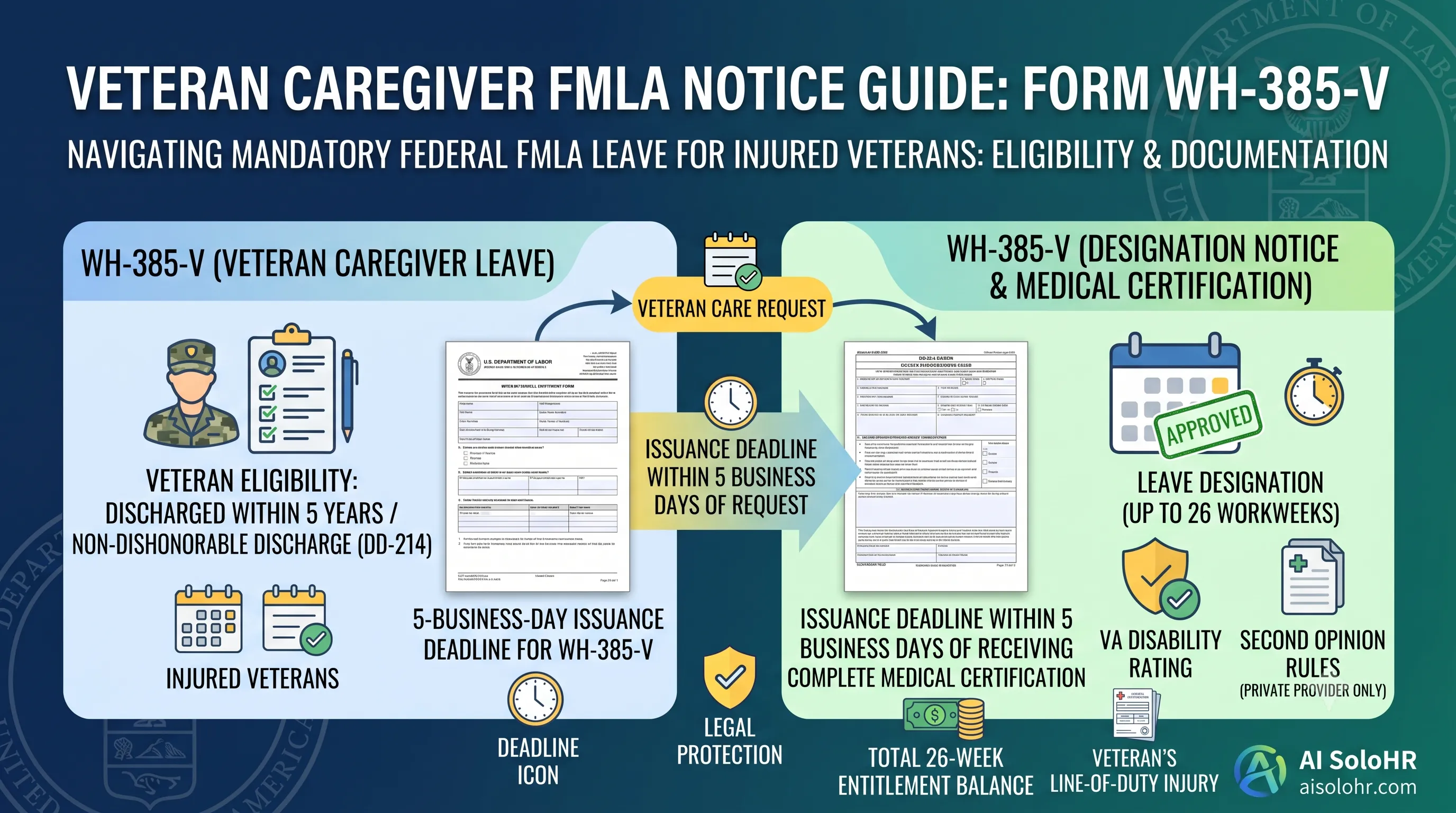
WH-385-V Instructions: Complete FMLA Veteran Caregiver Leave Certification Guide (2026)
A section-by-section guide to completing DOL Form WH-385-V for veteran military caregiver leave. Master the 5-year post-discharge rule, DD-214 verification, bad vs. good certification examples, and 26-week entitlement limits.
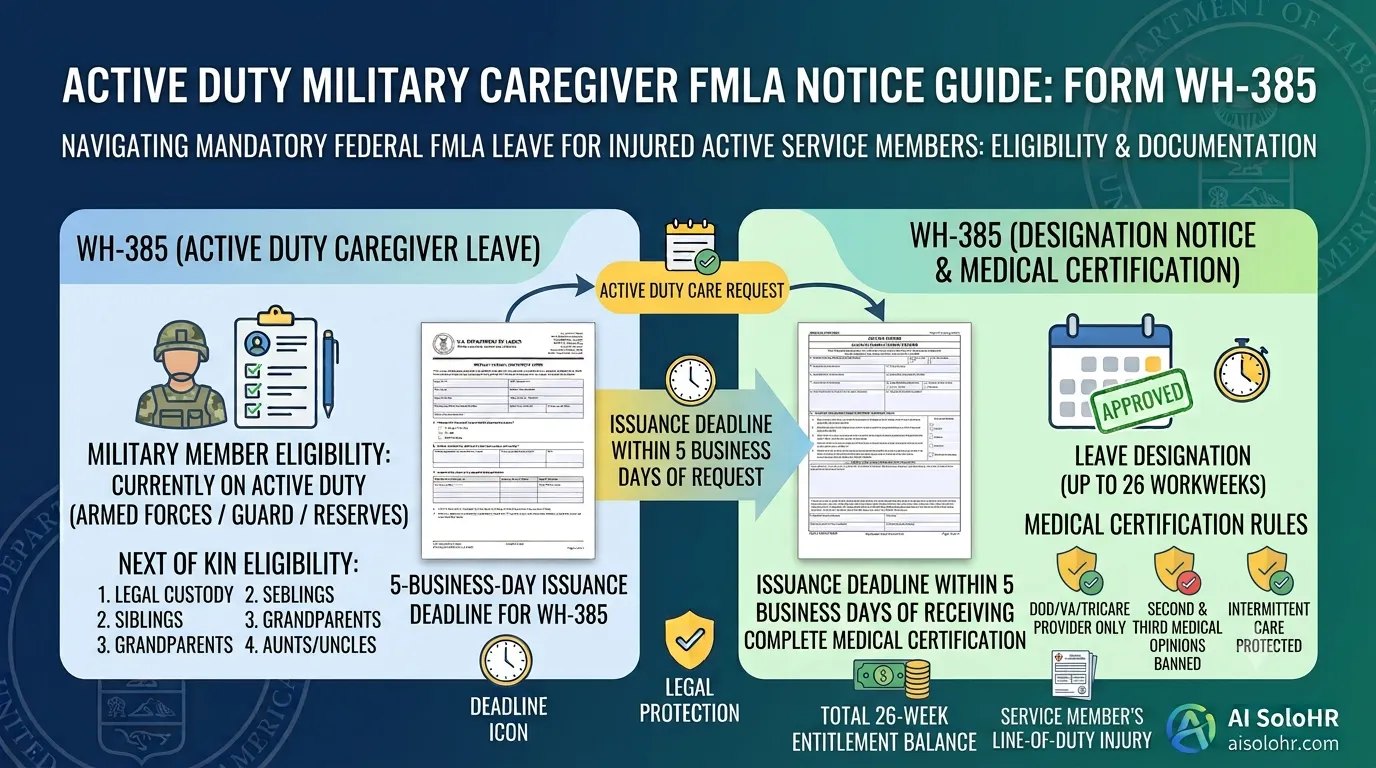
WH-385 Instructions: FMLA Military Caregiver Leave Certification Guide (2026)
A section-by-section HR guide to completing DOL Form WH-385 for active duty military caregiver leave. Master 26 workweeks entitlement, Next of Kin relationship rules, DOD medical certifications, and real-world case examples.
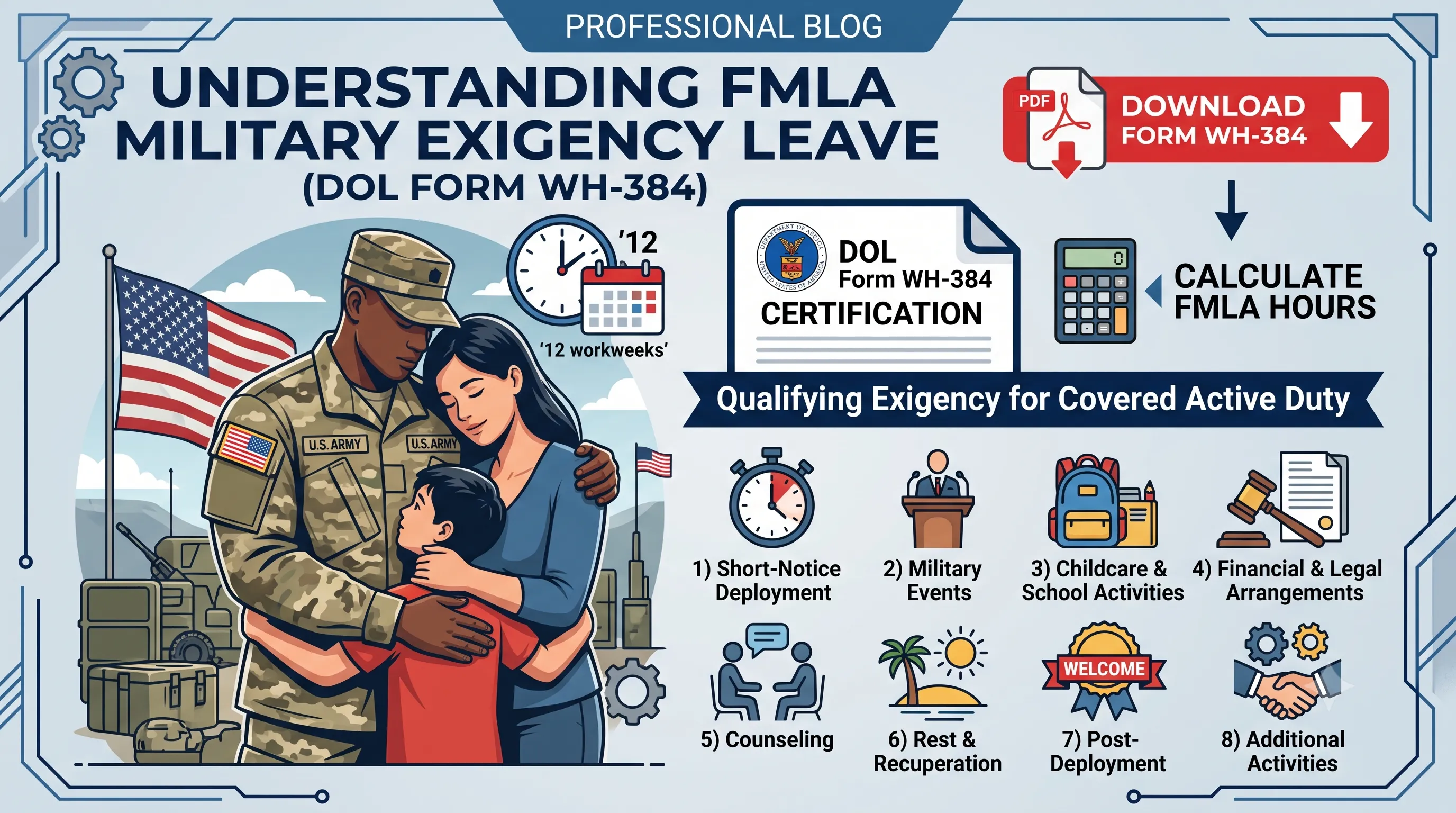
WH-384 Instructions: FMLA Qualifying Exigency Leave Certification Guide (2026)
A section-by-section HR guide to completing DOL Form WH-384 for military exigency leave. Master the 8 statutory exigency categories, active duty order verification, bad vs. good certification examples, and 12-week entitlement rules.
Wrongful Termination & Retaliation Risk
Separating an employee with a recent FMLA/ADA request or protective complaint carries massive retaliation exposure. Inconsistent warning notes, opinion-heavy investigation files, and undocumented comparator benchmarks are the leading causes of lost wrongful termination claims.
Put this guidance into action
AI SoloHR helps U.S. small-business HR teams turn manual compliance steps into tracked tasks, defensible timelines, secure document records, and reviewed AI drafts.
- 14-day full platform access
- Up to 3 active cases
- Up to 30 employee records
- All 7 U.S. case types unlocked
This resource is intended for U.S. HR operations and educational purposes only, and does not constitute legal advice. Consult a qualified professional or employment attorney regarding your specific federal and state compliance obligations.