How to Build an Employee Relations Tracking System (Without Excel Chaos)
For U.S. employers and small-business HR teams.
#employee relations tracking#employee relations case management template#employee relations documentation
Fact-Checked & Regulatory AuditVERIFIED E-E-A-T
Verified by AI SoloHR Compliance & Editorial Team (U.S. Employment Law & Regulatory Compliance Research Group)
Last Audit: Sep 17, 2026 13:49
How to Build an Employee Relations Tracking System (Without Excel Chaos)
Employee relations (ER) management is the high-wire act of HR. When handling employee complaints, performance issues, or disciplinary actions, you aren't just managing people—you are compiling a legal record. If an employee files a claim with the EEOC or sues for wrongful termination, your internal documentation will be the primary line of defense.
Yet, many small businesses and single-person HR departments track these critical incidents using basic spreadsheets, loose Word documents, or scattered email threads.
This manual approach is a major legal liability. In early 2026, a mid-sized logistics provider in Texas learned this lesson the hard way. HR had been tracking employee grievances and performance warnings in a shared Excel file. An employee filed a formal complaint alleging retaliation after reporting harassment by a supervisor.
When the company's legal counsel attempted to review the case history, they discovered the Excel file was a mess. Multiple managers had edited the file, timestamps were overwritten, and several warning letters referenced in the tracker could not be located on the local server.
Sources and review notes
This article is written for U.S. small-business HR teams in 2026 and should be checked against your own policy, state requirements, and counsel guidance before use in a contested employment decision. AI SoloHR provides workflow structure, reviewed drafting support, and educational resources; it does not provide legal advice or make final employment decisions.
Statutory Sources & Regulatory Citations
This compliance document references official regulatory guidance from federal employment enforcement agencies:
Due to the lack of a reliable audit trail, the company was unable to prove its timeline of disciplinary actions. The business agreed to a $110,000 settlement to resolve the lawsuit.
Objectivity: Write only observable, verifiable facts. Avoid subjective language like "bad attitude" or "uncooperative." Instead, document the exact behavior: "Employee arrived 20 minutes late on June 2, 2026, and did not notify their supervisor."
Timeliness: Records must be created at the time of the event or immediately after. Delayed documentation (e.g., writing a disciplinary summary weeks after the incident) is easily picked apart by opposing counsel.
Security & Integrity: ER cases contain highly sensitive personal data. Access must be tightly restricted to authorized personnel, and the record must have an immutable audit trail showing who made changes and when.
The Subjective vs. Objective Documentation Boundary
To ensure your notes stand up in court, train your managers and HR staff on the difference between objective recording and subjective opinion:
Subjective Language (Dangerous)
"The employee was hostile and aggressive during the meeting."
"She seems uninterested in improving her performance."
"He was defensive when I pointed out the sales errors."
Objective Language (Defensible)
"The employee spoke at a raised volume, stood up from his chair twice, and stated: 'I am not going to do this.'"
"The employee did not meet the sales quota of 10 new accounts for May 2026, finishing the month with 3 accounts."
"When shown the sales errors, the employee stated that the system training was insufficient and requested a refresher."
The Chronological Case Timeline: The Heart of Audit Readiness
A chronological case timeline forms the backbone of any defensible ER file. It must record every event, communication, meeting, and file upload in sequential order.
Why Timelines Matter
In discrimination or retaliation lawsuits, timing is everything. Plaintiff attorneys will attempt to show that a termination occurred shortly after an employee engaged in protected activity (such as requesting FMLA leave or reporting harassment).
A detailed, immutable timeline allows you to prove that the performance issues or policy violations were documented well before any protected activity took place.
Best Practices for Timeline Management
Append, Never Overwrite: When new information comes to light, add it as a new, timestamped entry. Never edit or overwrite previous entries, even if they contain errors; instead, post a correction note.
Link files directly: Ensure warning letters, PIP documents, and meeting notes are linked directly to the specific timeline events they support.
Step-by-Step ER Case Management Workflow
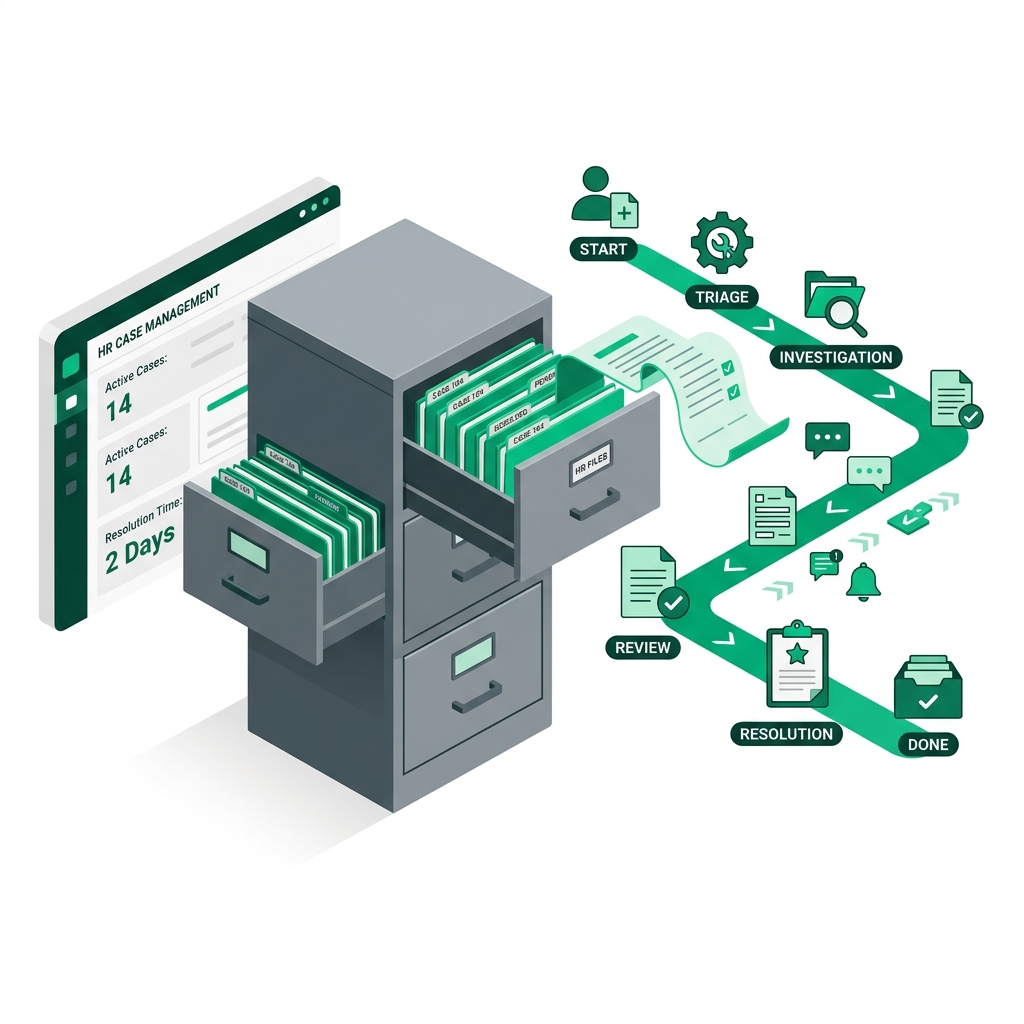
To establish a reliable ER case management process, standardise the following workflow for all employee relations incidents:
Step 1: Intake and Assessment
Log the initial complaint or incident immediately.
Record the date, time, and method of intake (e.g., in-person meeting, email, hotline).
Factual assessment: Determine if the incident involves potential harassment, safety issues, wage disputes, or general performance.
Step 2: Investigation and Fact-Finding
Identify and schedule interviews with key witnesses.
Use a standardized meeting template to log notes from each interview.
Gather physical and digital evidence (such as emails, access card logs, security footage).
Step 3: Resolution and Decision Making
Evaluate the evidence objectively.
Decide on the appropriate action based on company policy (e.g., verbal warning, PIP, suspension, termination).
Document the rationale behind the decision, showing that the company policy was applied consistently across all departments.
Step 4: Follow-up and Closure
Conduct a follow-up meeting with the employee to deliver the resolution.
Secure signed copies of warning letters or PIP agreements.
Schedule a follow-up check-in (e.g., 30, 60, or 90 days out) to monitor performance or ensure there is no retaliatory behavior in the department.
Document Retention and Security Protocols
Employee relations records contain highly sensitive personal and medical data. Storing these files incorrectly violates privacy guidelines and compromises legal defense.
Federal and State Retention Requirements
Federal regulations under the EEOC require employers to retain basic personnel records (including performance warnings and termination records) for at least one year from the date of termination. However, for active employee relations disputes, safety incidents, or workers' compensation cases, you must consult your state's laws.
Many states have a statute of limitations for contract or personal injury claims extending to three, five, or seven years.
Access Control
Only individuals directly involved in the investigation or resolution of a case should have access to the file. Line managers should not have broad access to employee relations history. Restricting access prevents accidental leaks that could lead to retaliation claims.
Why Excel Fails for Employee Relations
While a spreadsheet feels like an easy employee relations case management template, it lacks the safety features required for legal defense. Spreadsheets can be edited by anyone with access, metadata is easily lost, and there is no version history to prove to an investigator that the record was not altered after a claim was threatened.
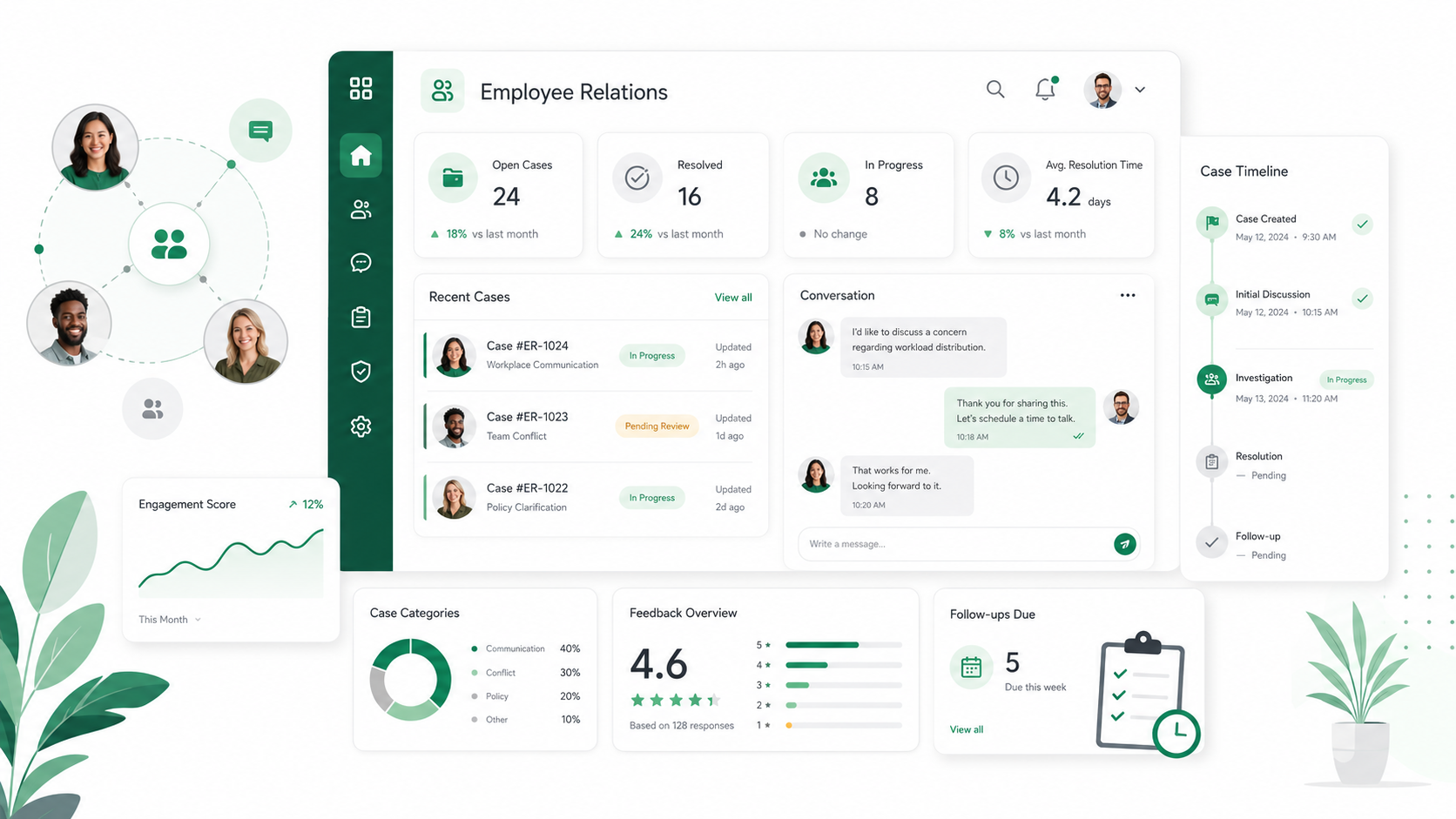
Transitioning from local trackers to a centralized HR case management tool eliminates these points of failure. Software ensures your documentation is timestamped, securely stored, and readily searchable in the event of an audit.
Frequently Asked Questions
Who should have access to employee relations tracking files?
Access to ER tracking files must be strictly limited to the HR department and qualified legal counsel. Line managers should only receive access to specific action items or finalized document drafts, rather than the full investigation history, to maintain confidentiality.
How long should employee relations records be kept?
Under federal regulations, basic personnel records must be kept for at least one year from the date of termination. However, for active employee relations cases or safety incidents, it is highly recommended to retain records for at least three to seven years to cover the statute of limitations for state-level wrongful termination and harassment claims.
What should be included in an HR note-taking template?
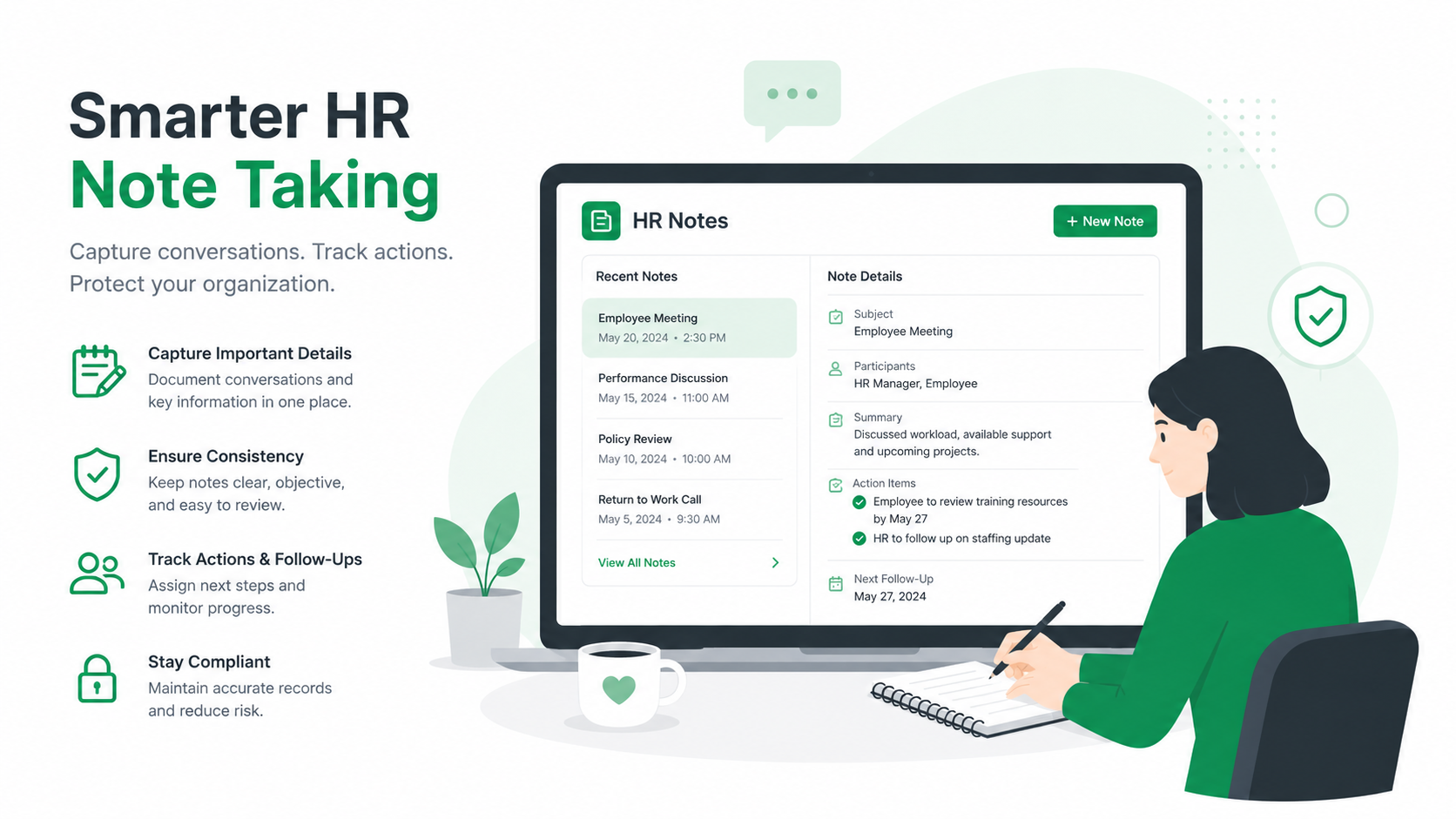
An HR meeting note-taking template must include the date and time of the meeting, the list of attendees, the specific purpose of the meeting, a factual summary of the discussion, next steps or action items, and the signature or confirmation of the meeting coordinator.
Can an employer use electronic signatures for disciplinary warnings?
Yes. Electronic signatures are legally binding under the federal ESIGN Act, provided that the electronic signature system tracks the signer's identity, email address, and IP address, and stores a secure log of the transaction.
How should HR handle anonymous complaints?
Anonymous complaints must be assessed and investigated with the same diligence as signed complaints, provided that the complaint contains enough factual detail to warrant an investigation. Document the anonymous intake, take all reasonable steps to gather facts, and record your findings in the ER case tracker.
Disclaimer: The information provided in this article does not, and is not intended to, constitute legal advice; instead, all information, content, and materials available on this site are for general informational purposes only. Readers should contact their attorney to obtain advice with respect to any particular legal matter.