Verified by AI SoloHR Compliance & Editorial Team (U.S. Employment Law & Regulatory Compliance Research Group)
Last Audit: Oct 10, 2026 03:13
Too Many HR Systems? How SMBs Consolidate Compliance Tracking Into One Dashboard
Small business owners and HR teams of one are facing a major challenge in 2026: software fatigue. To manage a growing workforce, companies often sign up for multiple single-purpose tools. They use one software for time tracking, another for payroll, a third for holiday requests, and local spreadsheets to track FMLA and ADA compliance.
This fragmentation is more than just inconvenient. When critical employee records are scattered across different platforms, the likelihood of making a compliance error increases dramatically. In employment law, a simple spreadsheet calculation error can lead to a costly FMLA interference lawsuit.
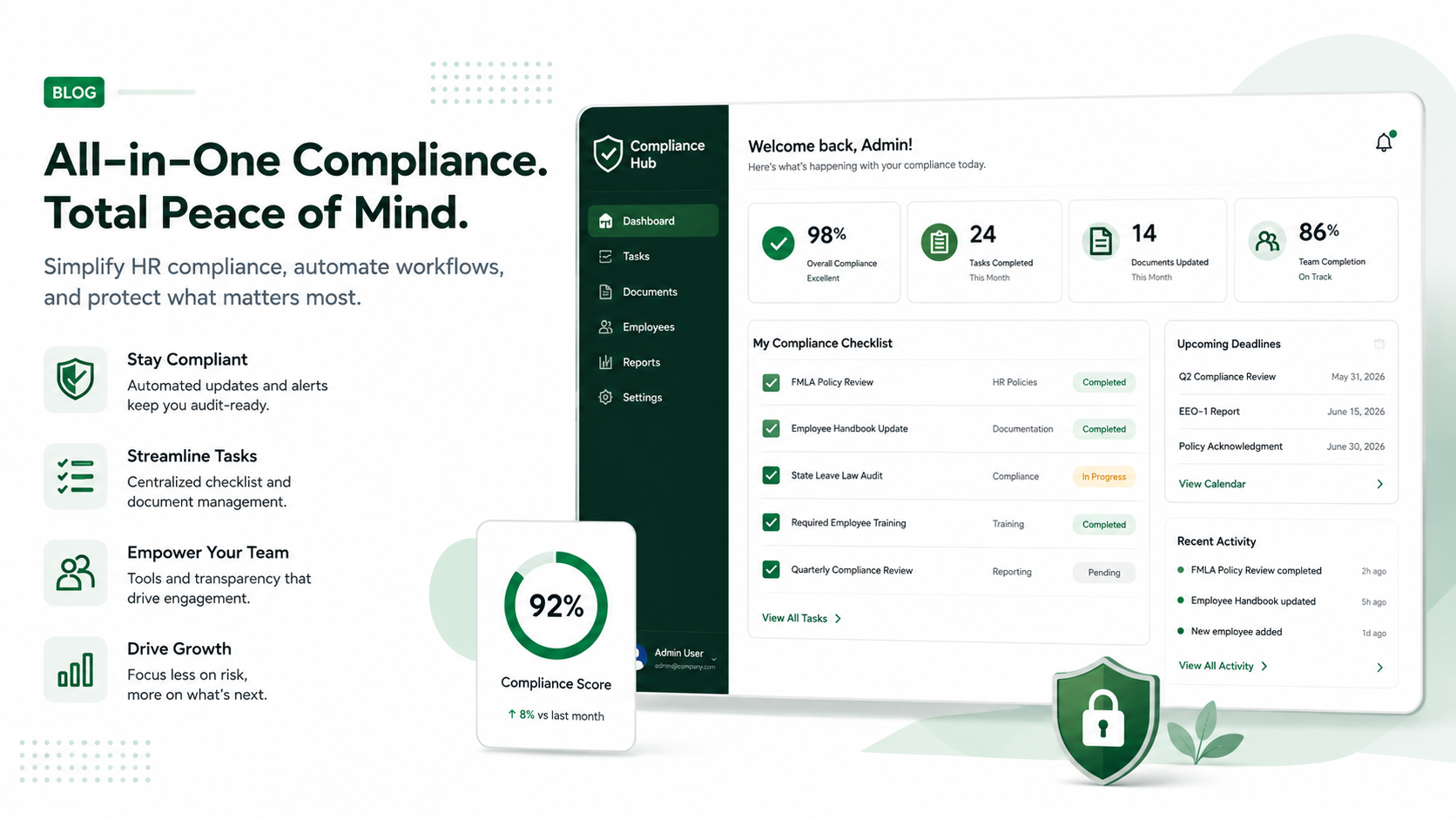
To protect your organization and free up your time, you must consolidate your compliance tracking into a single, unified dashboard.
This article is written for U.S. small-business HR teams in 2026 and should be checked against your own policy, state requirements, and counsel guidance before use in a contested employment decision. AI SoloHR provides workflow structure, reviewed drafting support, and educational resources; it does not provide legal advice or make final employment decisions.
Statutory Sources & Regulatory Citations
This compliance document references official regulatory guidance from federal employment enforcement agencies:
to learn how to audit your software stack and transition your compliance workflows to a secure dashboard.
The Silent Danger of HR System Fragmentation
When employee data is isolated in separate systems, the risk of data entry errors is high. For leave administrators, the most critical risk is the miscalculation of FMLA eligibility.
The 1,250-Hour Calculation Gotcha
Consider a real gotcha case involving a growing software agency in early 2026. The company used a popular online timesheet app for hourly contractors and a separate HRIS for full-time staff holiday requests.
An administrative assistant, who had transitioned from part-time contractor to full-time staff, requested FMLA leave for an upcoming medical procedure. The HR manager reviewed the holiday log, saw the employee had worked at the company for 14 months, but manually calculated their total hours worked in the past year as 1,180 hours (below the 1,250-hour threshold) due to missing contract hours from the timesheet app.
The leave request was denied. The employee, who had actually worked 1,290 hours when counting all time, sued the company. The federal court ruled that the company had committed FMLA interference, noting that employers are legally responsible for maintaining accurate, unified time records. The company was fined $85,000 in damages and legal fees.
Why Scattered Tools Create FMLA Liability in 2026
Under the DOL FMLA recordkeeping requirements, employers must maintain detailed records of all FMLA leaves, employee hours worked, and benefit payments.
If your records are split between Slack threads, emails, and isolated databases:
You cannot easily verify the 50-employee headcount within a 75-mile radius.
You are likely to miss the strict 5-day window to issue eligibility notices.
You cannot easily audit FMLA rolling-backward balances, leaving you open to compliance violations.
3 Core Capabilities Your Compliance Dashboard Must Have
To eliminate compliance risks, your consolidated tracking platform must offer three key capabilities:
Real-Time Eligibility Auditing: Automatically check employee headcount thresholds and calculate individual hours worked instantly.
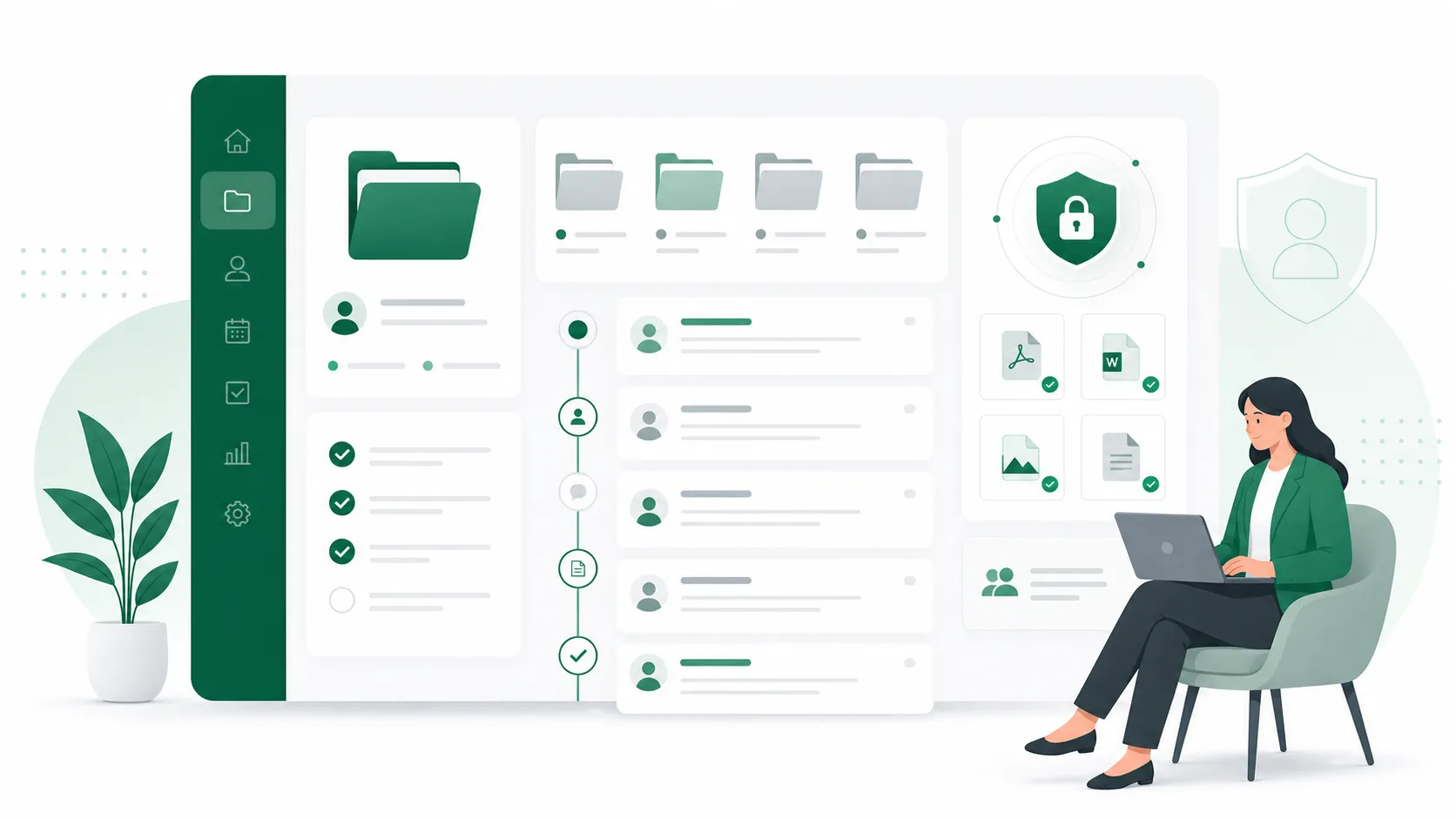
Centralized Case Timeline Mapping: Track critical deadlines, certification windows, and key milestones with automated notifications.
Multi-State Rule Integration: Maintain compliance by aligning federal FMLA policies with state-level paid family leave mandates.
1. Real-Time Eligibility Auditing
Your tracking software must integrate directly with your timekeeping data. It should automatically verify if an employee has met the 1,250-hour work requirement and check if your company has reached the FMLA coverage threshold in that location. This removes the need for manual calculations.
2. Centralized Case Timeline Mapping
Once a case is initiated, the platform must display a clear, chronological timeline of all compliance milestones. It should automatically set reminders for the 15-day medical certification return deadline and flag if a 7-day cure notice is required.
3. Multi-State Rule Integration
Employment law is increasingly complex, with individual states enacting unique paid family leave mandates (such as CA, NY, and WA).
Your compliance dashboard must automatically cross-reference federal FMLA rules with state-specific requirements, ensuring that you do not accidentally violate local laws.
Consolidating Your Compliance Stack: A Step-by-Step Guide
To move away from scattered spreadsheets, start by auditing your current tools. Document where all employee timesheet, holiday, and medical records are stored.
Transitioning to our unified compliance management platform allows you to bring all of these data streams together. By managing eligibility checks, timeline tracking, and document generation inside a single secure dashboard, you eliminate human error and ensure your company is fully audit-protected in 2026.
Frequently Asked Questions
Why is intermittent leave so difficult to track in standard HRIS?
Most standard HRIS platforms are built for continuous block leaves (like a 2-week vacation) and struggle with intermittent leave, where an employee might take off 2 hours on Tuesday and 4 hours on Thursday. Tracking these small fractions of a week manually in an HRIS often leads to calculation errors and compliance violations.
How does system consolidation reduce FMLA lawsuit risks?
Consolidation creates an automated audit trail. By bringing timesheets, request dates, and document signatures together in one place, you can instantly prove that you met all statutory deadlines, checked eligibility accurately, and engaged in the process in good faith.
Legal Disclaimer
This article is for educational and informational purposes only and does not constitute formal legal advice. HR professionals and business owners should consult with a qualified employment attorney to evaluate specific FMLA compliance scenarios in 2026.