Verified by AI SoloHR Compliance & Editorial Team (U.S. Employment Law & Regulatory Compliance Research Group)
Last Audit: Sep 26, 2026 20:52
Managing federal leave compliance under FMLA guidelines is a primary responsibility for B2B HR professionals and small business owners. Form WH-382, issued by the federal government, is the standard designation notice used by employers to inform an employee whether their FMLA leave request has been approved, denied, or if additional information is required.
Because this form establishes key timelines and details employer rights, understanding how to process it correctly is critical to avoiding costly compliance mistakes.
In 2026, leave management and strict adherence to federal labor guidelines remain top priorities for business operations. As companies coordinate varying shift schedules and adapt workspace standards, establishing a clear, legally sound process for managing medical certifications has become a routine HR requirement.
Failing to properly verify certification data or missing critical FMLA response timelines can expose your business to significant legal risk. We at AI SoloHR believe that a structured, objective, and documented approach to form processing is the best way to support your team while keeping your business secure.
Sources and review notes
This article is written for U.S. small-business HR teams in 2026 and should be checked against your own policy, state requirements, and counsel guidance before use in a contested employment decision. AI SoloHR provides workflow structure, reviewed drafting support, and educational resources; it does not provide legal advice or make final employment decisions.
Statutory Sources & Regulatory Citations
This compliance document references official regulatory guidance from federal employment enforcement agencies:
1. Form WH-382 Designation Framework and Common Manual Processing Limitations
Click to expand
Before sending or reviewing medical certifications, employers must understand the structure of FMLA forms and the limits of manual tracking.
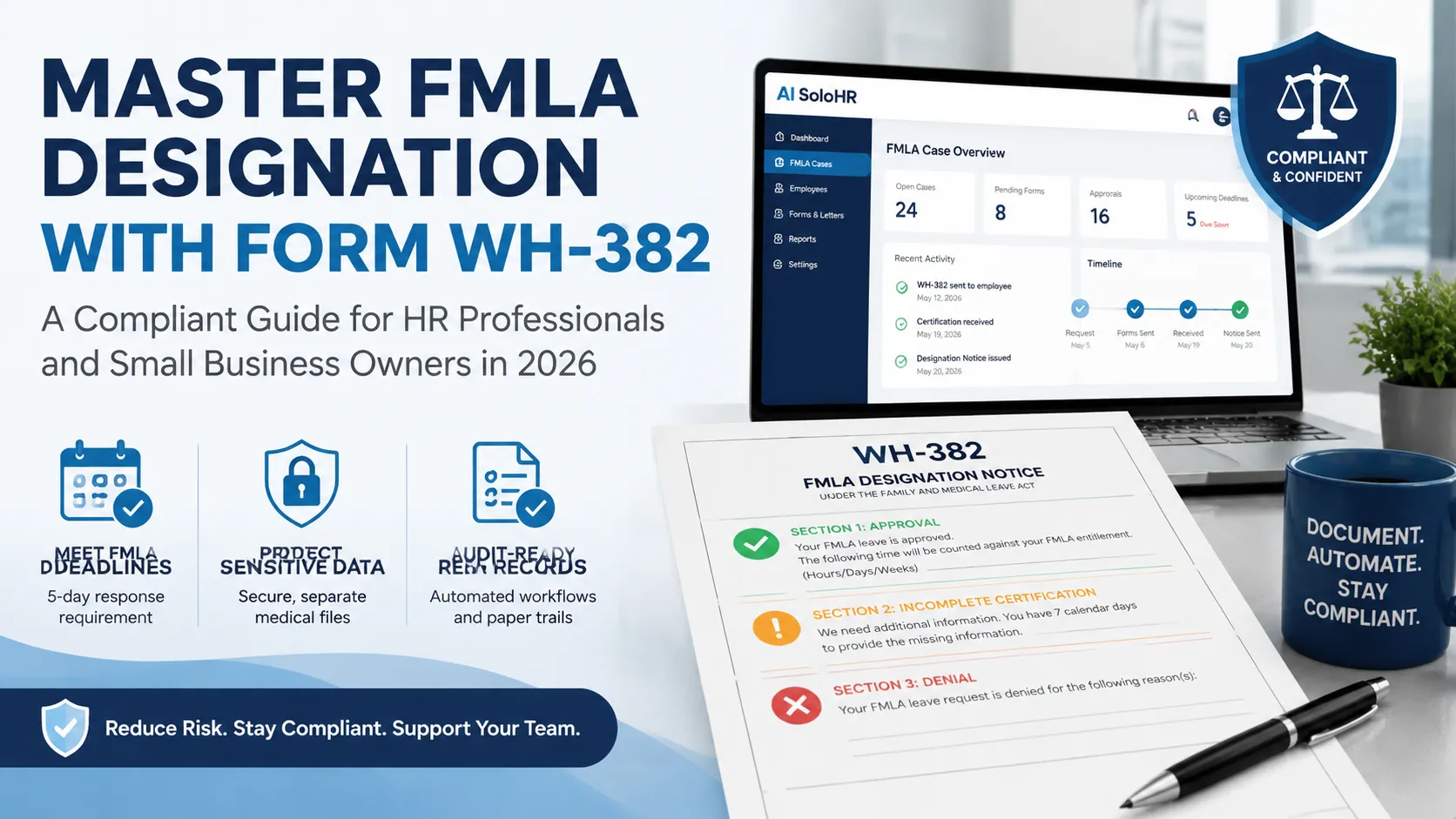
Understanding the Core Sections of the WH-382 Designation Notice
Form WH-382 is completed by the employer and must provide clear information to the employee:
Approval details: Informing the employee that their leave is approved, specifying the FMLA hours, days, or weeks that will be counted against their FMLA entitlement.
Incomplete certification: Informing the employee if the medical certification is incomplete or insufficient, detailing the specific additional information required and the 7-day correction deadline.
Denial details: Outlining the specific reasons if the FMLA leave request is denied, such as lack of eligibility or failure to provide a sufficient medical certification.
Employers should access the official Department of Labor (DOL) Forms Directory to ensure they are utilizing the most up-to-date version of the WH-382 form, avoiding outdated templates.
The Hidden Compliance Risks of Manual Form Reviews
Attempting to track FMLA designation requests and deadlines on manual spreadsheets is a major security and compliance risk.
Manual processing often leads to missed timelines, such as the mandatory 5-day window for issuing designation notices once sufficient information is obtained. Additionally, storing sensitive medical data in general employee personnel files violates FMLA and ADA confidentiality mandates.
If an employer fails to maintain separate, secure medical files, they can face severe penalties during a Department of Labor (DOL) audit.
2. Upgrading to AI SoloHR for Automated Leave Case Management
Click to expand
Transitioning from manual tracking to a secure, digital platform is the most effective way to eliminate administrative errors and maintain FMLA compliance.
Streamlining Form Intake and Notification Workflows in Three Steps
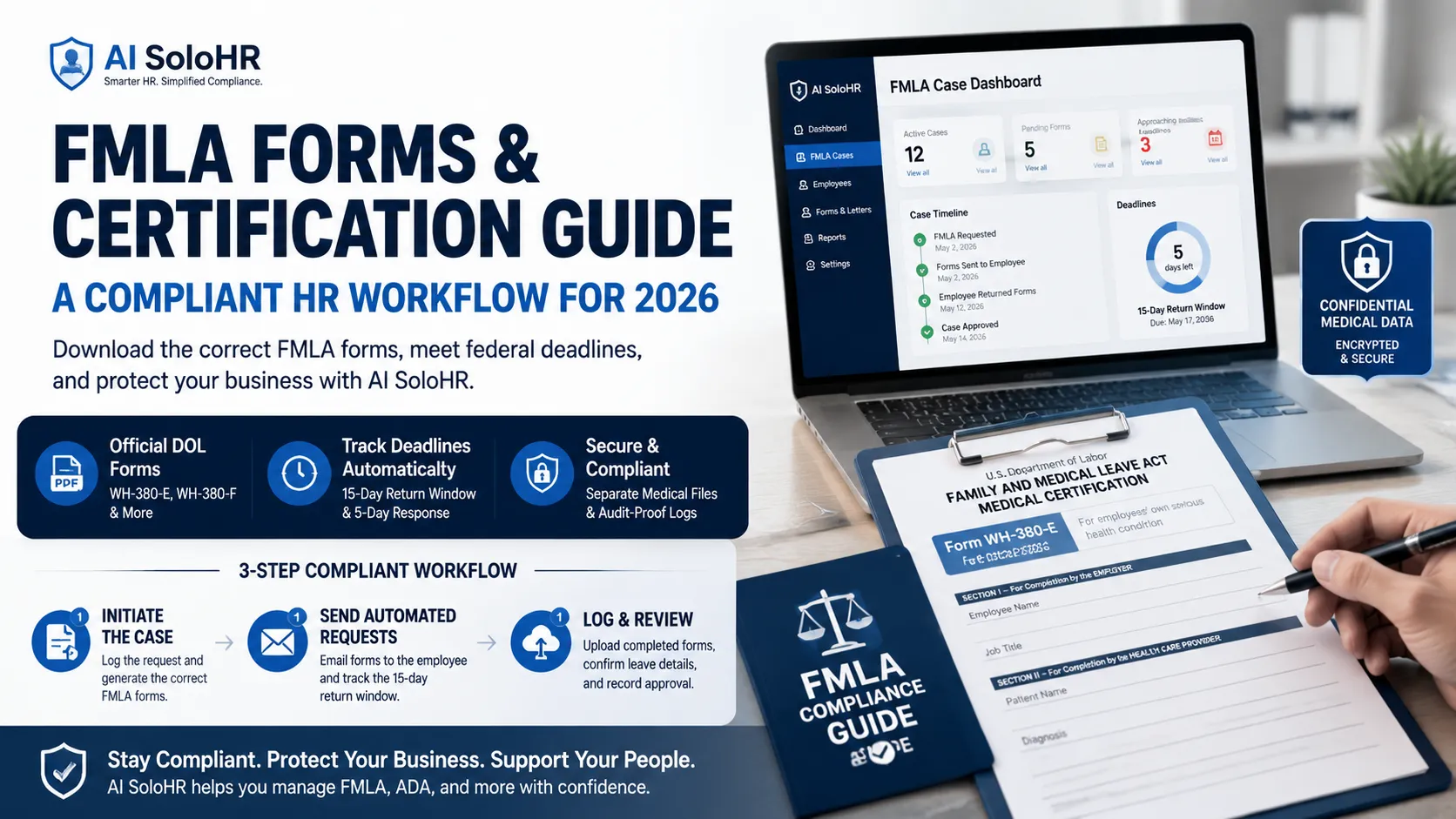
AI SoloHR simplifies FMLA case management by organizing the entire intake process into a structured digital workflow:
Initiate the Case: When an employee requests leave, log the request in AI SoloHR to automatically generate the appropriate FMLA forms, including the WH-382.
Send Automated Requests: Email the digital form package directly to the employee and track the 15-day return window automatically.
Log and Review: Upload the completed form returned by the physician into the secure portal, which prompts you to confirm the leave details and record the approval.
This automated process ensures that all deadlines are met and reduces the administrative burden on your HR team.
Securing Medical Data and Establishing Audit-Proof Paper Trails
Maintaining confidential medical records in a secure, separate environment is a key requirement for regulatory compliance.
AI SoloHR secures all medical files in an encrypted vault, separate from standard employee personnel files. Our platform tracks interactive timelines, records every email notification, and maintains an audit-proof paper trail of approvals and denials.
By replacing manual logs with automated workflows, you protect your business from liability. Whether you are managing FMLA leaves or tracking fmla leave tracking and ADA cases, AI SoloHR keeps your organization organized and fully compliant.
Frequently Asked Questions
How long does an employer have to provide the WH-382 notice to the employee?
Under FMLA guidelines, the employer must provide the completed WH-382 designation notice to the employee within 5 business days of obtaining sufficient information to determine whether the leave qualifies under the FMLA. Failure to meet this deadline can result in a compliance violation.
What happens if the medical certification returned is incomplete or insufficient?
If the medical certification is incomplete or insufficient, the employer must state in writing (using Section 3 of the WH-382 form) what specific information is missing. The employer must give the employee at least 7 calendar days to cure the deficiencies. If the employee fails to return the corrected form, the employer can deny FMLA protection.
Legal Disclaimer: The information provided on this website does not, and is not intended to, constitute legal advice; instead, all information, content, and materials available on this site are for general informational purposes only. Information on this website may not constitute the most up-to-date legal or other information.