DOL / WHD Audit
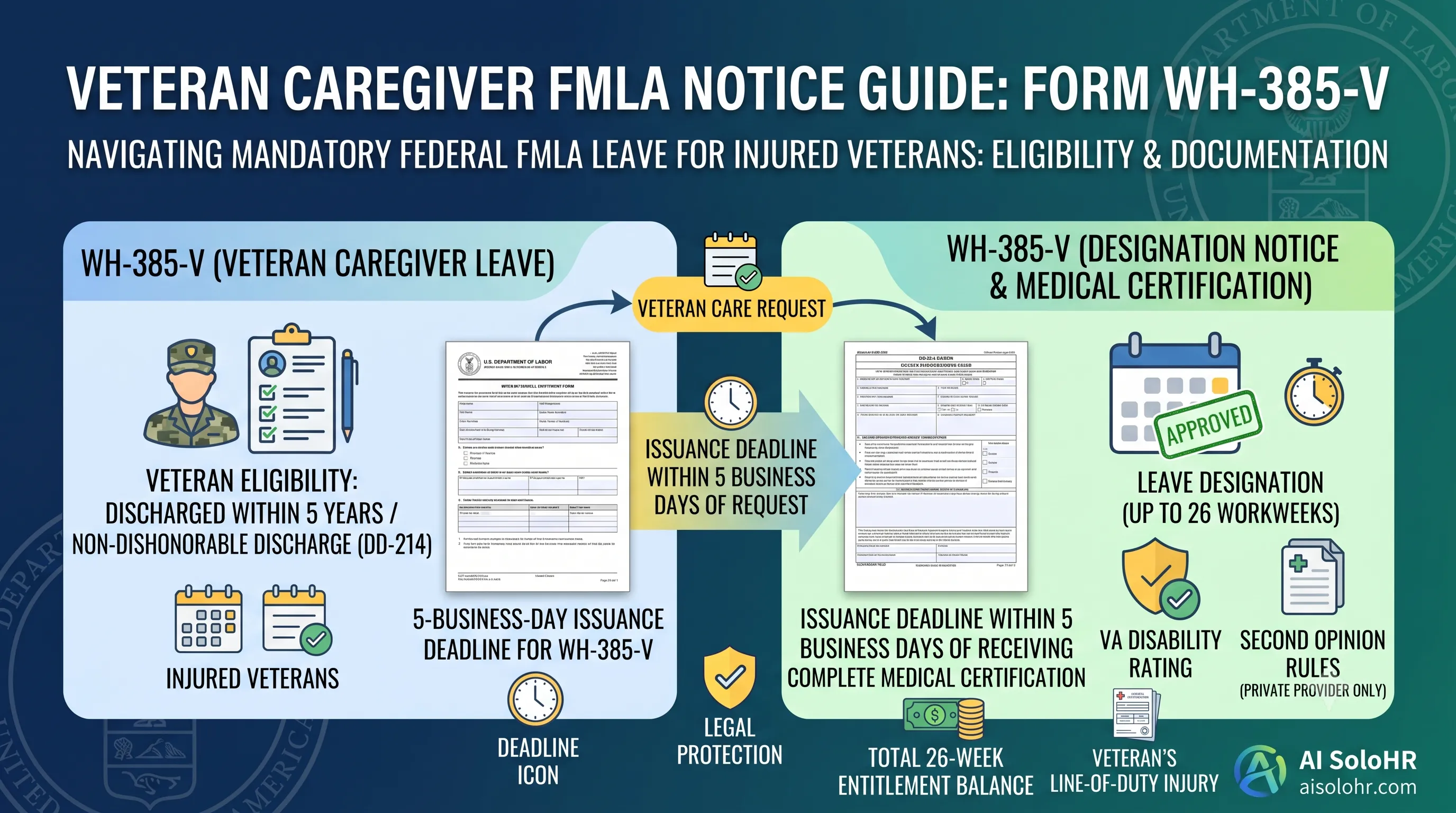
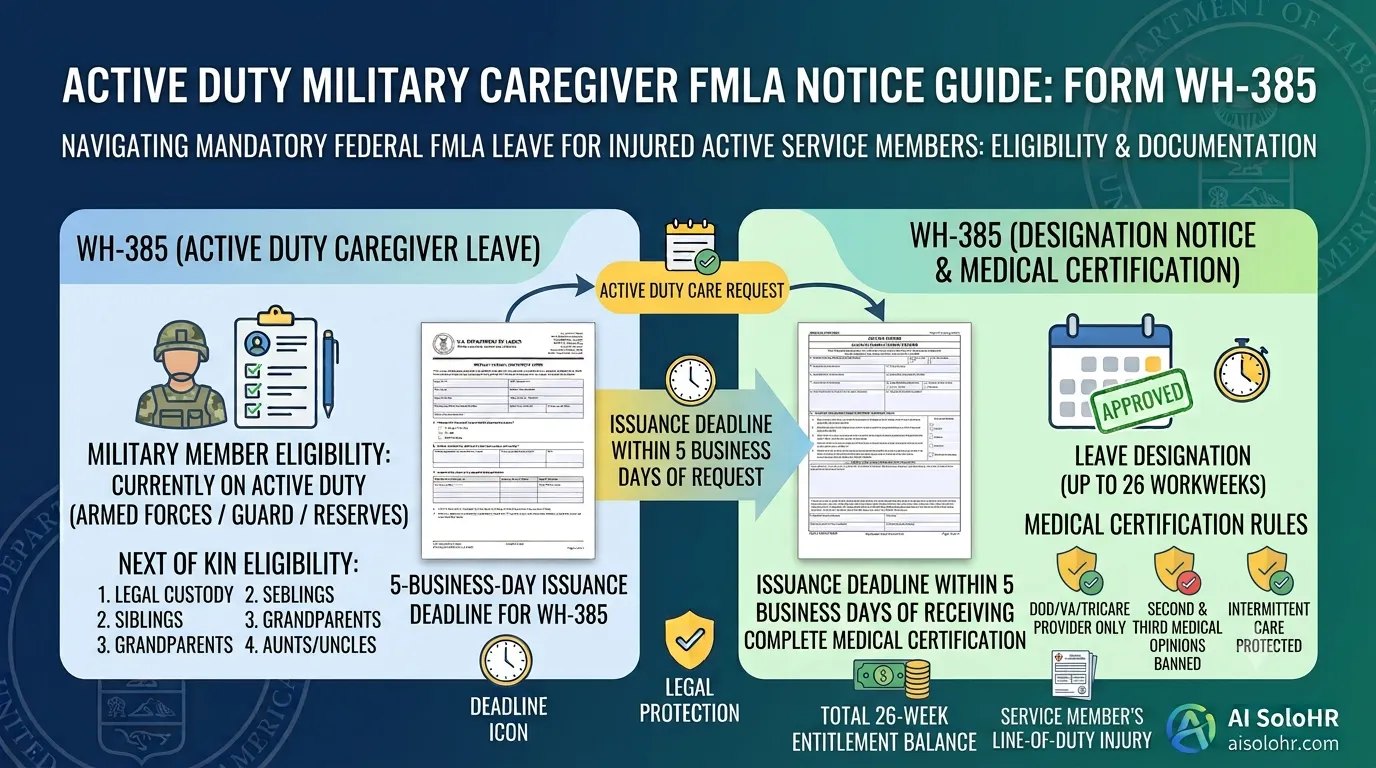
FMLA certification deadlines, notice timing, and medical documentation must be easy to prove with dates and context.
HR compliance is not just about what you did. It is about being able to explain the timeline, show the documentation, and prove what happened when questions arrive later. AI SoloHR helps lean HR teams build that record as they work.
Real audit workflow
The product keeps the working chronology visible and lets authorized HR users export a structured packet instead of rebuilding the story from inboxes and folders.
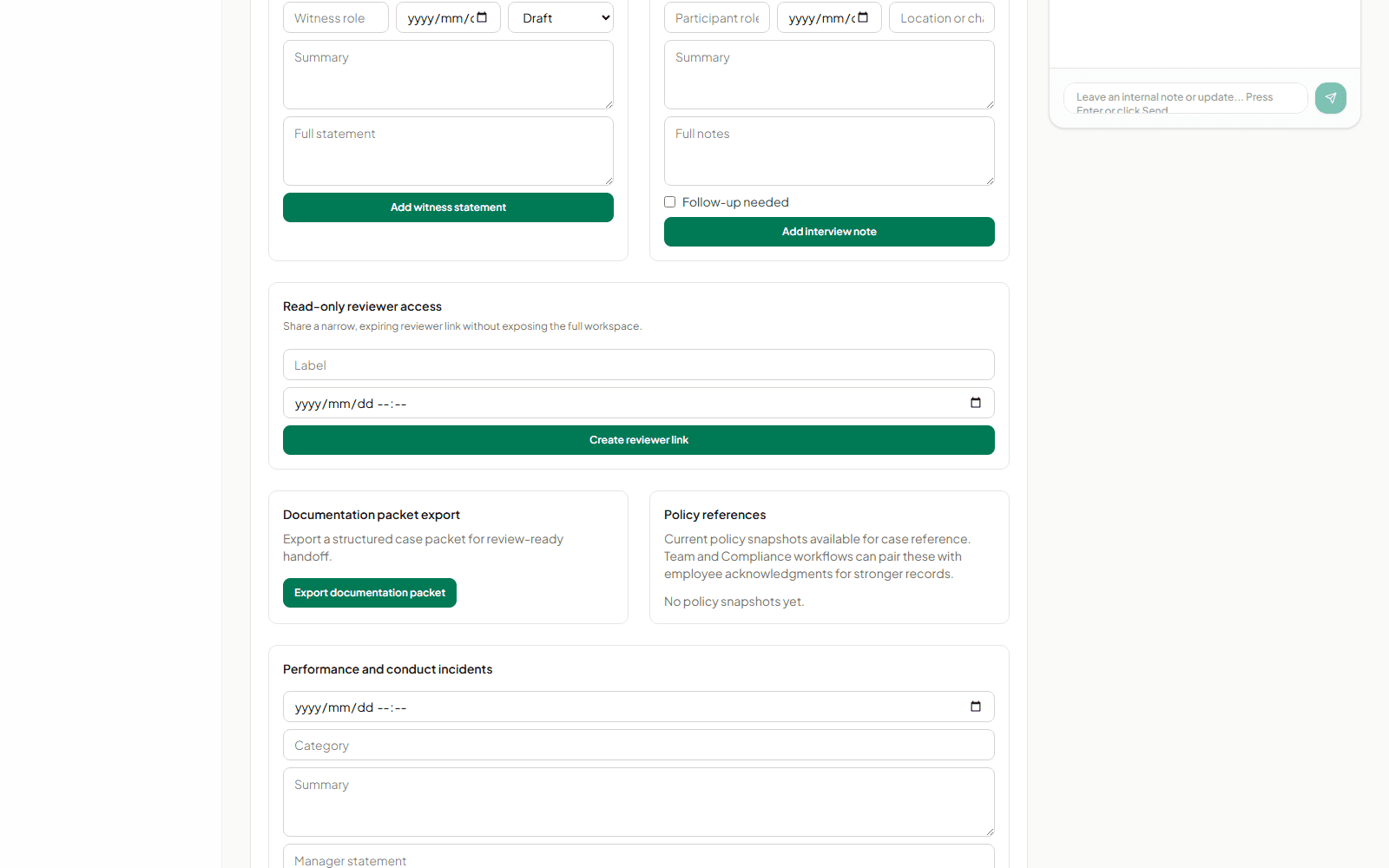
Create a structured, review-ready handoff from the same case workspace where the underlying work was documented.
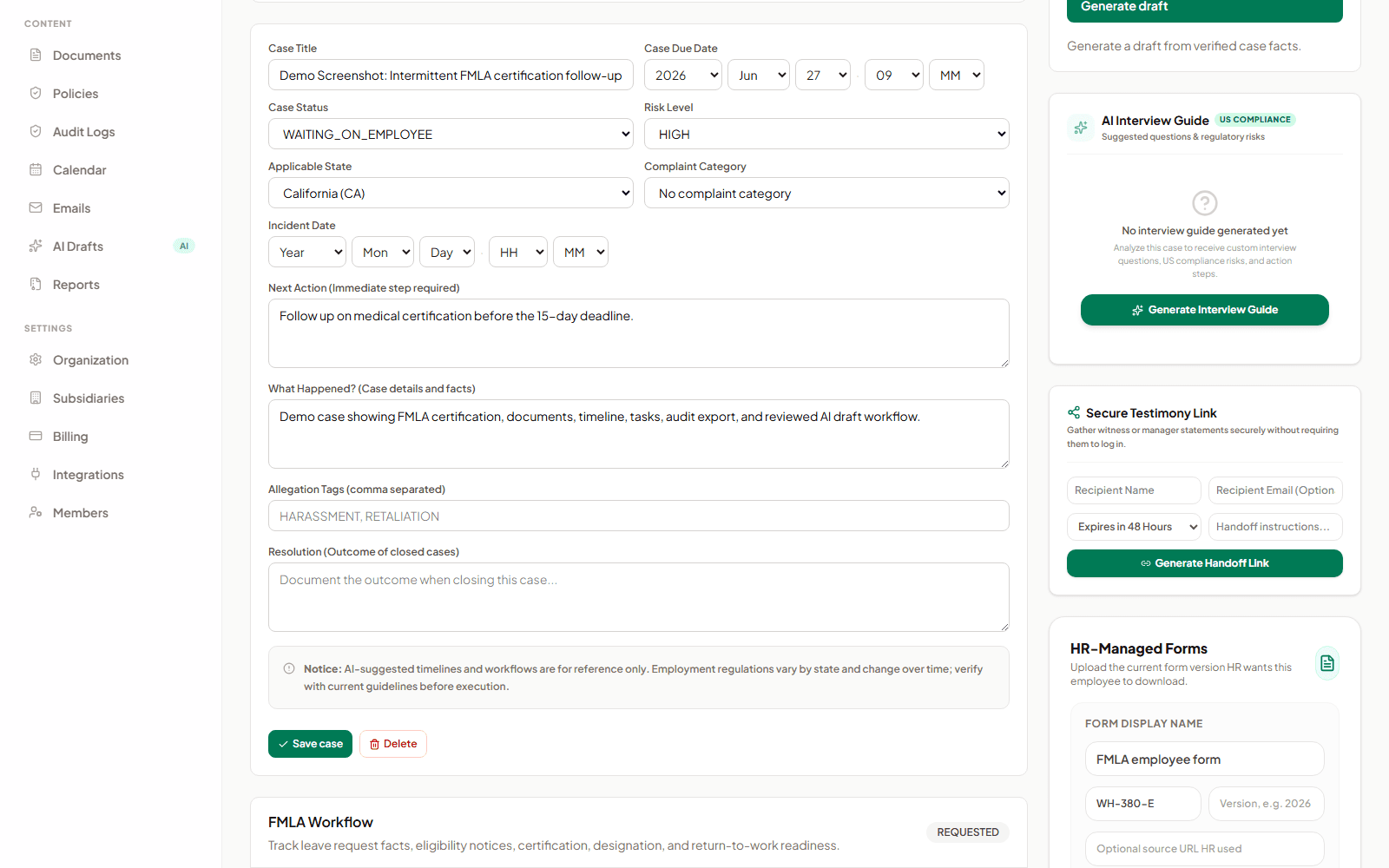
Timeline events, notes, documents, and workflow changes remain connected to the case that explains them.
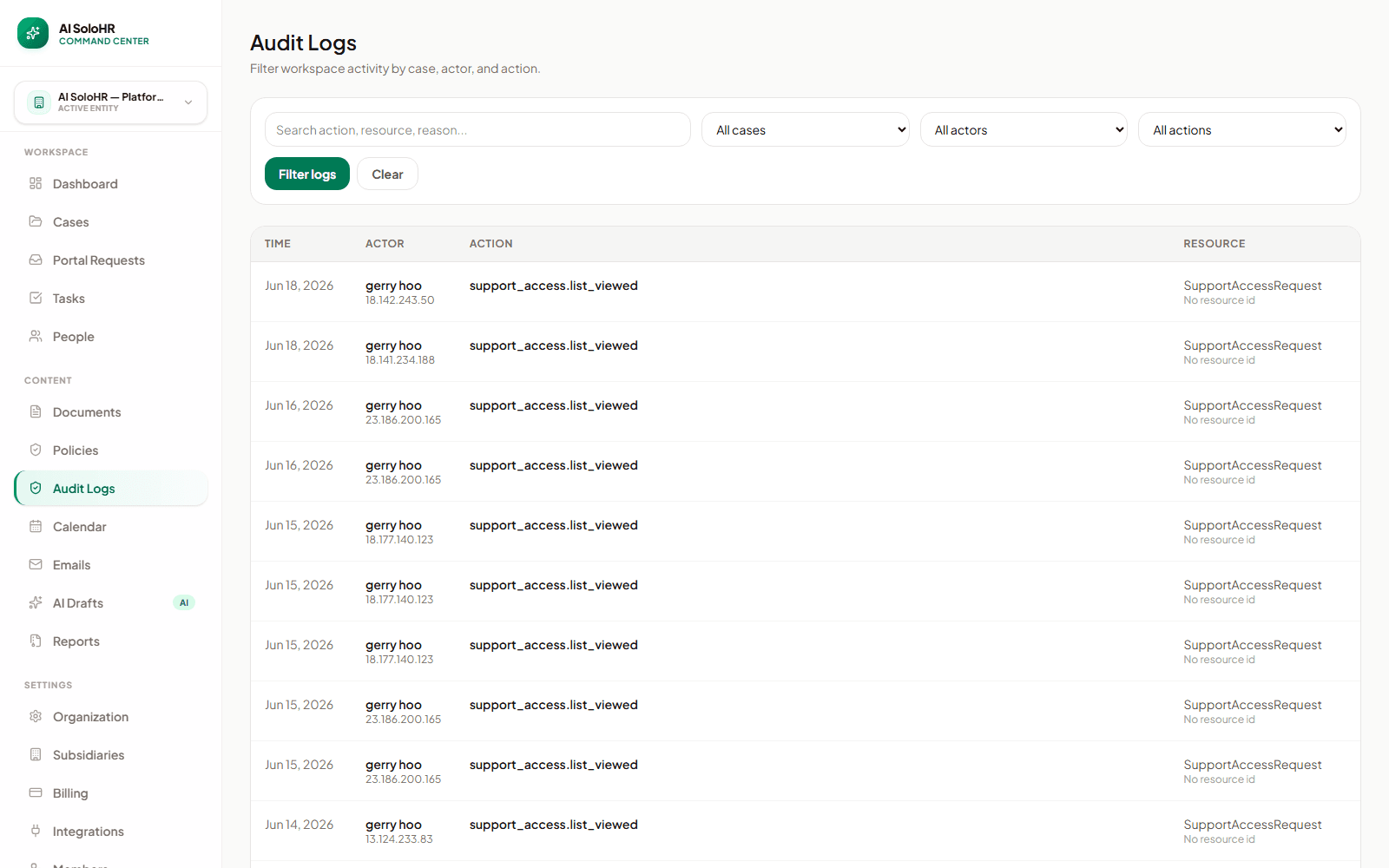
Authorized reviewers can inspect activity history without relying on memory or scattered status updates.
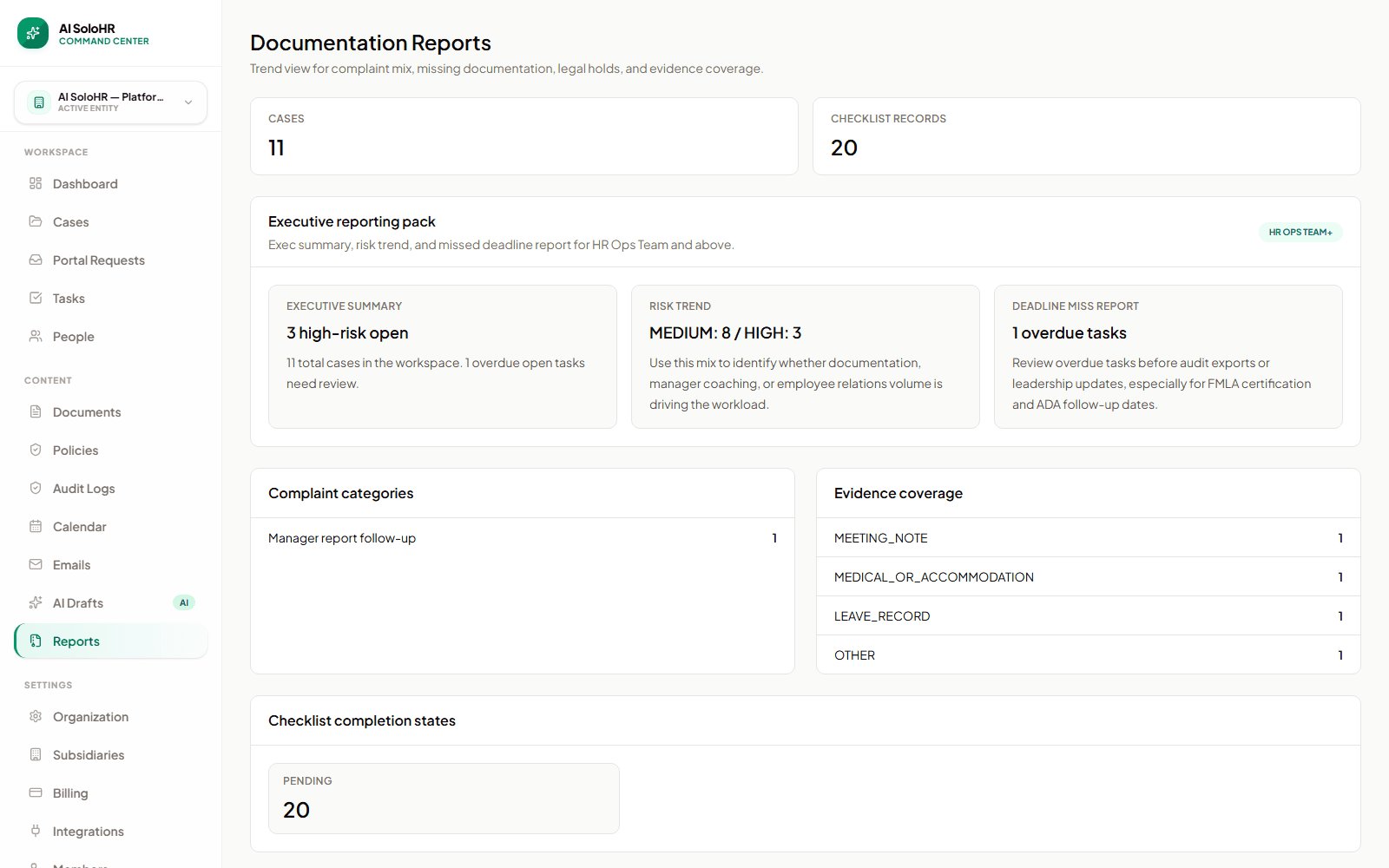
Reporting helps teams spot missing records and incomplete workflows before a review becomes urgent.
DOL investigators, EEOC charge recipients, and employment attorneys all ask the same thing: show the documentation. Most HR teams scramble through inboxes and shared drives. A stronger audit trail changes that experience.
FMLA certification deadlines, notice timing, and medical documentation must be easy to prove with dates and context.
Accommodation notes, follow-up history, and decision timing need to stay understandable long after the case is closed.
Counsel may ask for the full story around a case, not just the final outcome or one document pulled out of context.
Organized case records make it easier to respond when labor and employment issues are reviewed at the state level.
You do not have to build a separate audit project in AI SoloHR. The audit trail grows naturally as the work happens inside cases, documents, tasks, and communication.
Important notes, status changes, task updates, and milestones can be preserved in one readable timeline instead of being spread across tools.
Files are more useful when they stay attached to the workflow they support. AI SoloHR keeps documents connected to the case record instead of leaving them stranded in generic folders.
Drafts and messages matter because they explain what was said, when it was said, and how the case moved forward.
Sensitive HR work benefits from a record of what changed over time, especially when multiple people touch the same case.
When leadership, legal counsel, or an outside reviewer needs a case summary, the record should be easier to package and explain.
A defensible record is more useful when access to the record is also controlled thoughtfully.
Without AI SoloHR
With AI SoloHR
Audit quality depends on the workflow, not just the storage location. Different HR cases create different evidence needs, but they all benefit from the same discipline: one case record, one timeline, and one place where documents, notes, tasks, and reviewed drafts stay connected.
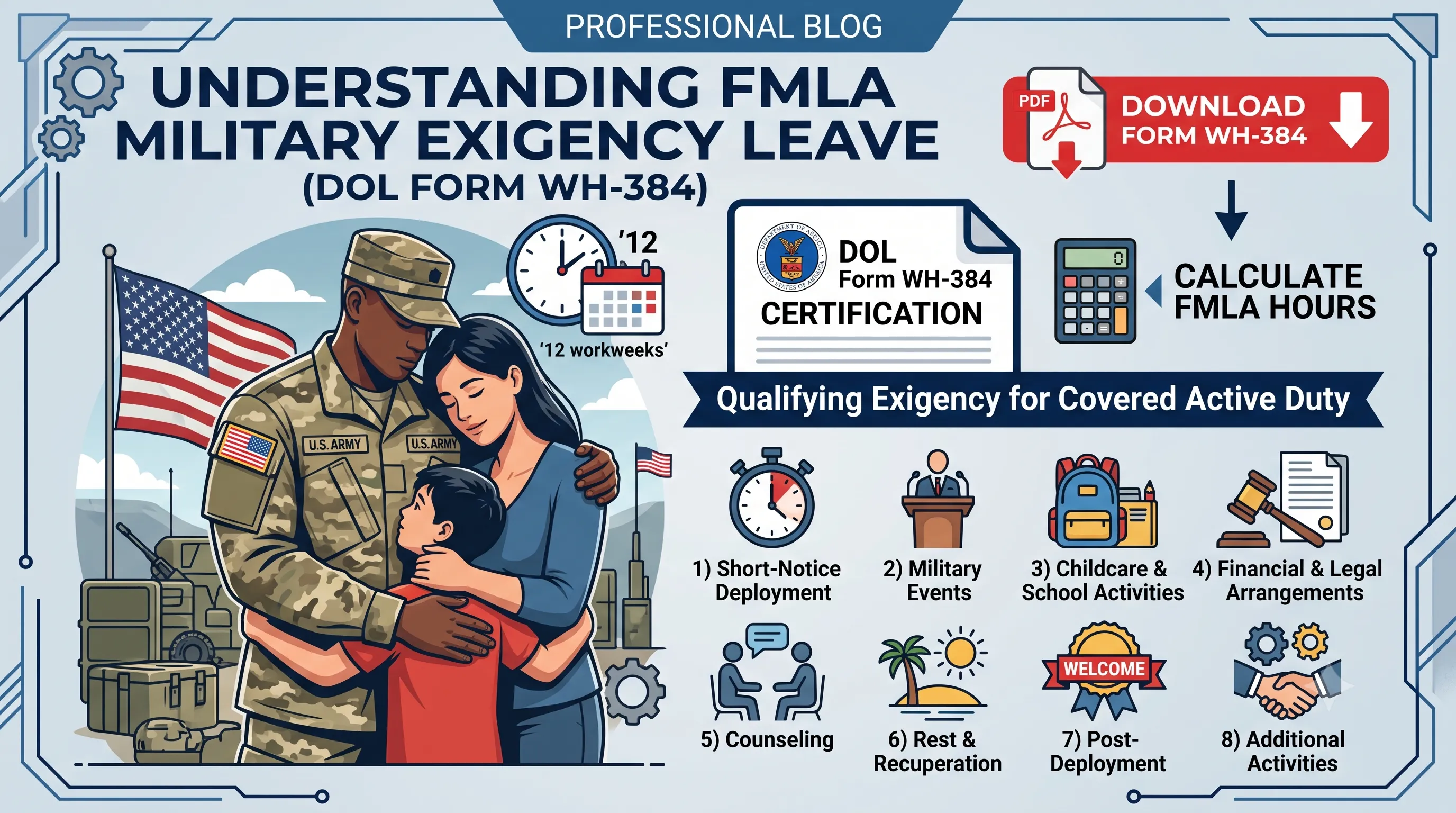
A leave workflow usually needs a dated request, supporting documents, notice timing, follow-up tasks, and return-to-work records that stay connected to the same case instead of living across inboxes and folders.
Accommodation work often becomes hard to explain when the interactive process is scattered. A better record keeps the request, follow-up, supporting documents, and final communication history in one place.
Employee relations issues usually depend on chronology and factual notes. HR teams need a record that makes the sequence of conversations, tasks, and supporting material easy to understand without rebuilding the story manually.
Renewals often involve broker requests, internal reviews, deadlines, and employee communication. Keeping each step in one visible record reduces the risk of lost context during a busy enrollment cycle.
AI SoloHR is designed to make sensitive HR work easier to follow and defend. That means stronger timelines, clearer documentation, and reviewed drafts that stay attached to the case. It does not turn complex employment decisions into automatic product decisions.
Keep exploring
See how private files, access control, and workspace boundaries support sensitive HR work.
Open pageUnderstand how notes, files, and tasks stay connected to the cases they support.
Open pageRead the practical guide to writing clearer records and preserving case history.
Open pageEnsure all employee relations files, medical certifications, and timelines are locked and audit-ready.
Log the initial incident, dates, and employee feedback immediately. Keep reports free of personal editorial bias.
Every physician restriction note, doctor check-in log, or manager email is stamped and secured. Prevent retroactive editing.
Export structured compliance records. Provide executive leadership and counsel with clean chronologies for external reviews.
See how our workspace links notes, document uploads, and calendar events into a single, cohesive log.
Capture employee meetings, witness reports, and intake feedback immediately, securing dates from day one.
Attach doctor certifications, email alerts, and manager summaries to standard timelines automatically.
Compile timelines, notes, and documents in one audit-ready ZIP or PDF package for senior management.
Verify compliance thresholds, calculate leave eligibility, and audit employee relations risks.
Keep up with U.S. employment regulations, FMLA/ADA best practices, and audit guidelines.