ADA accommodation documentation guide
A practical guide to documenting ADA accommodation requests and interactive dialogue notes. Features our interactive on-page compliance milestone calculator.
Built for U.S. employers and small-business HR teams.
Premium Workflow Workspace
This documentation details a specialized workflow that requires a Solo HR / HR Ops plan active in your organization settings. Explore our Pricing Plans to upgrade your account and unlock this capability in the software.
Key takeaways
- Document requests
- Log discussions
- Track options
- Review decisions
Why ADA documentation matters
Accommodation documentation is not just about the final answer. The process itself matters because HR may need to understand and explain what was requested, what follow-up happened, and how the team moved through the workflow.
The request is only the beginning
Once a request is raised, the work usually includes document review, internal discussion, updates, and a final communication path.
Incomplete documentation makes good work harder to prove
Even if the team handled the issue thoughtfully, a missing record makes it difficult to show how the process unfolded later.
What should be documented in an accommodation case
A useful accommodation record should show both the status of the work and the history behind it.
Core record fields
At a minimum, the case should capture the main operational details.
Supporting workflow history
The file should also retain the materials and notes that explain the path forward.
Where documentation usually breaks down
Documentation usually breaks down when teams rely on inboxes, chats, and memory instead of a repeatable structure.
A practical workflow for small HR teams
A repeatable workflow makes the process easier to manage and easier to explain later.
Open one case per accommodation request
Give the request a single home from the start.
Log each discussion and follow-up
Record meaningful updates as the process unfolds.
Track files and next steps together
Documents and tasks should stay attached to the same case record.
Review before action
AI-generated text should always be reviewed by HR before it is used, especially in accommodation contexts.
A Practical Interactive Process Timeline
Request Intake and Acknowledgment
ADA accommodation requests must be logged chronologically to maintain a verifiable record of compliance.
Follow-Up During the Interactive Process
ADA accommodation requests must be logged chronologically to maintain a verifiable record of compliance.
Decision and Ongoing Documentation
Managing workplace accommodations under the ADA requires careful attention to employee limitations.
What HR Should Document at Each Step
Facts From the Employee Request
Managing workplace accommodations under the ADA requires careful attention to employee limitations.
Manager and Job Requirement Notes
Managing workplace accommodations under the ADA requires careful attention to employee limitations.
Decision Notes and Follow-Up Items
Establishing a good-faith interactive dialogue protects both the organization and the staff member.
Common ADA Documentation Gaps
Missing Interactive Process Notes
ADA accommodation requests must be logged chronologically to maintain a verifiable record of compliance.
Loose Evidence With No Timeline Context
Establishing a good-faith interactive dialogue protects both the organization and the staff member.
Outcome Decisions With No Supporting Rationale
ADA accommodation requests must be logged chronologically to maintain a verifiable record of compliance.
Try Our Interactive ADA Interactive Process Timeline Calculator
Select the request received date to generate key compliance milestones instantly below.
How this guide fits the real workflow
A guide page is most useful when HR already knows the issue but needs a clearer operating pattern. The goal is not just to define the topic. It is to make the next step, the right record, and the workflow sequence easier to see before something slips.
- Use the guide to standardize what should be documented
- Share the workflow with managers or teammates who need the same context
- Move into a template or a case workflow when the issue becomes active work
Important boundary for this content
This page is written for HR operations and education. It is meant to support documentation, workflow clarity, and communication planning. It does not provide legal advice, medical judgment, eligibility determinations, or automatic employment decisions.
AI SoloHR is designed to support case records, tasks, documents, timelines, and reviewed AI drafts inside one workflow. It is not a substitute for legal, medical, benefits, or policy review where those are needed.
Keep Exploring
Frequently asked questions
What should HR document for an accommodation request?
HR should document the request, who is involved, what materials were received, the follow-up process, options considered, the current status, and the final communication or resolution.
Why is documenting the process important, not just the outcome?
The process shows how the organization responded over time. That context matters when reviewing timelines, follow-up actions, and how decisions were reached.
Can AI be used for accommodation communications?
AI can help draft communication, but the content should remain draft-only until an HR professional reviews it for accuracy, tone, and policy alignment.
Related Interactive Calculators & Tools
ADA Process Timeline
Track key milestones for ADA accommodation interactive dialogue.
Bradford Factor Score
Measure employee short-term absence disruption objectively.
FMLA Interference Risk
Evaluate your company's risk of FMLA interference or retaliation.
ADA Interactive Process Document Generator
AI-powered good-faith interactive dialogue agendas and accommodation decisions.
Related Compliance Articles & Guides
ADA Good Faith Documentation Risk
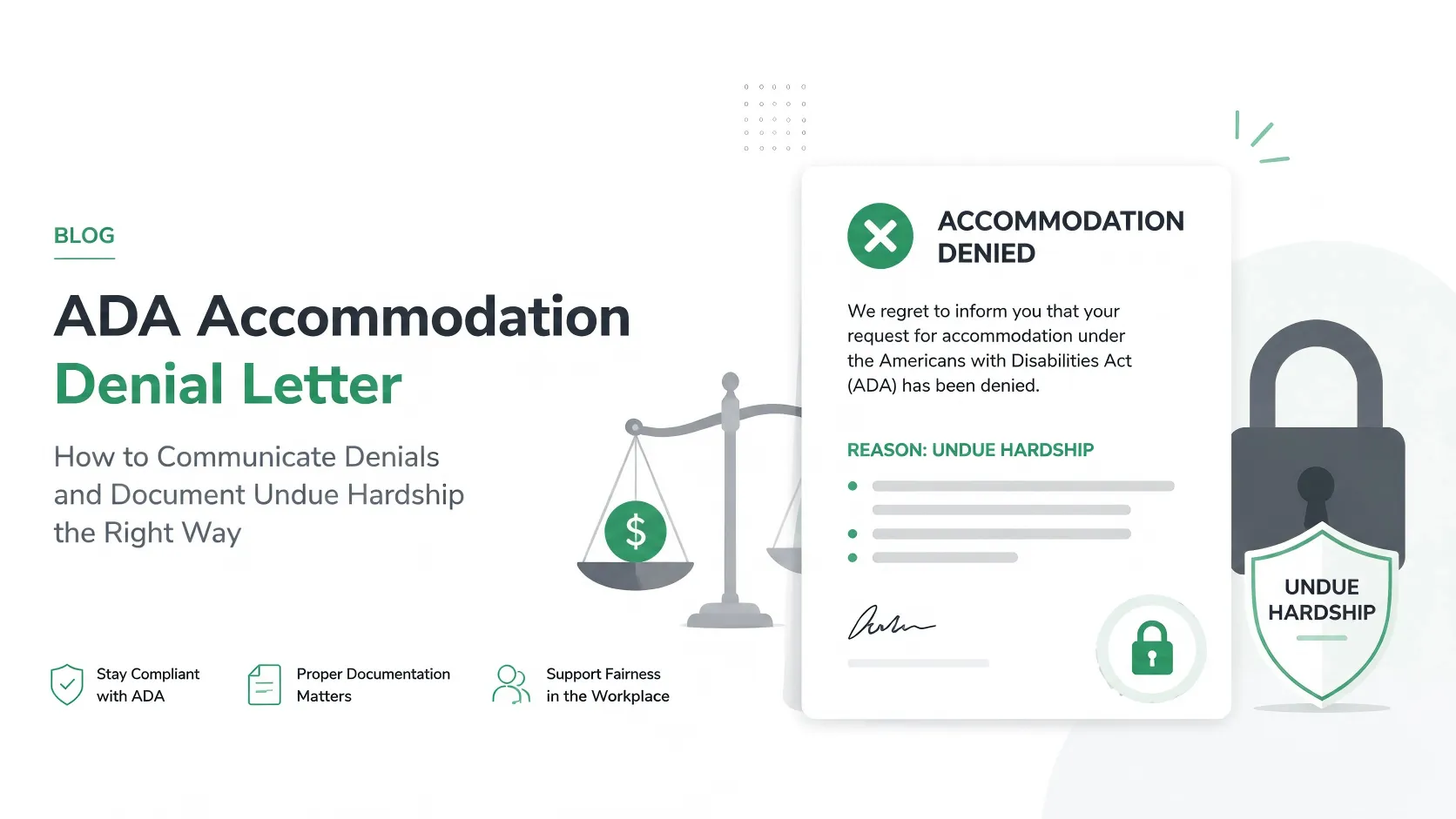
Under EEOC guidelines, an untracked email chain or verbal agreement does not prove a 'Good Faith Interactive Process'. If a workplace accommodation is legally challenged, HR must defend the decision with a chronological, objective history of all options explored.
Put this guidance into action
AI SoloHR helps U.S. small-business HR teams turn manual compliance steps into tracked tasks, defensible timelines, secure document records, and reviewed AI drafts.
- 14-day full platform access
- Up to 3 active cases
- Up to 30 employee records
- All 7 U.S. case types unlocked
This resource is intended for U.S. HR operations and educational purposes only, and does not constitute legal advice. Consult a qualified professional or employment attorney regarding your specific federal and state compliance obligations.