Invite team members
Invite managers and viewers with the right level of access for their role.
Built for U.S. employers and small-business HR teams.
Premium Workflow Workspace
This documentation details a specialized workflow that requires a Solo HR / HR Ops plan active in your organization settings. Explore our Pricing Plans to upgrade your account and unlock this capability in the software.
Key takeaways
- Role-based access
- Manager visibility
- Viewer access
- Owner control
Choose the right role before inviting someone
Give users only the access they need. Owners and HR admins manage workspace settings; managers and executives should have narrower access.
Common role options
Use the narrowest role that still supports the workflow.
Start narrow and expand if needed
It is usually easier and safer to begin with limited visibility, then adjust access later based on the user’s real involvement.
When to invite managers
Invite managers when they need visibility into tasks, timelines, or specific updates, but avoid unnecessary exposure to unrelated sensitive content.
What to do before and after this step
Most product help actions are easier when the right context is already in place. Before taking the step on this page, make sure the related case, facts, and people are clear. After finishing it, the next move is usually another workflow step such as checking documents, assigning follow-up, or reviewing a draft.
- Use the help article while working inside a real case or workflow
- Keep the surrounding facts, dates, and documents organized first
- If the result affects sensitive communication, review it before sending or sharing it
Support boundary
This help content explains publicly available product workflows. It does not promise hidden features, custom integrations, legal review, or automated compliance outcomes beyond what the product already does today.
AI SoloHR is designed to support case records, tasks, documents, timelines, and reviewed AI drafts inside one workflow. It is not a substitute for legal, medical, benefits, or policy review where those are needed.
Keep Exploring
Frequently asked questions
Who should get owner access?
Owner access should stay limited to the primary workspace administrator or another trusted HR leader responsible for workspace settings and billing.
Can managers have limited visibility?
Yes. Managers should generally have narrower access focused on the cases or tasks they need to support.
Related Interactive Calculators & Tools
Related Compliance Articles & Guides
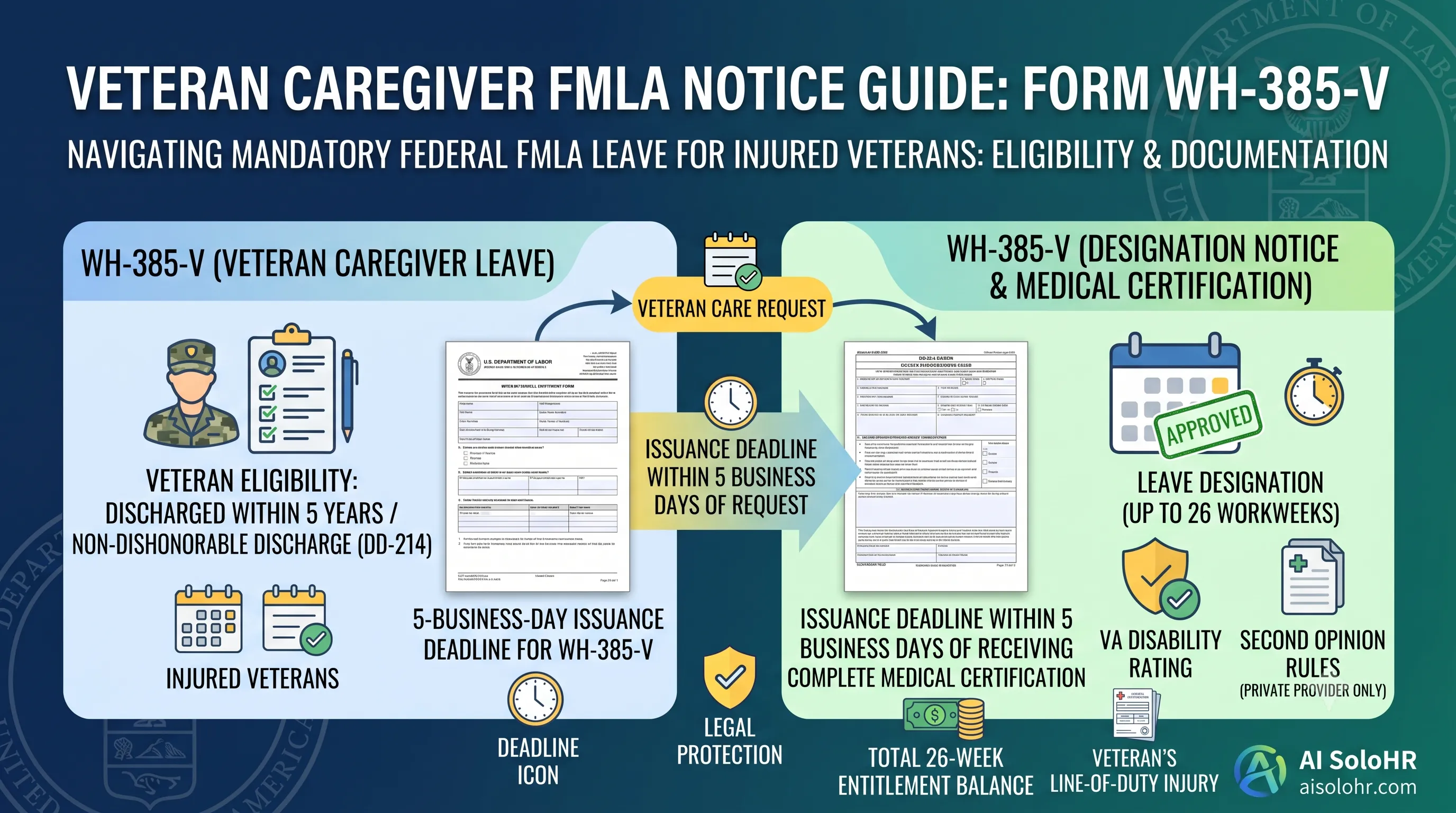
WH-385-V Instructions: Complete FMLA Veteran Caregiver Leave Certification Guide (2026)
A section-by-section guide to completing DOL Form WH-385-V for veteran military caregiver leave. Master the 5-year post-discharge rule, DD-214 verification, bad vs. good certification examples, and 26-week entitlement limits.
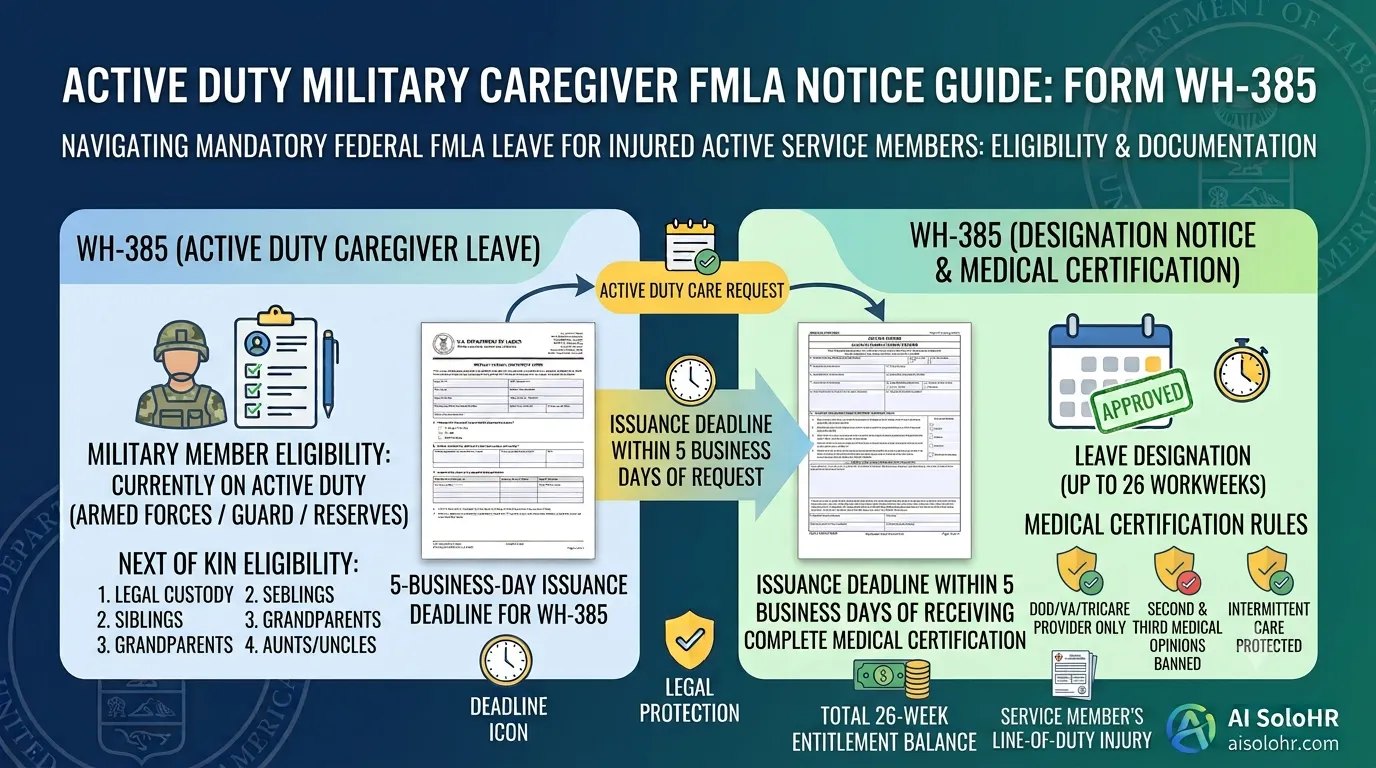
WH-385 Instructions: FMLA Military Caregiver Leave Certification Guide (2026)
A section-by-section HR guide to completing DOL Form WH-385 for active duty military caregiver leave. Master 26 workweeks entitlement, Next of Kin relationship rules, DOD medical certifications, and real-world case examples.
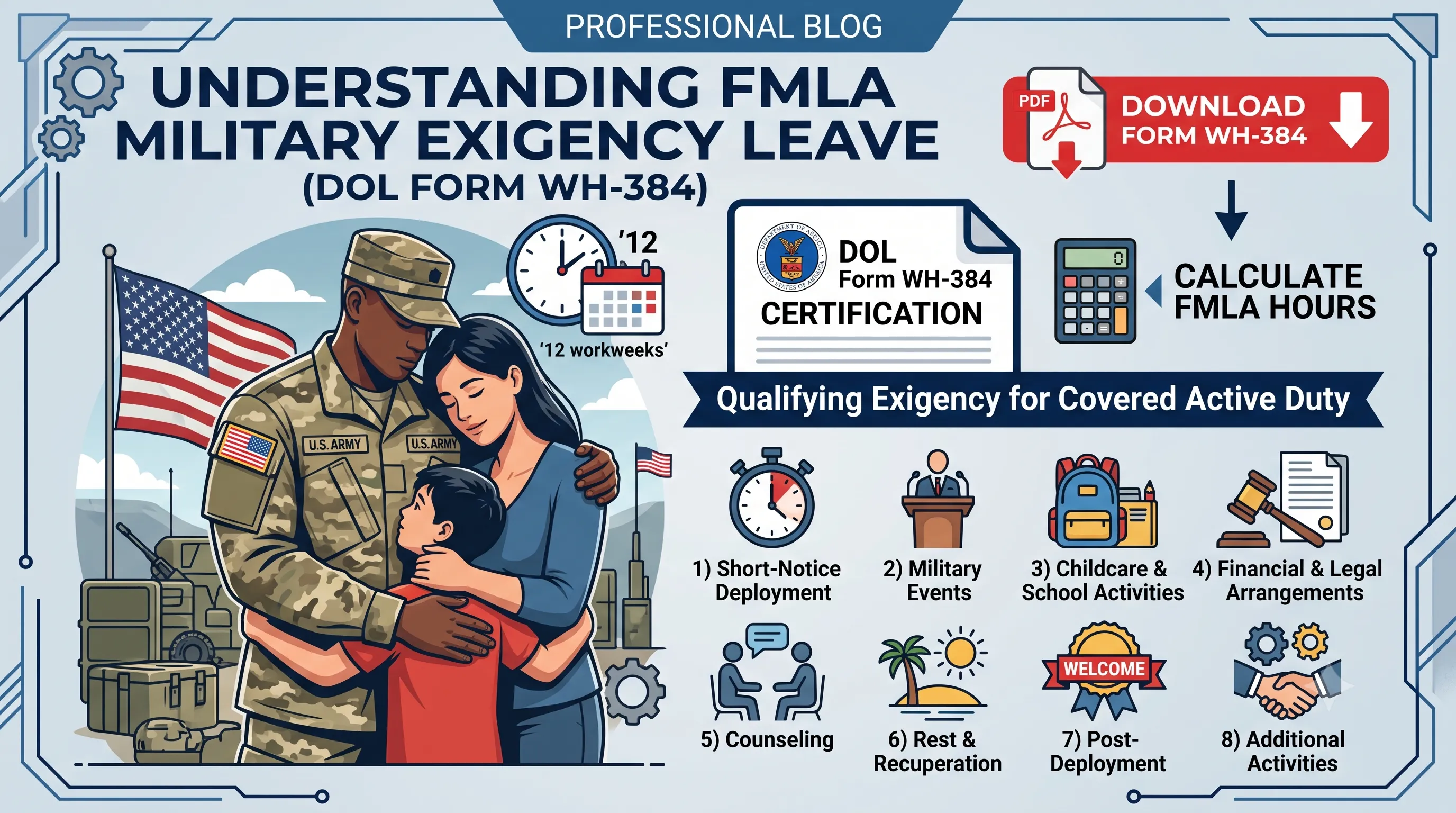
WH-384 Instructions: FMLA Qualifying Exigency Leave Certification Guide (2026)
A section-by-section HR guide to completing DOL Form WH-384 for military exigency leave. Master the 8 statutory exigency categories, active duty order verification, bad vs. good certification examples, and 12-week entitlement rules.
Manual Process Risk Warning
Static documents and manual spreadsheets are great for initial tracking. However, as deadlines pile up and files scatter, human errors can trigger costly regulatory compliance audits.
Put this guidance into action
AI SoloHR helps U.S. small-business HR teams turn manual compliance steps into tracked tasks, defensible timelines, secure document records, and reviewed AI drafts.
- 14-day full platform access
- Up to 3 active cases
- Up to 30 employee records
- All 7 U.S. case types unlocked
This resource is intended for U.S. HR operations and educational purposes only, and does not constitute legal advice. Consult a qualified professional or employment attorney regarding your specific federal and state compliance obligations.