Getting started with AI SoloHR
Set up your workspace, create your first case, invite the right people, and understand where AI fits in your U.S. HR workflow.
Built for U.S. employers and small-business HR teams.
Key takeaways
- Create workspace
- Open first case
- Review drafts
- Invite team
Start with one real workflow
The fastest way to learn AI SoloHR is to create one active HR case and add the next tasks you already know are coming.
Use a real case, not a fake demo
A live leave request, accommodation workflow, employee relations issue, or renewal project will show you the product value faster than a made-up example.
Invite only the people needed
Start with the HR owner and a small number of collaborators so the initial workflow stays clean and easy to understand.
What to do after your first case is live
Once the first case is set up, the next step is to keep using the timeline as the source of truth for notes, files, and next actions.
What to do before and after this step
Most product help actions are easier when the right context is already in place. Before taking the step on this page, make sure the related case, facts, and people are clear. After finishing it, the next move is usually another workflow step such as checking documents, assigning follow-up, or reviewing a draft.
- Use the help article while working inside a real case or workflow
- Keep the surrounding facts, dates, and documents organized first
- If the result affects sensitive communication, review it before sending or sharing it
Support boundary
This help content explains publicly available product workflows. It does not promise hidden features, custom integrations, legal review, or automated compliance outcomes beyond what the product already does today.
AI SoloHR is designed to support case records, tasks, documents, timelines, and reviewed AI drafts inside one workflow. It is not a substitute for legal, medical, benefits, or policy review where those are needed.
Keep Exploring
Frequently asked questions
What is the fastest way to get started in AI SoloHR?
The best starting point is to create one real HR case, add the next few tasks, upload any related documents, and review one AI-generated draft inside that workflow.
Who should I invite first?
Start with the main HR owner and only the collaborators needed for that first workflow, such as a manager or executive viewer.
Related Interactive Calculators & Tools
Related Compliance Articles & Guides
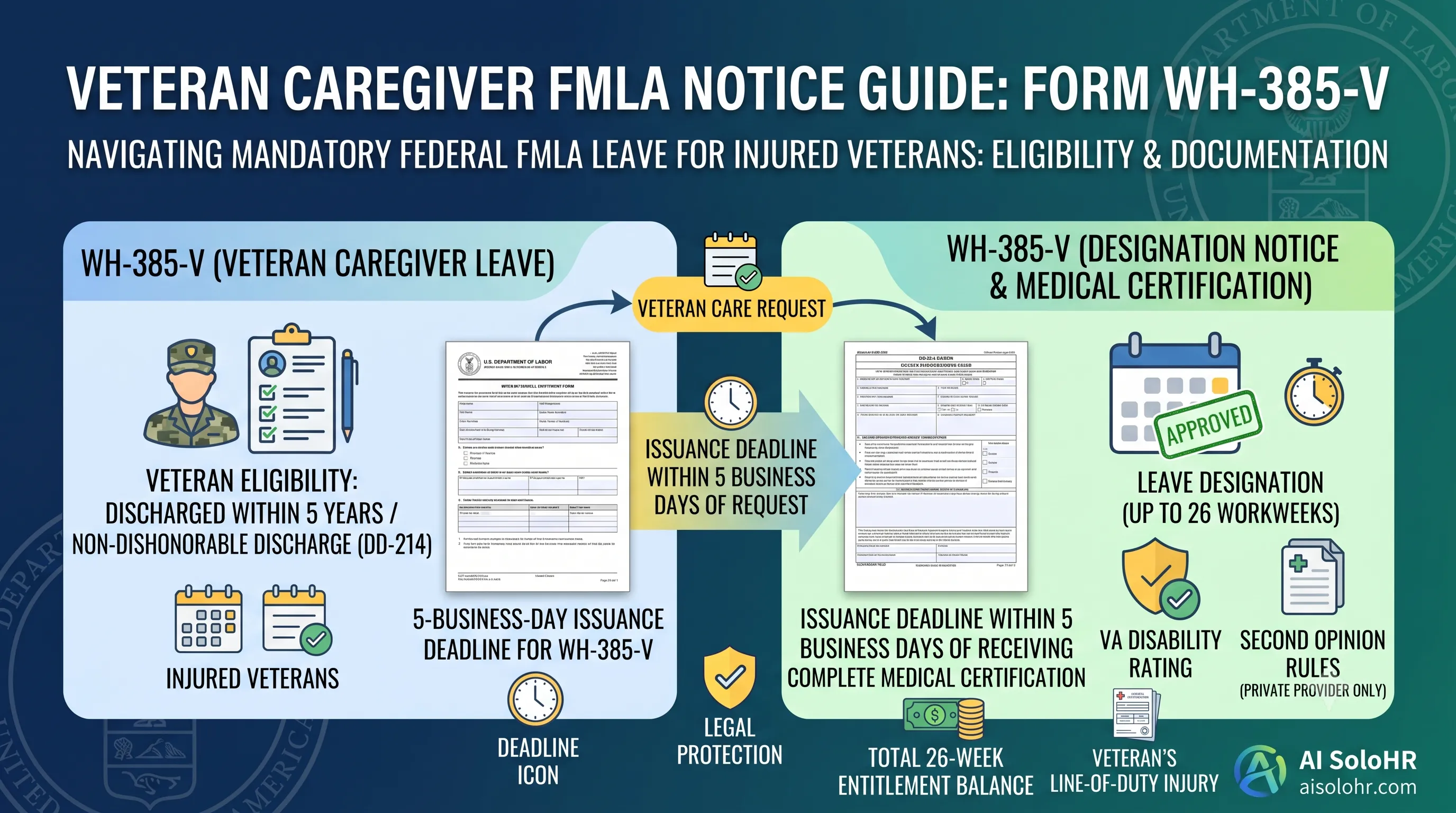
WH-385-V Instructions: Complete FMLA Veteran Caregiver Leave Certification Guide (2026)
A section-by-section guide to completing DOL Form WH-385-V for veteran military caregiver leave. Master the 5-year post-discharge rule, DD-214 verification, bad vs. good certification examples, and 26-week entitlement limits.
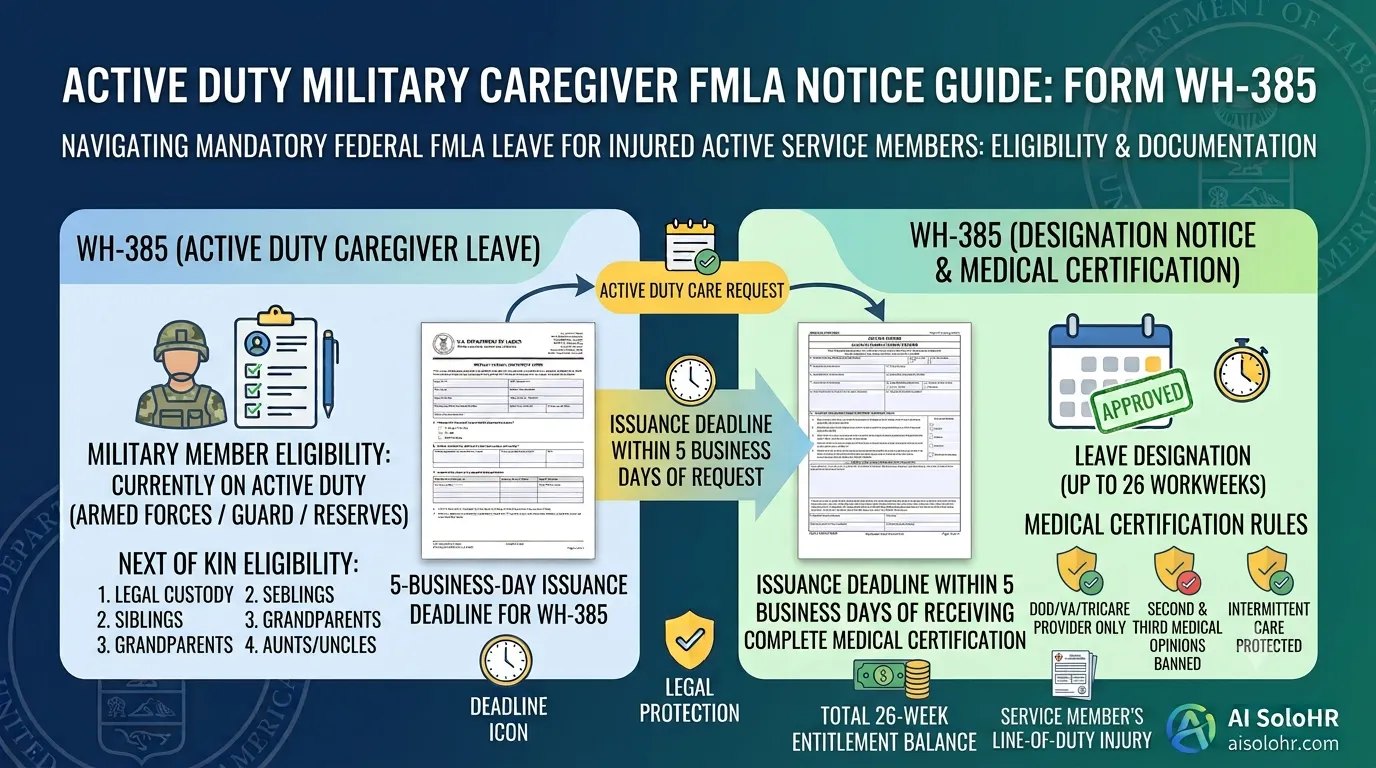
WH-385 Instructions: FMLA Military Caregiver Leave Certification Guide (2026)
A section-by-section HR guide to completing DOL Form WH-385 for active duty military caregiver leave. Master 26 workweeks entitlement, Next of Kin relationship rules, DOD medical certifications, and real-world case examples.
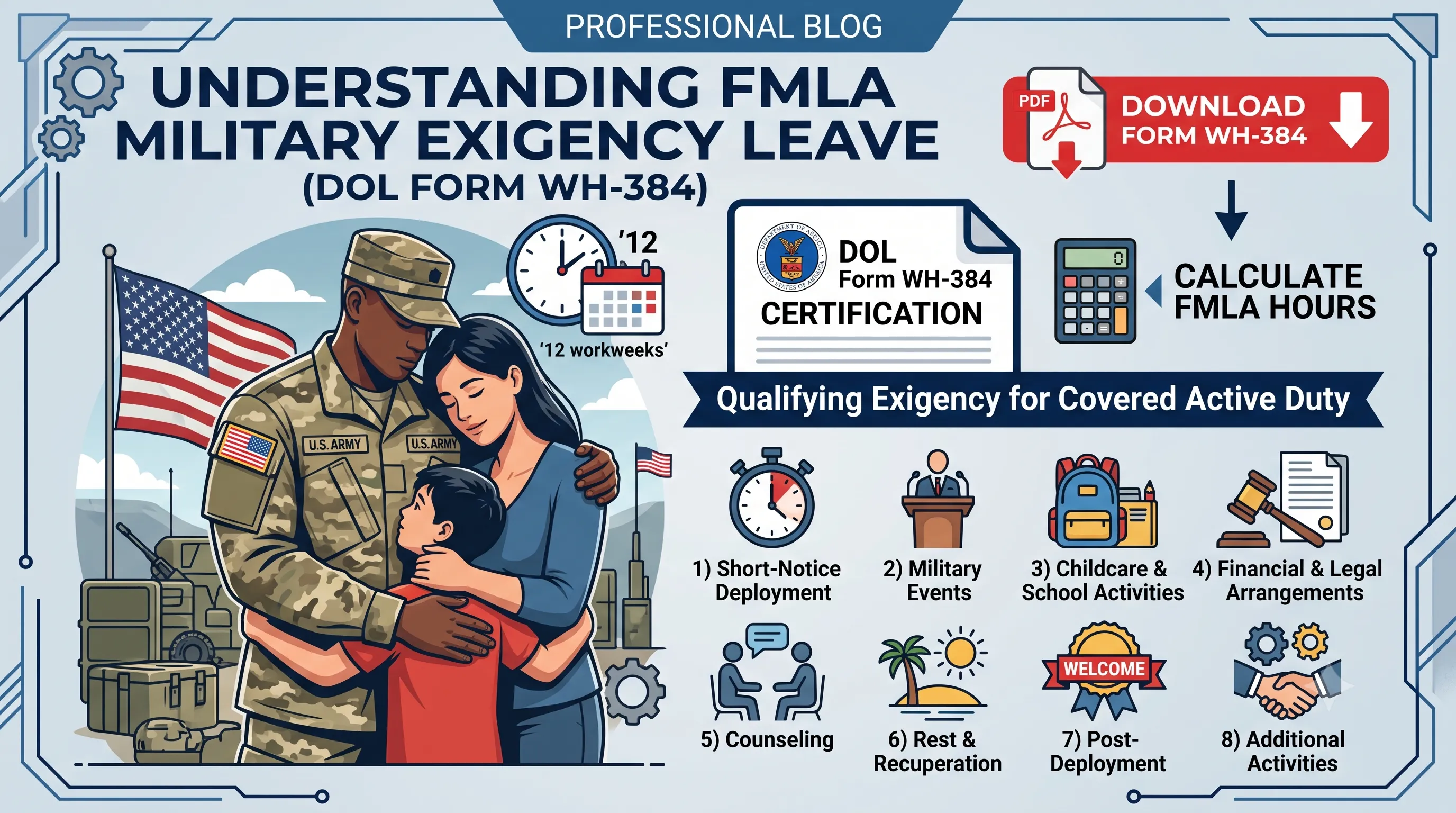
WH-384 Instructions: FMLA Qualifying Exigency Leave Certification Guide (2026)
A section-by-section HR guide to completing DOL Form WH-384 for military exigency leave. Master the 8 statutory exigency categories, active duty order verification, bad vs. good certification examples, and 12-week entitlement rules.
Manual Process Risk Warning
Static documents and manual spreadsheets are great for initial tracking. However, as deadlines pile up and files scatter, human errors can trigger costly regulatory compliance audits.
Put this guidance into action
AI SoloHR helps U.S. small-business HR teams turn manual compliance steps into tracked tasks, defensible timelines, secure document records, and reviewed AI drafts.
- 14-day full platform access
- Up to 3 active cases
- Up to 30 employee records
- All 7 U.S. case types unlocked
This resource is intended for U.S. HR operations and educational purposes only, and does not constitute legal advice. Consult a qualified professional or employment attorney regarding your specific federal and state compliance obligations.