FMLA tracking software for small businesses
Ditch error-prone spreadsheets for a compliant FMLA tracking workflow. Manage certification deadlines, track intermittent leave hours, and keep an audit-ready timeline.
Built for U.S. employers and small-business HR teams.
Key takeaways
- Intermittent leave calculations
- 5-day notice compliance
- HIPAA medical isolation
- Court-ready timelines
Core Software Capabilities
Automated Deadlines & SLAs
Receive proactive alerts for mandatory FMLA notice schedules and physician certification windows.
Intermittent Hour Deductions
Deduct FMLA leave hours on a pro-rata basis aligned with the employee's specific workweek schedule.
How AI SoloHR Compares
| Metric | Manual Spreadsheets | Generic HRIS | AI SoloHR |
|---|---|---|---|
| Rolling 12-Month Calendar calculations | Error-prone formulas & manual entries | Mostly static calendar year buckets | Dynamic rolling-backward hourly calculations |
| FMLA 5-day notice compliance alerts | No alerts (requires manual tracking) | Simple calendar tasks, no SLA gating | Hard compliance dead-lines with proactive alerts |
| Medical records privacy (HIPAA & ADA) | Stored in shared drives or local folders | Mixed in standard employee profile attachments | Strictly isolated secure vault with restricted roles |
Rolling 12-Month Calendar calculations
Error-prone formulas & manual entries
Mostly static calendar year buckets
Dynamic rolling-backward hourly calculations
FMLA 5-day notice compliance alerts
No alerts (requires manual tracking)
Simple calendar tasks, no SLA gating
Hard compliance dead-lines with proactive alerts
Medical records privacy (HIPAA & ADA)
Stored in shared drives or local folders
Mixed in standard employee profile attachments
Strictly isolated secure vault with restricted roles
Why manual FMLA tracking on spreadsheets is a legal liability
FMLA tracking usually breaks down because spreadsheets cannot keep medical certifications, deadline follow-ups, and hour logs tied to the same calendar. An employee's FMLA timeline has rigid statutory deadlines that require proactive alerts, not passive records.
The rolling 12-month calculation trap
Federal FMLA guidelines calculate leave eligibility using a rolling-backward method. Re-calculating an employee's exact intermittent leave balance backward from each day they call out is nearly impossible to maintain manually without calculation errors.
The 5-day notice compliance timeline
Under federal law, once you have reason to believe an employee's absence is for an FMLA-qualifying reason, you have exactly 5 business days to issue Form WH-381. Spreadsheets cannot automatically alert you to these triggers.
What a compliant FMLA tracking software must handle
To keep U.S. small businesses safe from interference and retaliation claims, an FMLA tracking software should consolidate the entire administrative loop.
Intermittent leave hourly tracking
Pro-rata calculations based on the employee's standard workweek fraction to ensure accurate deductions without balance drift.
Role-based document segregation
Isolating confidential medical records from standard employee files, complying strictly with HIPAA and ADA privacy rules.
How AI SoloHR structures FMLA case administration
AI SoloHR makes FMLA compliance manageable by organizing your leave records, deadlines, and task queues into a case-based workspace.
Proactive SLA alerts
Proactive notifications keep certification requests, 15-day cure notices, and return-to-work milestones visible before they breach.
Reviewed AI drafts
Draft employee emails and manager updates using verified case details, keeping a defensible paper trail under human control.
“AI SoloHR took the complexity out of our intermittent FMLA tracking. The automated notice generators and rolling calendar saved us from at least two critical deadline oversights last quarter.”
How this guide fits the real workflow
A guide page is most useful when HR already knows the issue but needs a clearer operating pattern. The goal is not just to define the topic. It is to make the next step, the right record, and the workflow sequence easier to see before something slips.
- Use the guide to standardize what should be documented
- Share the workflow with managers or teammates who need the same context
- Move into a template or a case workflow when the issue becomes active work
Important boundary for this content
This page is written for HR operations and education. It is meant to support documentation, workflow clarity, and communication planning. It does not provide legal advice, medical judgment, eligibility determinations, or automatic employment decisions.
AI SoloHR is designed to support case records, tasks, documents, timelines, and reviewed AI drafts inside one workflow. It is not a substitute for legal, medical, benefits, or policy review where those are needed.
Keep Exploring
Frequently asked questions
Can an employer deny FMLA leave if it causes short-staffing?
No. Federal FMLA regulations do not allow an employer to deny job-protected leave to an eligible employee due to operational difficulty or short-staffing. Doing so constitutes FMLA interference.
How does the rolling 12-month FMLA calculation work?
The rolling 12-month period is calculated backward from the date an employee uses any FMLA leave. Each time an employee takes leave, the remaining balance is the 12-week pool minus any leave used during the preceding 12 months.
Does AI SoloHR generate Form WH-381 and WH-382?
AI SoloHR helps track the delivery and completion status of these mandatory federal forms. It provides structured task prompts and logs follow-up attempts to build a defensible case file.
Related Interactive Calculators & Tools
FMLA Leave Calculator
Convert FMLA workweeks to precise hours and calculate leave limits.
FMLA Eligibility & FTE
Verify if your business meets the 50-employee FMLA threshold.
FMLA Interference Risk
Evaluate your company's risk of FMLA interference or retaliation.
FMLA Hours & Leave Calculator
Convert FMLA weeks to precise hours based on your work schedule.
Intermittent FMLA Leave Tracker
Log absence dates and hours with a rolling 365-day balance tracker.
Related Compliance Articles & Guides
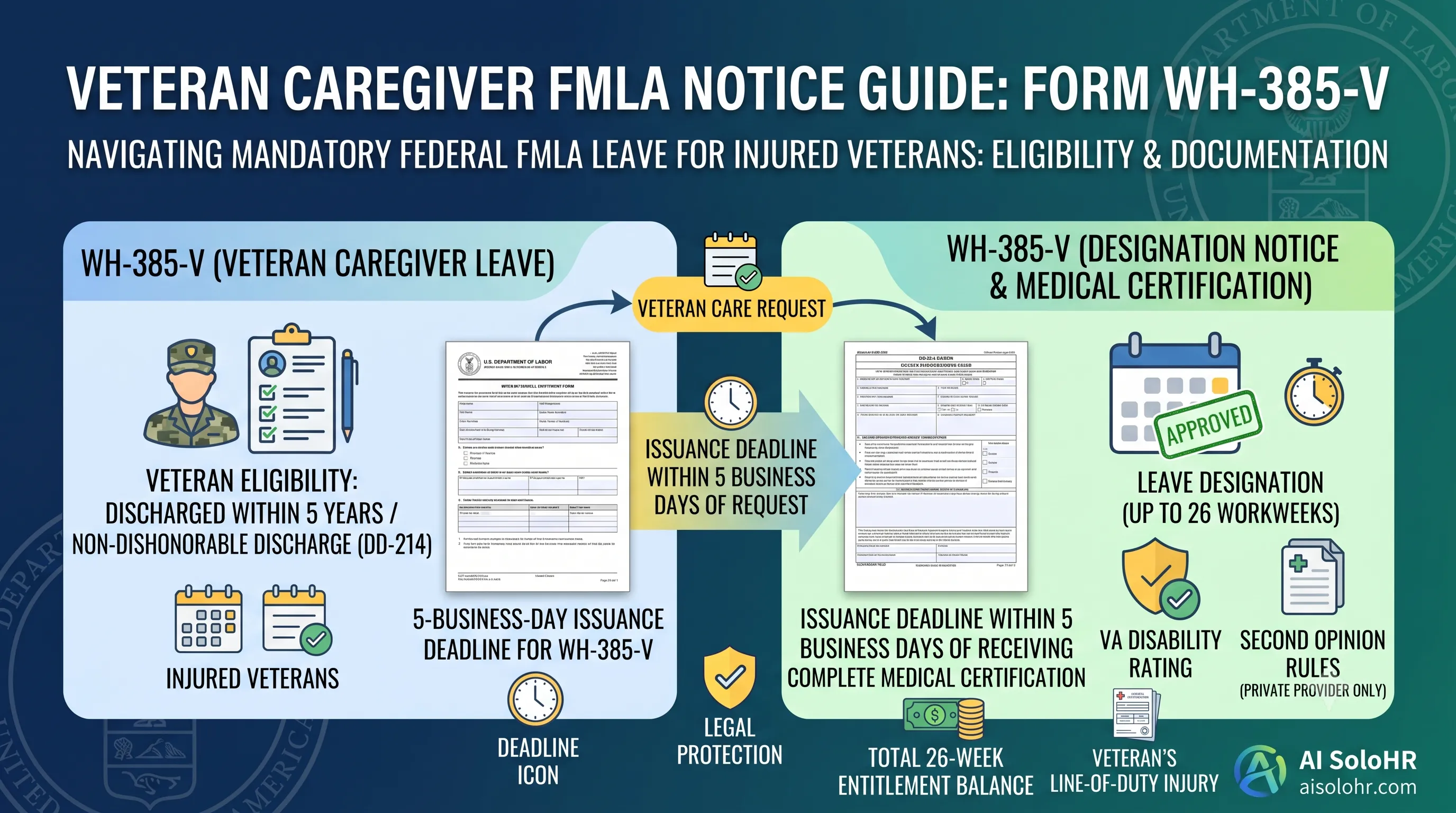
WH-385-V Instructions: Complete FMLA Veteran Caregiver Leave Certification Guide (2026)
A section-by-section guide to completing DOL Form WH-385-V for veteran military caregiver leave. Master the 5-year post-discharge rule, DD-214 verification, bad vs. good certification examples, and 26-week entitlement limits.
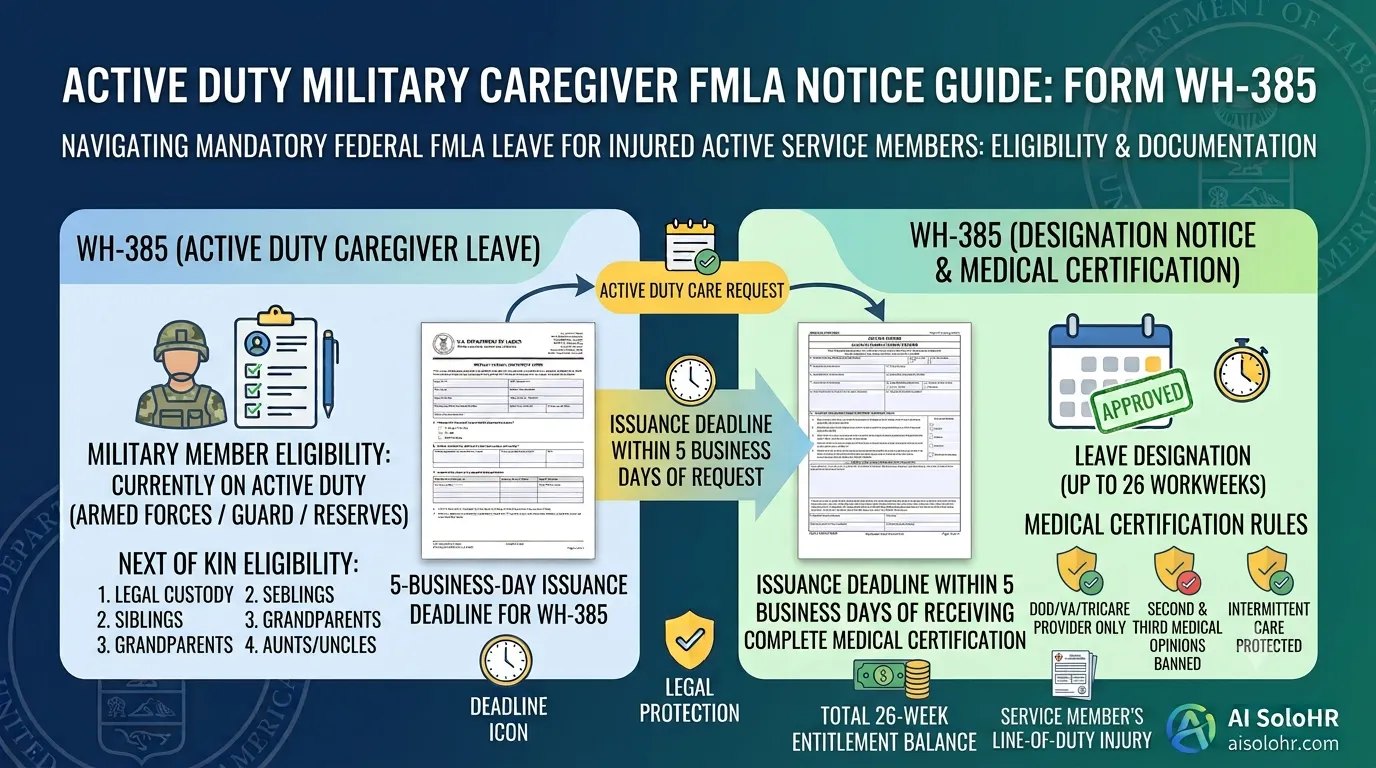
WH-385 Instructions: FMLA Military Caregiver Leave Certification Guide (2026)
A section-by-section HR guide to completing DOL Form WH-385 for active duty military caregiver leave. Master 26 workweeks entitlement, Next of Kin relationship rules, DOD medical certifications, and real-world case examples.
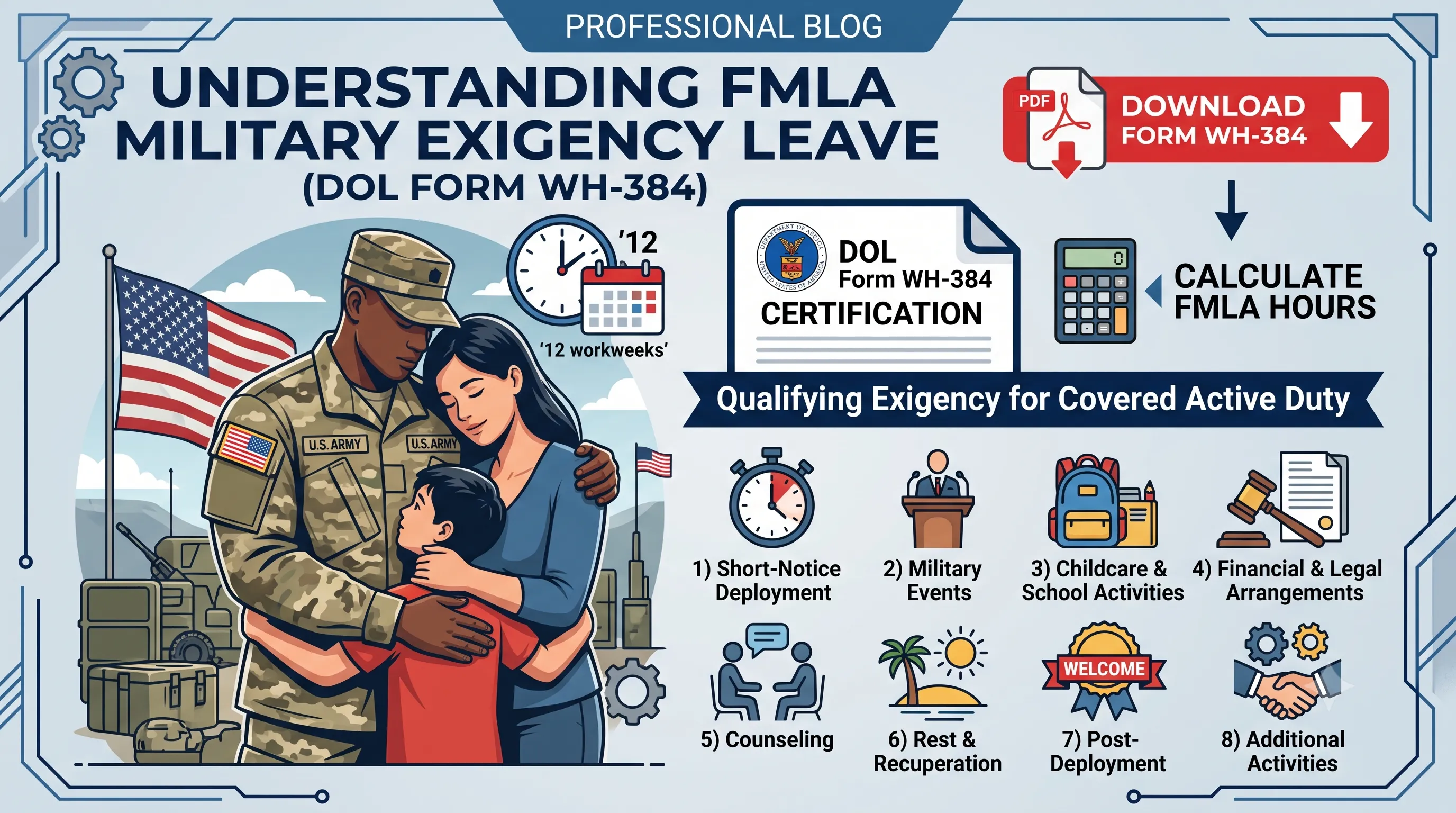
WH-384 Instructions: FMLA Qualifying Exigency Leave Certification Guide (2026)
A section-by-section HR guide to completing DOL Form WH-384 for military exigency leave. Master the 8 statutory exigency categories, active duty order verification, bad vs. good certification examples, and 12-week entitlement rules.
FMLA Spreadsheet Disruption Warning
Manual tracking of medical certifications (15-day cure window), rolling balances, and intermittent schedules across multiple managers invites high risk of FMLA interference claims. When leaves pile up, static files fail to protect the company.
Put this guidance into action
AI SoloHR helps U.S. small-business HR teams turn manual compliance steps into tracked tasks, defensible timelines, secure document records, and reviewed AI drafts.
- 14-day full platform access
- Up to 3 active cases
- Up to 30 employee records
- All 7 U.S. case types unlocked
This resource is intended for U.S. HR operations and educational purposes only, and does not constitute legal advice. Consult a qualified professional or employment attorney regarding your specific federal and state compliance obligations.