Interview no-show tracking for repeatable follow-up
Record interview no-shows, candidate follow-ups, manager updates, and repeated patterns without losing context or rebuilding the story later.
Built for U.S. employers and small-business HR teams.
Key takeaways
- Candidate records
- Manager updates
- Follow-up emails
- Outcome history
Why interview no-shows deserve a lightweight case record
Interview no-shows are easy to handle informally until a pattern appears or a manager asks what happened. A lightweight case keeps the facts available and makes the next follow-up obvious.
Hiring friction still creates operational work
Even if the issue feels small, HR still needs to coordinate with the recruiter or manager, decide whether to reschedule, and document the final outcome.
Patterns matter over time
A structured record helps the team see if certain roles, candidates, or handoff points are creating recurring no-shows.
A repeatable workflow for interview no-show follow-up
A simple case workflow keeps the event, the outreach, and the final disposition tied together.
Capture the event clearly
Log the minimum facts first.
Complete the follow-up loop
Record what happened after the missed interview.
How AI SoloHR helps hiring follow-up move faster
AI SoloHR keeps the case timeline, candidate communication drafts, and manager updates connected so HR can respond quickly without losing the record.
A No-Show Decision Tree
When to Follow Up the Same Day
Transitioning away from manual spreadsheets to tracked cases improves overall workflow visibility.
When to Offer a Reschedule
U.S. small businesses face unique compliance pressures when operating with lean HR resources.
When to Close the Case
Sensitive workplace concerns require objective, factual documentation rather than subjective notes.
What the Hiring Team Needs Recorded
Scheduled Interview Details
Streamlining your system setup allows administrative HR actions to run smoothly and predictably.
Outreach Attempts and Responses
Open case files at the first trigger to record intake details and keep next actions clearly visible.
Final Decision and Internal Summary
Open case files at the first trigger to record intake details and keep next actions clearly visible.
What Makes This Workflow More Than a Missed Meeting
Candidate Experience Considerations
U.S. small businesses face unique compliance pressures when operating with lean HR resources.
Manager Communication Needs
Transitioning away from manual spreadsheets to tracked cases improves overall workflow visibility.
Repeatable Hiring Process Discipline
U.S. small businesses face unique compliance pressures when operating with lean HR resources.
How to read this use-case page
A use-case page is meant to help you judge workflow fit. If the problem described here sounds like your current HR process, that usually means you need a clearer case record, a more visible task flow, better document handling, and a stronger timeline than spreadsheets or inboxes provide.
- Use the page to compare your current process against a structured case workflow
- Look for where deadlines, documents, and communication tend to drift today
- Use the product and pricing pages if the use case already matches active work inside your team
What this page does not claim
This use-case page explains workflow support and documentation structure. It does not claim that AI SoloHR makes legal decisions, replaces an HRIS, or automates protected-employment judgments for your team.
AI SoloHR is designed to support case records, tasks, documents, timelines, and reviewed AI drafts inside one workflow. It is not a substitute for legal, medical, benefits, or policy review where those are needed.
Keep Exploring
Frequently asked questions
Should HR document interview no-shows?
Yes. A lightweight record helps HR explain what happened, what follow-up occurred, and whether a reschedule or closure decision was made.
What should an interview no-show record include?
It should include the scheduled interview details, candidate information, who was affected, what follow-up was sent, and the final outcome.
How does AI SoloHR help with this workflow?
AI SoloHR gives HR a simple case record, task tracking, and reviewed draft follow-up messages so the team can move quickly while keeping a clear history.
Related Interactive Calculators & Tools
Related Compliance Articles & Guides
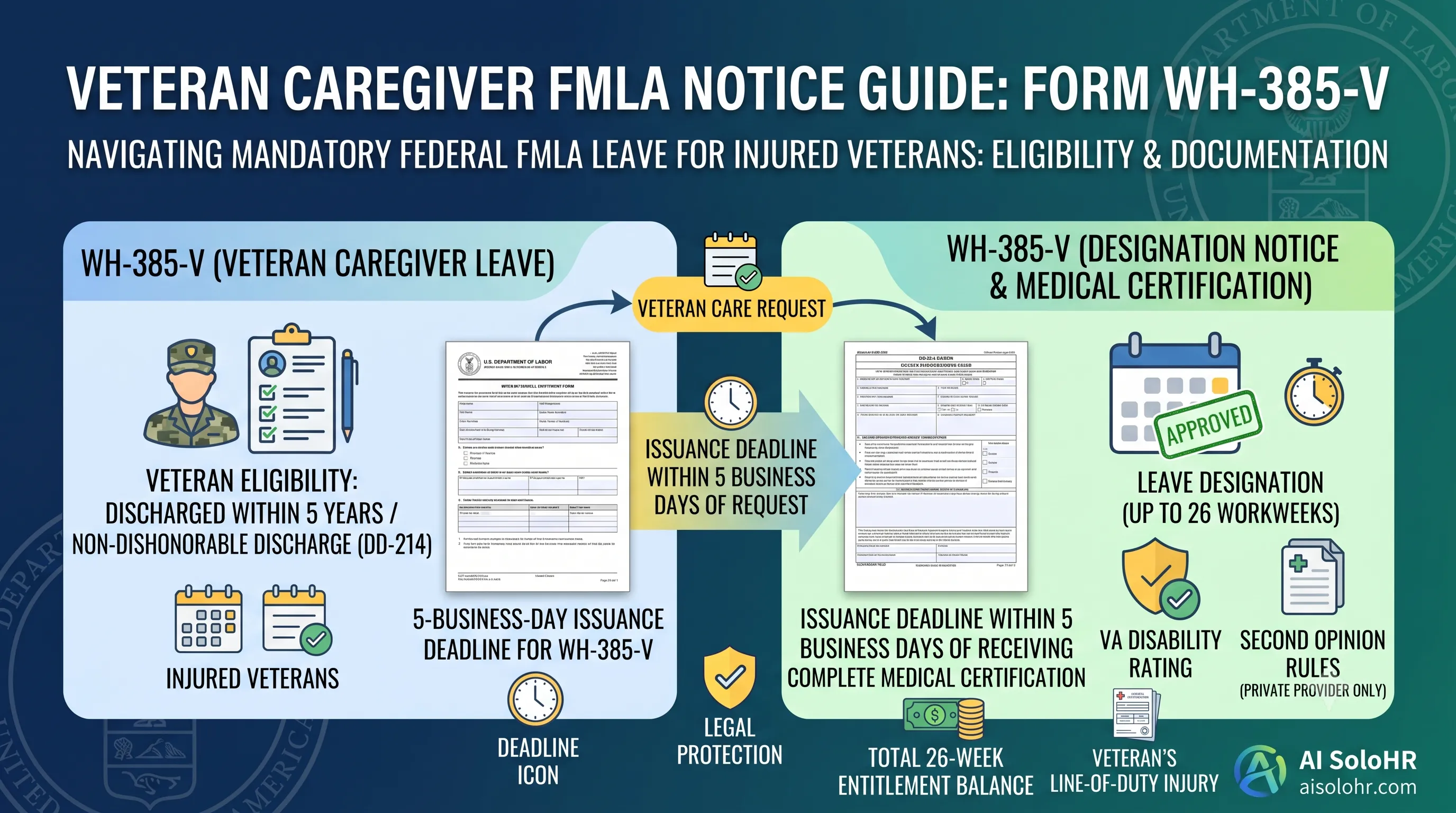
WH-385-V Instructions: Complete FMLA Veteran Caregiver Leave Certification Guide (2026)
A section-by-section guide to completing DOL Form WH-385-V for veteran military caregiver leave. Master the 5-year post-discharge rule, DD-214 verification, bad vs. good certification examples, and 26-week entitlement limits.
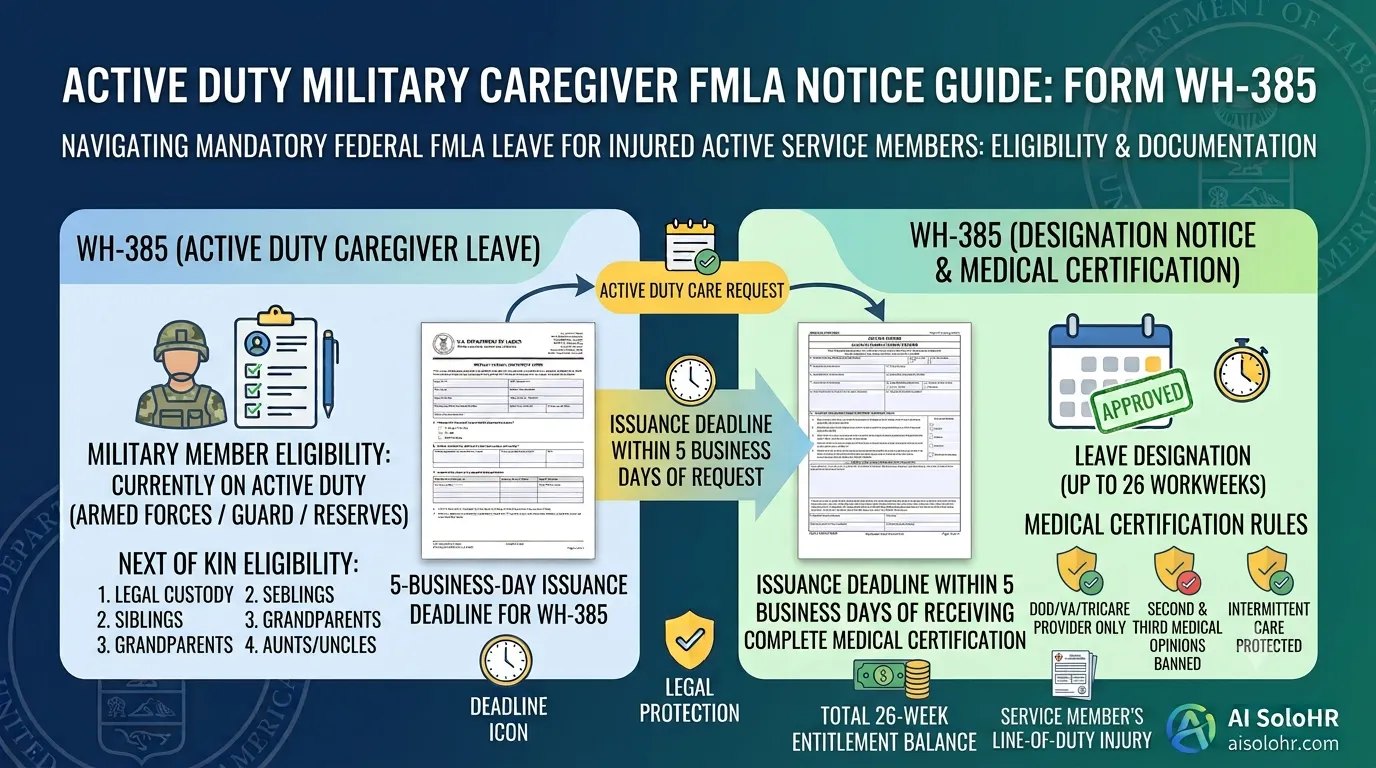
WH-385 Instructions: FMLA Military Caregiver Leave Certification Guide (2026)
A section-by-section HR guide to completing DOL Form WH-385 for active duty military caregiver leave. Master 26 workweeks entitlement, Next of Kin relationship rules, DOD medical certifications, and real-world case examples.
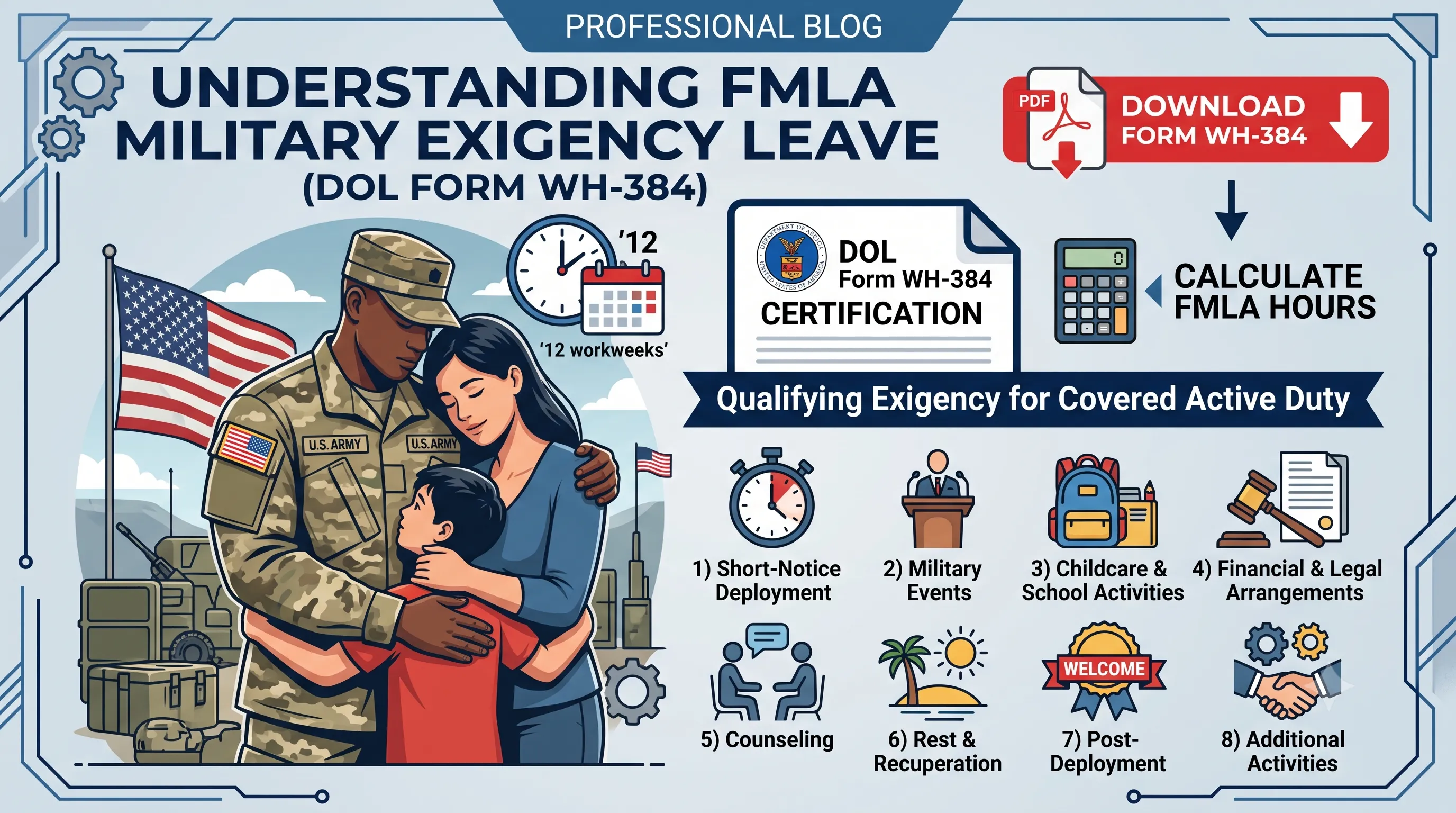
WH-384 Instructions: FMLA Qualifying Exigency Leave Certification Guide (2026)
A section-by-section HR guide to completing DOL Form WH-384 for military exigency leave. Master the 8 statutory exigency categories, active duty order verification, bad vs. good certification examples, and 12-week entitlement rules.
Manual Process Risk Warning
Static documents and manual spreadsheets are great for initial tracking. However, as deadlines pile up and files scatter, human errors can trigger costly regulatory compliance audits.
Put this guidance into action
AI SoloHR helps U.S. small-business HR teams turn manual compliance steps into tracked tasks, defensible timelines, secure document records, and reviewed AI drafts.
- 14-day full platform access
- Up to 3 active cases
- Up to 30 employee records
- All 7 U.S. case types unlocked
This resource is intended for U.S. HR operations and educational purposes only, and does not constitute legal advice. Consult a qualified professional or employment attorney regarding your specific federal and state compliance obligations.