Connect Google Calendar
Connect calendar workflows so interviews, follow-ups, and key HR dates stay visible.
Built for U.S. employers and small-business HR teams.
Premium Workflow Workspace
This documentation details a specialized workflow that requires a Solo HR / HR Ops plan active in your organization settings. Explore our Pricing Plans to upgrade your account and unlock this capability in the software.
Key takeaways
- OAuth connection
- Calendar events
- Case links
- Disconnect anytime
Connection basics
Connect Google Calendar from integrations settings. Calendar events can be linked to cases and tracked alongside other HR work.
Setup steps
Use the integrations settings to authorize access.
Best use cases
Calendar connection is most useful for interview coordination, follow-up reminders, and milestone visibility inside the broader case workflow.
Keep calendar events tied to the right case
When events stay linked to the case, HR can understand why the meeting happened and what the next step should be after it ends.
Before You Connect Google Calendar
What Account You Should Use
Connecting integrated tools ensures case notes and follow-up reminders stay visible inside one workspace.
What Access You May Be Asked to Approve
Streamlining your system setup allows administrative HR actions to run smoothly and predictably.
What Will Change After the Connection Is Live
Connecting integrated tools ensures case notes and follow-up reminders stay visible inside one workspace.
What to Check if the Connection Feels Incomplete
Calendar Permissions
Streamlining your system setup allows administrative HR actions to run smoothly and predictably.
Wrong Account or Wrong Calendar
Setting up custom categories and private files creates a clear structure for ongoing documentation.
What to Verify Before Contacting Support
Setting up custom categories and private files creates a clear structure for ongoing documentation.
What to do before and after this step
Most product help actions are easier when the right context is already in place. Before taking the step on this page, make sure the related case, facts, and people are clear. After finishing it, the next move is usually another workflow step such as checking documents, assigning follow-up, or reviewing a draft.
- Use the help article while working inside a real case or workflow
- Keep the surrounding facts, dates, and documents organized first
- If the result affects sensitive communication, review it before sending or sharing it
Support boundary
This help content explains publicly available product workflows. It does not promise hidden features, custom integrations, legal review, or automated compliance outcomes beyond what the product already does today.
AI SoloHR is designed to support case records, tasks, documents, timelines, and reviewed AI drafts inside one workflow. It is not a substitute for legal, medical, benefits, or policy review where those are needed.
Keep Exploring
Frequently asked questions
What is Google Calendar used for in AI SoloHR?
Teams use it to connect interviews, meetings, follow-ups, and other date-driven HR work to the related case record.
Can I disconnect Google Calendar later?
Yes. The integration can be disconnected from the integrations settings when it is no longer needed.
Related Interactive Calculators & Tools
Related Compliance Articles & Guides
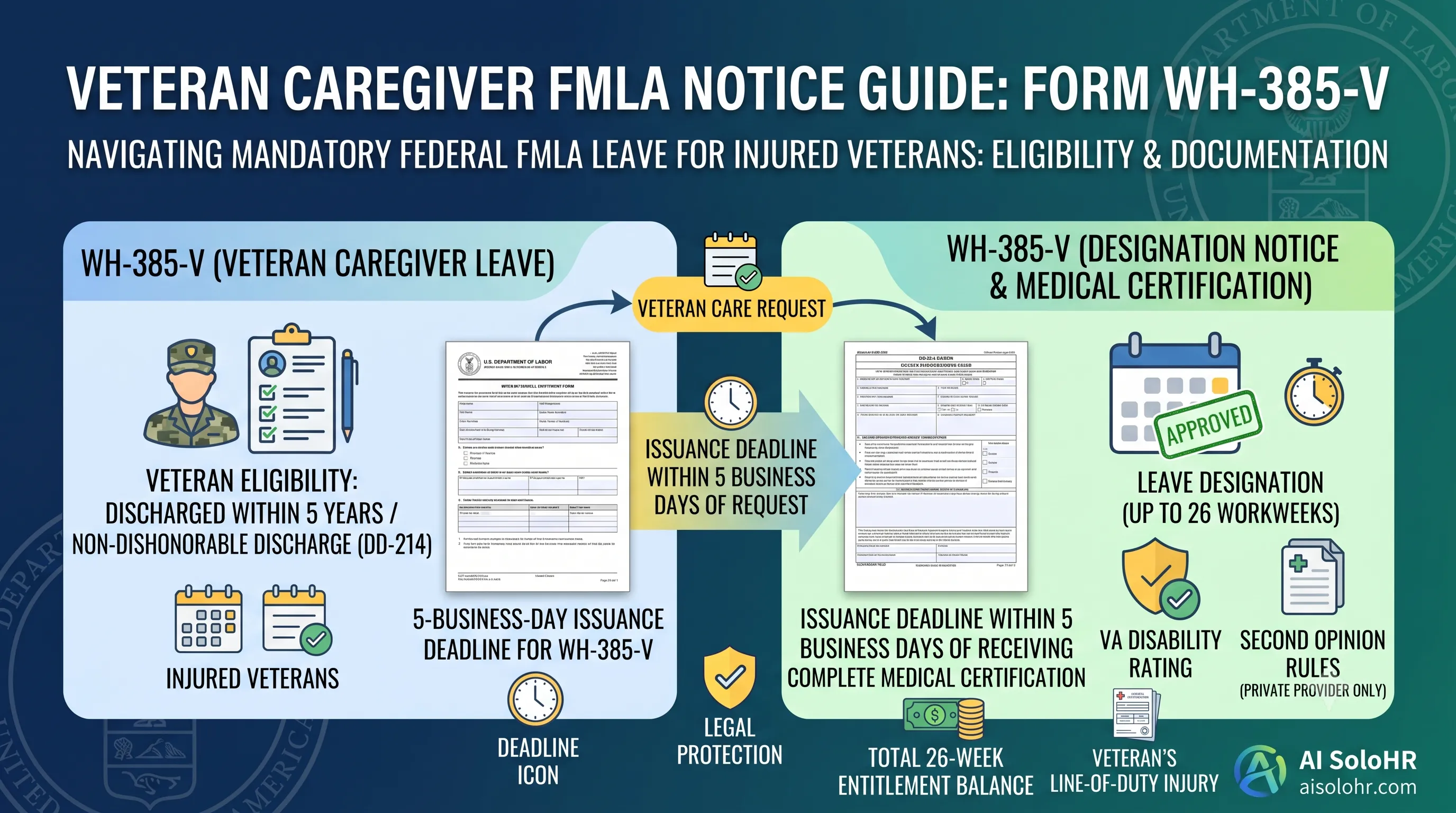
WH-385-V Instructions: Complete FMLA Veteran Caregiver Leave Certification Guide (2026)
A section-by-section guide to completing DOL Form WH-385-V for veteran military caregiver leave. Master the 5-year post-discharge rule, DD-214 verification, bad vs. good certification examples, and 26-week entitlement limits.
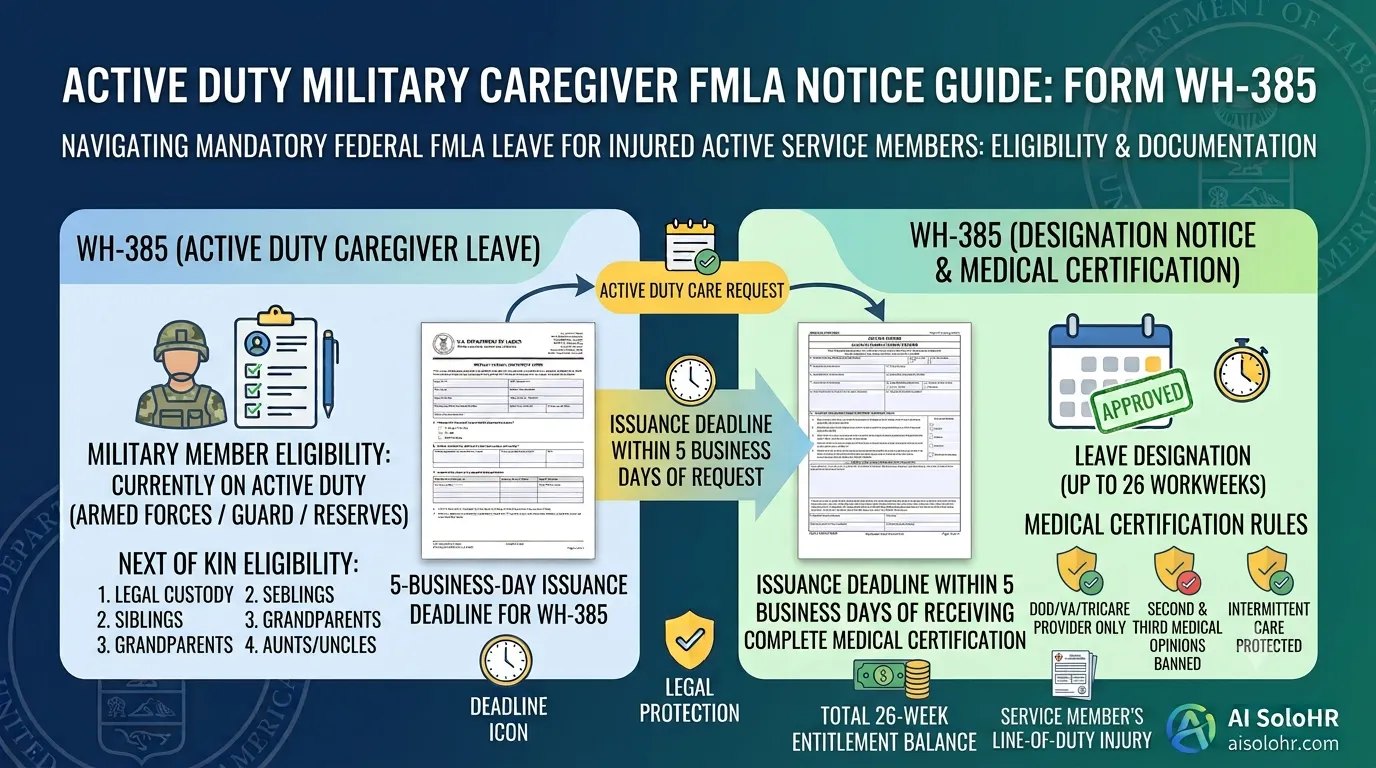
WH-385 Instructions: FMLA Military Caregiver Leave Certification Guide (2026)
A section-by-section HR guide to completing DOL Form WH-385 for active duty military caregiver leave. Master 26 workweeks entitlement, Next of Kin relationship rules, DOD medical certifications, and real-world case examples.
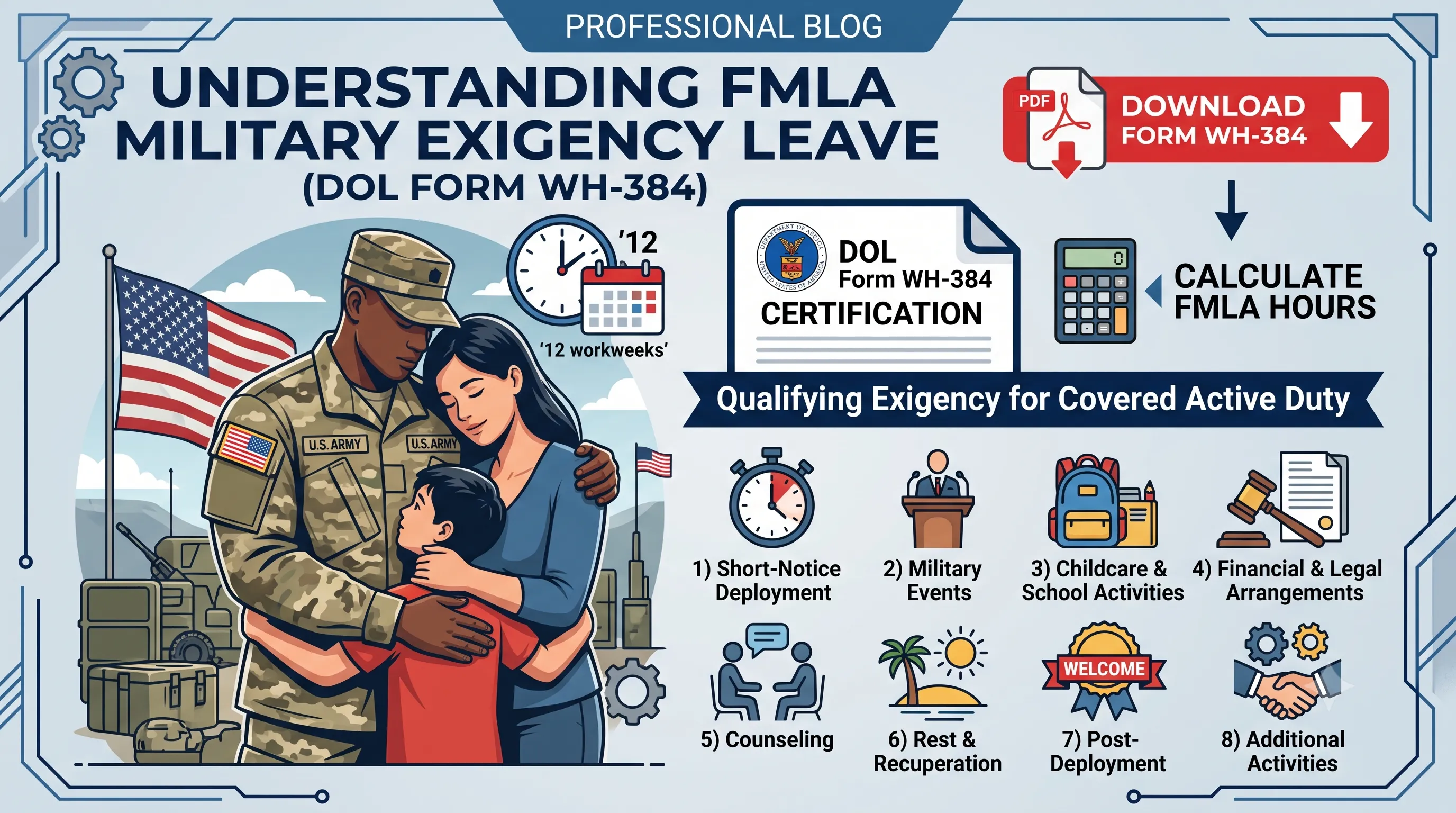
WH-384 Instructions: FMLA Qualifying Exigency Leave Certification Guide (2026)
A section-by-section HR guide to completing DOL Form WH-384 for military exigency leave. Master the 8 statutory exigency categories, active duty order verification, bad vs. good certification examples, and 12-week entitlement rules.
Manual Process Risk Warning
Static documents and manual spreadsheets are great for initial tracking. However, as deadlines pile up and files scatter, human errors can trigger costly regulatory compliance audits.
Put this guidance into action
AI SoloHR helps U.S. small-business HR teams turn manual compliance steps into tracked tasks, defensible timelines, secure document records, and reviewed AI drafts.
- 14-day full platform access
- Up to 3 active cases
- Up to 30 employee records
- All 7 U.S. case types unlocked
This resource is intended for U.S. HR operations and educational purposes only, and does not constitute legal advice. Consult a qualified professional or employment attorney regarding your specific federal and state compliance obligations.