Free ADA reasonable accommodation checklist
Download a comprehensive ADA reasonable accommodation checklist to document the interactive process, explore work adjustments, and maintain EEOC-compliant records.
Built for U.S. employers and small-business HR teams.
Key takeaways
- Interactive process documentation
- Employer verification rights
- Undue hardship audits
- SOP checklist download
Core Software Capabilities
EEOC Audit Readiness
Document each interactive step to prove your company acted in good faith.
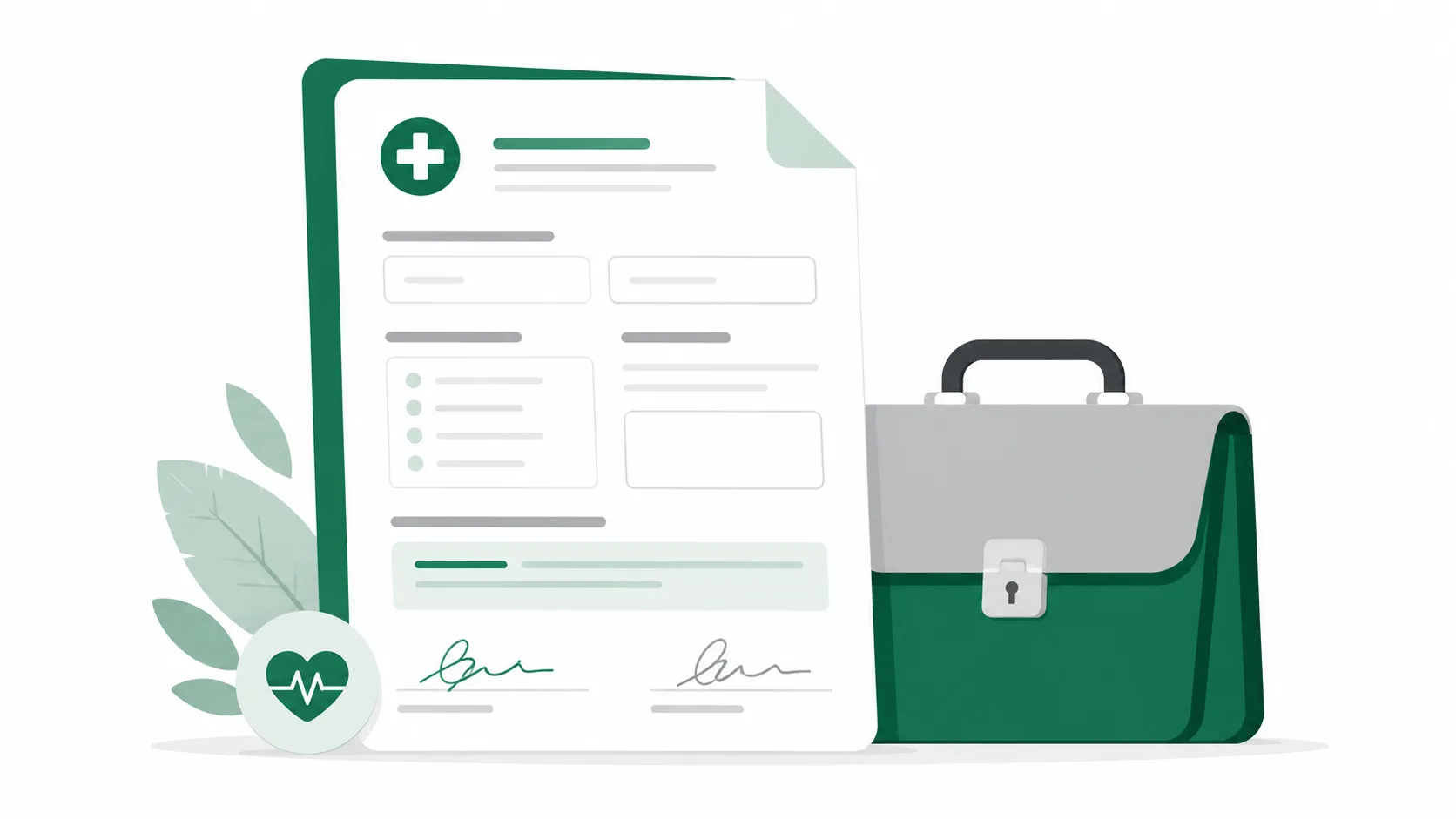
Medical Record Vault
Store restrictions and physician notes in a secure HIPAA-aligned folder.
How AI SoloHR Compares
| Metric | Manual Spreadsheets | Generic HRIS | AI SoloHR |
|---|---|---|---|
| Interactive Process Log | Scattered inboxes, no timeline | Lacks dedicated accommodation history fields | Chronological process logs linked directly to requests |
| Medical File Segregation | High leakage risk in shared directories | General employee folders (compliance violation) | HIPAA-aligned isolated medical document vault |
Interactive Process Log
Scattered inboxes, no timeline
Lacks dedicated accommodation history fields
Chronological process logs linked directly to requests
Medical File Segregation
High leakage risk in shared directories
General employee folders (compliance violation)
HIPAA-aligned isolated medical document vault
Understanding the ADA interactive process checklist
The Equal Employment Opportunity Commission (EEOC) expects employers to engage in a collaborative 'interactive process' to identify reasonable accommodations. A checklist helps HR standardize this process so no legal requirement is overlooked.
Step-by-step interactive milestones
The checklist covers recognizing the request, gathering medical clarification, conducting the interactive dialogue, making the accommodation decision, and scheduling ongoing reviews.
Where manual checklists fall short
While a PDF checklist ensures you follow the right steps, it cannot track tasks, send follow-up reminders, or keep a chronological audit-ready case timeline.
Moving from templates to secure ADA case tracking
Manually archiving employee medical requests and meeting notes in shared local folders exposes your business to privacy breaches and audit gaps.
HIPAA-compliant document vaults
Store medical notes and restrictions in an isolated vault away from general employee personnel files.
Audit trail of considered accommodations
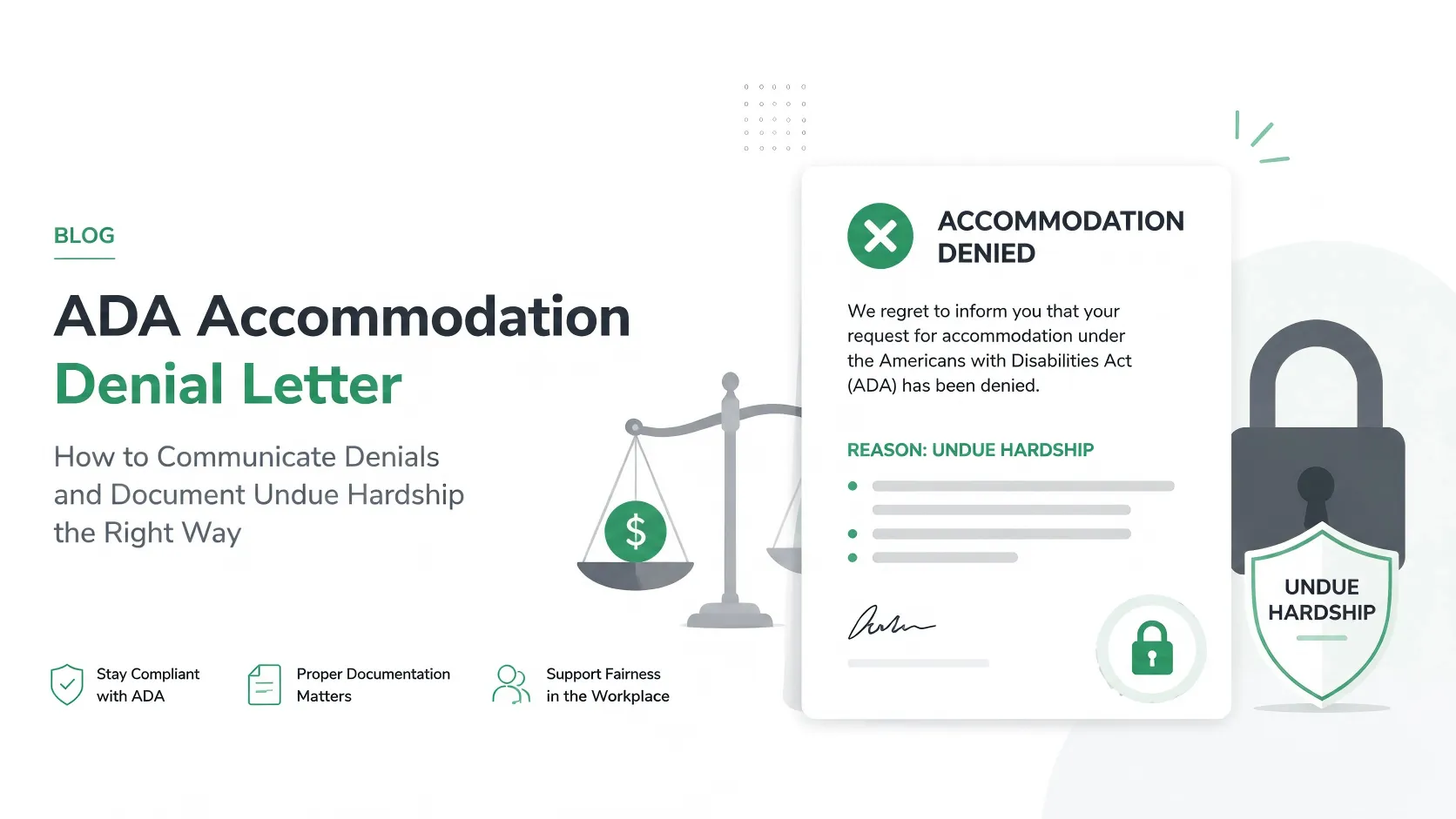
Document all options discussed, cost estimates, and operational feasibility to defend against undue hardship disputes.
Download Free HR Tracking Spreadsheet Template
Download our free spreadsheet template (Excel format) to log cases, track compliance timelines, and keep records organized.
| Item | Due Date | Owner | Status | Action |
|---|---|---|---|---|
How to use a template without overrelying on it
A template helps most when you need a repeatable starting structure, but it is still only one part of the workflow. The real work usually includes follow-up tasks, status changes, supporting documents, and communication that should stay connected to the same issue over time.
- Use the template to create consistency across repeated HR work
- Add dates, owners, and supporting notes so the template stays actionable
- Move into a structured case workflow once deadlines, files, or multiple follow-ups start stacking up
What this template page is and is not
This page can help you structure HR workflow documentation, but it should not be treated as legal advice or a promise that one form alone will solve the underlying process. Human review and professional judgment still matter.
AI SoloHR is designed to support case records, tasks, documents, timelines, and reviewed AI drafts inside one workflow. It is not a substitute for legal, medical, benefits, or policy review where those are needed.
Keep Exploring
Frequently asked questions
What constitutes a 'good-faith' interactive process under the ADA?
A good-faith interactive process involves prompt communication with the employee, requesting medical certification of functional limitations, discussing potential adjustments, exploring alternatives, and documenting decisions.
How do you document undue hardship under the ADA?
Undue hardship requires proving that the accommodation causes significant operational disruption or financial cost. You must document specific cost estimates, staffing shortages, or business disruption metrics.
Related Interactive Calculators & Tools
ADA Process Timeline
Track key milestones for ADA accommodation interactive dialogue.
Bradford Factor Score
Measure employee short-term absence disruption objectively.
FMLA Interference Risk
Evaluate your company's risk of FMLA interference or retaliation.
ADA Interactive Process Document Generator
AI-powered good-faith interactive dialogue agendas and accommodation decisions.
Related Compliance Articles & Guides
ADA Good Faith Documentation Risk
Under EEOC guidelines, an untracked email chain or verbal agreement does not prove a 'Good Faith Interactive Process'. If a workplace accommodation is legally challenged, HR must defend the decision with a chronological, objective history of all options explored.
Put this guidance into action
AI SoloHR helps U.S. small-business HR teams turn manual compliance steps into tracked tasks, defensible timelines, secure document records, and reviewed AI drafts.
- 14-day full platform access
- Up to 3 active cases
- Up to 30 employee records
- All 7 U.S. case types unlocked
This resource is intended for U.S. HR operations and educational purposes only, and does not constitute legal advice. Consult a qualified professional or employment attorney regarding your specific federal and state compliance obligations.