ADA interactive process meeting agenda
A practical guide and meeting agenda for HR to initiate and document the Good Faith interactive dialogue for workplace accommodations.
Built for U.S. employers and small-business HR teams.
Key takeaways
- Good faith dialogue
- Essential functions
- Accommodation search
- Process logging
The interactive process agenda
The ADA interactive process is a cooperative dialogue between the employer and the employee to identify reasonable accommodations. This meeting should focus on the employee's limitations in performing essential job duties, not their diagnosis.
Core goals of Good Faith
The dialogue must be conducted in good faith. This means the employer actively listens, evaluates requests objectively, and works constructively to identify options rather than finding reasons to say no.
Establishing medical bounds
HR should limit inquiries to the specific functional limitations affecting job performance. Avoid requesting a diagnosis or detailed medical histories unrelated to the accommodation request.
Ensuring manager separation
Direct managers should focus on operational impact and essential duties, while HR handles sensitive medical documentation and legal compliance details separately.
How to Structure the Good Faith Dialogue
A structured meeting format ensures that both parties stay focused on job performance and reasonable modifications during the accommodation discussion.
Intake and restrictions review
Begin the meeting by reviewing the employee's request and the medical documentation of restrictions. Focus strictly on what work activities are currently restricted (e.g., sitting for long periods, keyboarding limits).
Essential functions assessment
Cross-reference restrictions with the employee's job description. Determine which essential duties are impacted and which can still be performed without adjustments.
Brainstorming modifications
Collaborate on potential adjustments, such as physical workstation aids, schedule shifts, or software tools. Avoid shooting down ideas immediately; log all options for objective evaluation.
Questions to guide the discussion
Use these open-ended questions to gather facts while respecting medical privacy boundaries.
Compliant interview prompts
Frame questions around the barrier and the work output rather than the medical cause. Document all responses neutrally.
Limitation focus questions
Gain clarity on physical or cognitive limits to help shape equipment purchases or scheduling adjustments.
Alternative review inquiries
If the employee's preferred accommodation is operationally challenging, discuss alternative adjustments that still resolve the functional barrier.
What to document in the case file
Thorough documentation protects the organization by proving it met its Good Faith interactive duties under federal law.
Detailed meeting minutes
Record the date, attendees, restrictions discussed, options proposed by both sides, and the agreed-upon next steps. Maintain these in a separate confidential file.
Temporary testing agreements
If testing an accommodation (e.g., a 30-day trial of a modified schedule), document the trial parameters, success metrics, and the review date in writing.
Subsequent review calendar dates
Set a firm check-in date (such as 30, 60, or 90 days out) to review whether the accommodation is effective and does not create an operational burden.
Download ADA Interactive Process Meeting Agenda
Download our free ADA interactive process agenda (Excel format) to guide accommodation interviews, log proposed modifications, and agree on trial periods in good faith.
| Agenda Item | Meeting Goal | Sample Prompt | Action |
|---|---|---|---|
How to use a template without overrelying on it
A template helps most when you need a repeatable starting structure, but it is still only one part of the workflow. The real work usually includes follow-up tasks, status changes, supporting documents, and communication that should stay connected to the same issue over time.
- Use the template to create consistency across repeated HR work
- Add dates, owners, and supporting notes so the template stays actionable
- Move into a structured case workflow once deadlines, files, or multiple follow-ups start stacking up
What this template page is and is not
This page can help you structure HR workflow documentation, but it should not be treated as legal advice or a promise that one form alone will solve the underlying process. Human review and professional judgment still matter.
AI SoloHR is designed to support case records, tasks, documents, timelines, and reviewed AI drafts inside one workflow. It is not a substitute for legal, medical, benefits, or policy review where those are needed.
Keep Exploring
Frequently asked questions
Must HR agree to the employee's preferred accommodation?
No. While the employer must engage in a good faith dialogue, they are not obligated to provide the exact accommodation requested by the employee. HR can choose an alternative accommodation as long as it is effective and enables the employee to perform their job.
How should HR document the ADA interactive process?
Document every check-in, email, and meeting with dates, participants, options discussed, and decision points. This creates a chronological timeline proving the employer acted in good faith.
Related Interactive Calculators & Tools
ADA Process Timeline
Track key milestones for ADA accommodation interactive dialogue.
Bradford Factor Score
Measure employee short-term absence disruption objectively.
FMLA Interference Risk
Evaluate your company's risk of FMLA interference or retaliation.
ADA Interactive Process Document Generator
AI-powered good-faith interactive dialogue agendas and accommodation decisions.
Related Compliance Articles & Guides
ADA Good Faith Documentation Risk
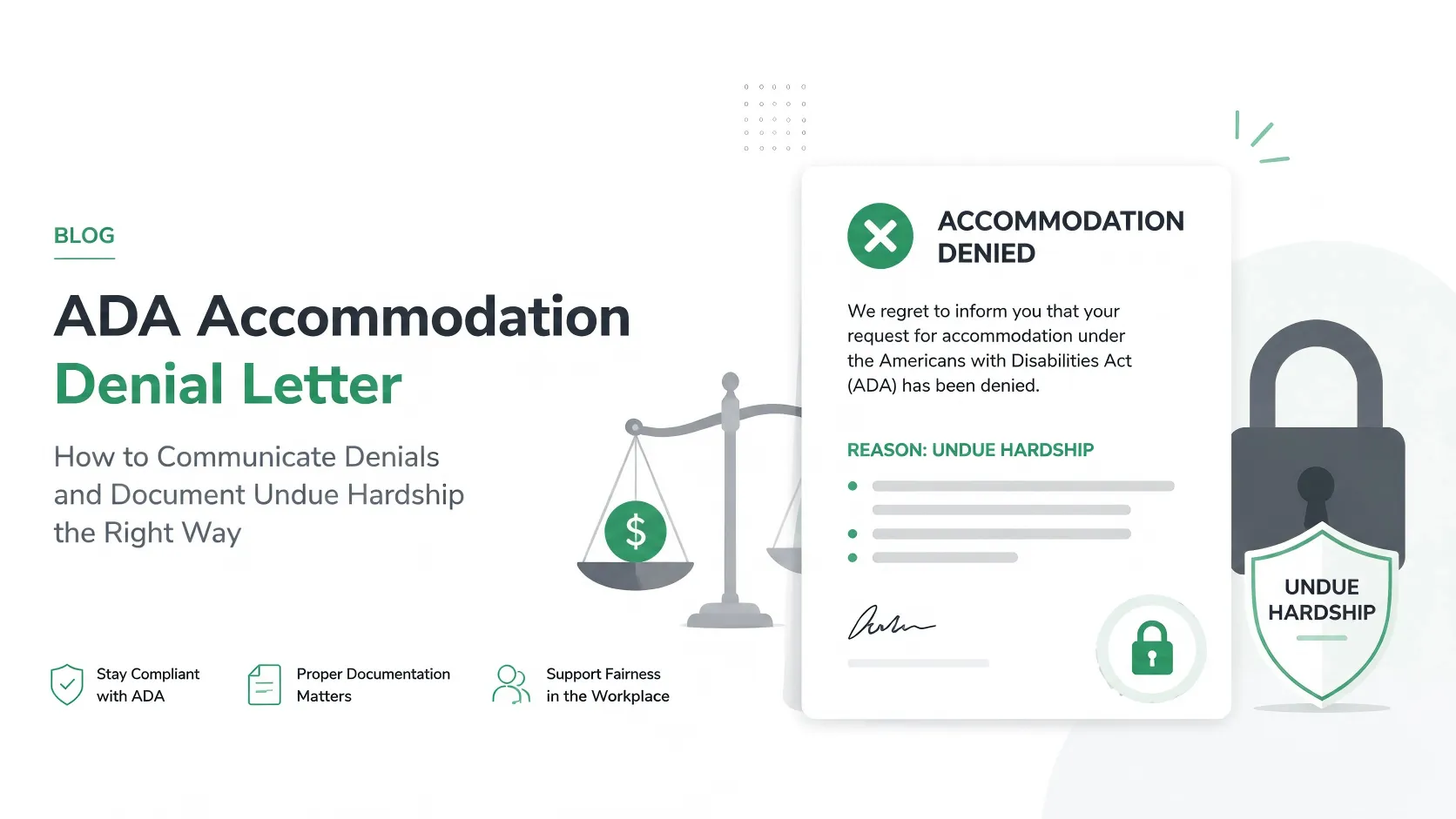
Under EEOC guidelines, an untracked email chain or verbal agreement does not prove a 'Good Faith Interactive Process'. If a workplace accommodation is legally challenged, HR must defend the decision with a chronological, objective history of all options explored.
Put this guidance into action
AI SoloHR helps U.S. small-business HR teams turn manual compliance steps into tracked tasks, defensible timelines, secure document records, and reviewed AI drafts.
- 14-day full platform access
- Up to 3 active cases
- Up to 30 employee records
- All 7 U.S. case types unlocked
This resource is intended for U.S. HR operations and educational purposes only, and does not constitute legal advice. Consult a qualified professional or employment attorney regarding your specific federal and state compliance obligations.